





Here's how it works

01. Edit your pa schedule w 2s online
Type text, add images, blackout confidential details, add comments, highlights and more.

02. Sign it in a few clicks
Draw your signature, type it, upload its image, or use your mobile device as a signature pad.

03. Share your form with others
Send schedule w 2s pennsylvania tax via email, link, or fax. You can also download it, export it or print it out.
How to use or fill out PA Schedule W-2S 2021 with our platform

- Click ‘Get Form’ to open the PA Schedule W-2S in the editor.
- In Section I, list each federal Form W-2 received from your employer. Enter 'T' for your Social Security Number and 'S' for your spouse's if filing jointly. Fill in the employer’s identification number and amounts from the W-2.
- For Section II, document all non-employee compensation sources. Enter the payer's name, payment type, and total amounts received. Ensure you submit copies of any relevant forms listed here.
- Review all entries for accuracy before finalizing. Use our platform’s tools to easily edit or adjust any information as needed.
Start using our platform today to simplify filling out your PA Schedule W-2S for free!
Fill out pa schedule w 2s 2021 online
It's free
It's free
See more pa schedule w 2s 2021 versions
We've got more versions of the pa schedule w 2s 2021 form. Select the right pa schedule w 2s 2021 version from the list and start editing it straight away!
Security and compliance
At DocHub, your data security is our priority. We follow HIPAA, SOC2, GDPR, and other standards, so you can work on your documents with confidence.
Learn more


Related forms
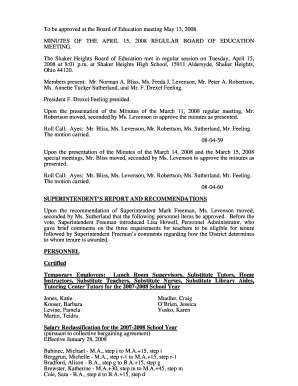
The Shaker Heights Board of Education met in regular session on Tuesday, April 15,
The document contains the minutes of the Shaker Heights Board of Education meeting held on April 15, 2008. It includes a ...
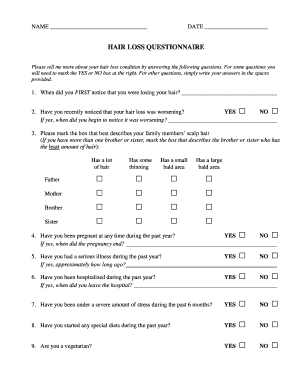
Hair loss questionnaire
The document is a Hair Loss Questionnaire designed to gather detailed information about an individual's hair loss condit ...

Post Concussion Symptom Scale - globalconcussionsorg
The document is a Post Concussion Symptom Scale form designed for athletes to self-report symptoms following a concussio ...

Georgia quitclaim deed
The document is a Quitclaim Deed from the State of Georgia, detailing the transfer of property rights from the Grantor t ...