




Here's how it works

01. Edit your dochub com fillable form online
Type text, add images, blackout confidential details, add comments, highlights and more.

02. Sign it in a few clicks
Draw your signature, type it, upload its image, or use your mobile device as a signature pad.

03. Share your form with others
Send articles of organization mn via email, link, or fax. You can also download it, export it or print it out.
How to use or fill out mn pc property tax with our platform

- Click ‘Get Form’ to open the mn pc property tax application in the editor.
- Begin by filling out the 'Owner/Property Information' section. Enter the name of your organization, date acquired, representative's name and title, and mailing address including city, state, and zip code.
- Indicate whether you are claiming exemption as an institution of purely public charity by selecting 'Yes' or 'No'. If 'No', ensure to file Form CR-PTE instead.
- Provide detailed property information including the address, legal description, parcel ID number, and principal use of the property.
- In the 'Charitable Organization Information' section, answer questions regarding donations received and whether services are provided at reduced costs. Be thorough in your explanations.
- Finally, sign and date the form in the designated area to certify that all information is accurate.
Start using our platform today for free to streamline your mn pc property tax application process!
Fill out mn pc property tax online
It's free
It's free
See more mn pc property tax versions
We've got more versions of the mn pc property tax form. Select the right mn pc property tax version from the list and start editing it straight away!
Security and compliance
At DocHub, your data security is our priority. We follow HIPAA, SOC2, GDPR, and other standards, so you can work on your documents with confidence.
Learn more


Related forms
SIA Annual Report and Accounts 2011 12
The document is a Partial Regulatory Impact Assessment (RIA) dated August 1, 2007, concerning the implementation of regu ...
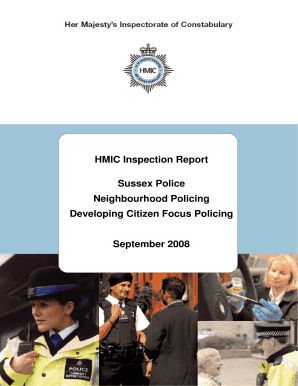
Sussex Police - hmic gov
The Sussex Police HMIC Inspection Report from September 2008 evaluates the implementation and effectiveness of Neighbour ...

CAROLINE CLINKER, GOVERNANCE SECRETARY
The document contains minutes from the IPCC Commission meeting held on February 8, 2012, detailing discussions and updat ...

The Unfair Terms in Consumer Contracts Regulations 1999
The Unfair Terms in Consumer Contracts Regulations 1999 establish rules to protect consumers from unfair contractual ter ...
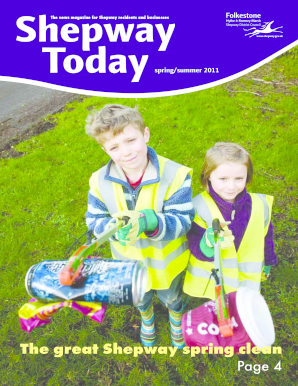
Hepway Today Spring 2011 - Shepway District Council - shepway gov
The document is a community magazine for Shepway residents, covering various local news, events, and services. It highli ...

New Development Address Request Form
The document is an Address Request Form from Mole Valley District Council for the naming and numbering of new properties ...

Victim and Witness Intimidation: Findings from the British Crime Survey
The document presents findings from the British Crime Survey regarding victim and witness intimidation in the UK. It hig ...

Phase 1 Land Contamination Assessment Preliminary Risk Assessment
The document provides guidance on conducting a Phase 1 Land Contamination Assessment or Preliminary Risk Assessment (PRA ...