




Here's how it works

01. Edit your wv tax exempt form online
Type text, add images, blackout confidential details, add comments, highlights and more.

02. Sign it in a few clicks
Draw your signature, type it, upload its image, or use your mobile device as a signature pad.

03. Share your form with others
Send wv sales tax exemption form via email, link, or fax. You can also download it, export it or print it out.
How to use or fill out wv exempt certificate form with our platform

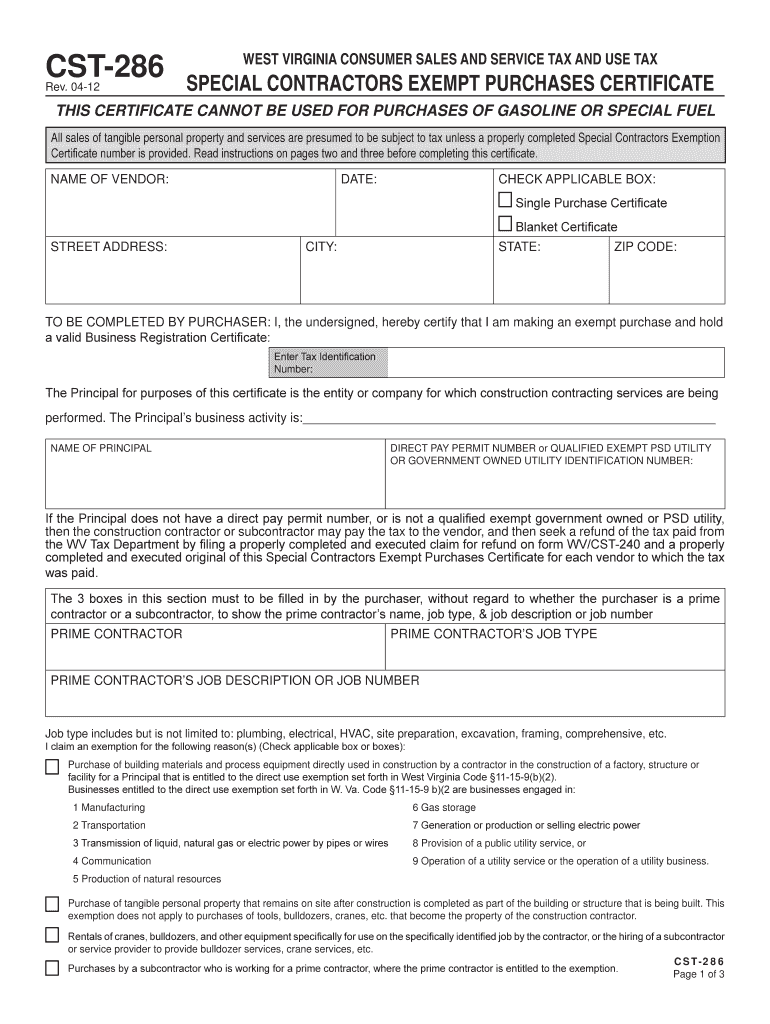
- Click ‘Get Form’ to open the wv exempt certificate form in the editor.
- Begin by entering the 'Name of Vendor' and 'Date' at the top of the form. Ensure accuracy as this information is crucial for tax records.
- Select either 'Single Purchase Certificate' or 'Blanket Certificate' by checking the appropriate box, depending on your purchasing needs.
- Fill in your 'Street Address', 'City', 'State', and 'ZIP Code' to provide your contact details.
- In the section labeled 'To be completed by purchaser', certify your exempt purchase by entering your valid Business Registration Certificate number and Tax Identification Number.
- Complete the fields for the Principal's name, job type, and job description or job number, ensuring you specify whether you are a prime contractor or subcontractor.
- Check applicable boxes to claim exemption reasons based on your purchase type, ensuring compliance with West Virginia tax regulations.
- Finally, sign and date the form at the bottom, including your title and address to validate your certification.
Start using our platform today to fill out your wv exempt certificate form online for free!
Fill out wv exempt certificate form online
It's free
It's free
See more wv exempt certificate form versions
We've got more versions of the wv exempt certificate form form. Select the right wv exempt certificate form version from the list and start editing it straight away!
Security and compliance
At DocHub, your data security is our priority. We follow HIPAA, SOC2, GDPR, and other standards, so you can work on your documents with confidence.
Learn more


Related forms

Trainee appraiser experience log form
The document is a Trainee Appraiser Experience Log Form, designed for trainee appraisers to record their appraisal exper ...
Transcript Request form - Moore College of Art and Design - moore
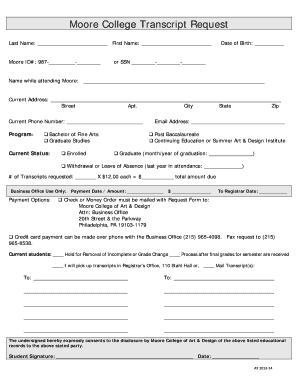
The document is a transcript request form for Moore College of Art & Design, requiring personal information such as name ...

UT Austin RETURN TO WORK RELEASE FORM-final 01-15 (2)
The document is a Return to Work Release Form for employees at The University of Texas at Austin, which must be complete ...
TRANSCRIPT REQUEST FORM - Pine Crest School - pinecrest
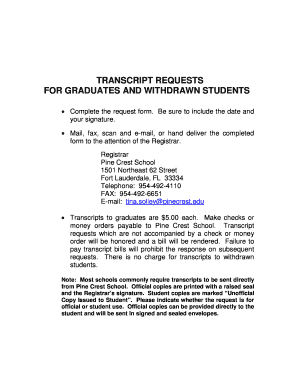
The document outlines the process for requesting transcripts for graduates and withdrawn students from Pine Crest School ...

Dl 387
The document is an order form for Public Secondary Schools to request various driving school certificates, including Cla ...
Measuring Subjective Well-being in the UK - Office for National - ons gov
The working paper 'Measuring Subjective Wellbeing in the UK' by Sam Waldron, published by the Office for National Statis ...
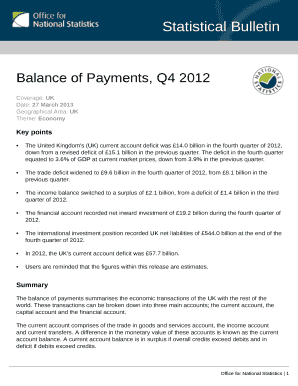
S (UK) current account deficit was
The Statistical Bulletin for the Balance of Payments in Q4 2012 reports a decrease in the UK's current account deficit t ...

2001 Census Disclosure Control in England and Wales: Alternative - ons gov
The document discusses the 2001 Census Disclosure Control in England and Wales, outlining the importance of the Census f ...