




01. Edit your ct k 1 instructions online
Type text, add images, blackout confidential details, add comments, highlights and more.

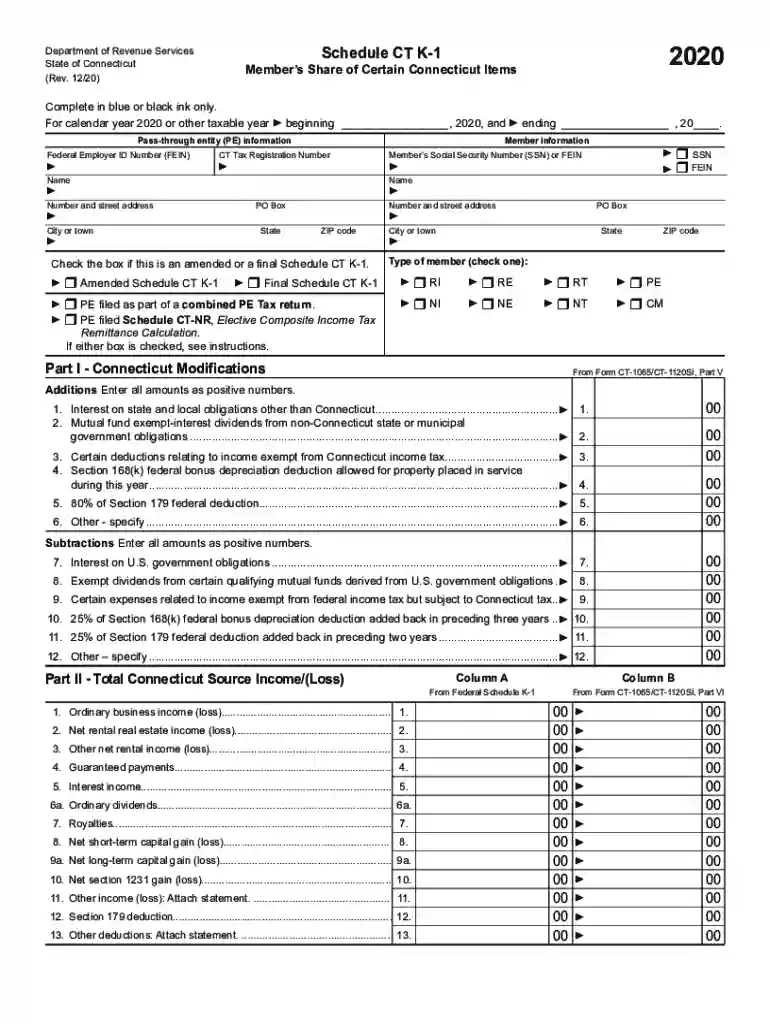
Type text, add images, blackout confidential details, add comments, highlights and more.

Draw your signature, type it, upload its image, or use your mobile device as a signature pad.

Send k180 ct form via email, link, or fax. You can also download it, export it or print it out.

Start using our platform today to streamline your document editing and form completion process for free!
We've got more versions of the ct k 1 instructions form. Select the right ct k 1 instructions version from the list and start editing it straight away!
| Versions | Form popularity | Fillable & printable |
|---|---|---|
| 2023 | 4.8 Satisfied (52 Votes) | |
| 2022 | 4.5 Satisfied (40 Votes) | |
| 2021 | 4.7 Satisfied (67 Votes) | |
| 2020 | 4.4 Satisfied (107 Votes) | |
| 2019 | 4.3 Satisfied (181 Votes) | |
| 2018 | 4 Satisfied (40 Votes) | |
| 2016 | 4.3 Satisfied (164 Votes) | |
| 2015 | 4 Satisfied (55 Votes) | |
| 2014 | 4.4 Satisfied (60 Votes) | |
| 2013 | 4 Satisfied (42 Votes) | |
| 2012 | 4 Satisfied (45 Votes) |
At DocHub, your data security is our priority. We follow HIPAA, SOC2, GDPR, and other standards, so you can work on your documents with confidence.
A PE must furnish Schedule CT K-1 on or before the fifteenth day of the third month following the close of the taxable year (March 15 if the PEs taxable yearRead more
ABC is required to pay the PE Tax. ABC must issue. Schedule CT K-1 reporting each members share ofthe. PE Tax Credit attributable to Connecticut, to all seven.Read more
Mar 1, 2012 This guidance document provides a summary and commentary of Connecticuts (CT) DEP ground water monitoring requirements in order to demonstrate


