




Here's how it works

01. Edit your nj 1040nr instructions online
Type text, add images, blackout confidential details, add comments, highlights and more.

02. Sign it in a few clicks
Draw your signature, type it, upload its image, or use your mobile device as a signature pad.

03. Share your form with others
Send new jersey 1040nr form instructions via email, link, or fax. You can also download it, export it or print it out.
How to use or fill out nj 1040nr v with our platform

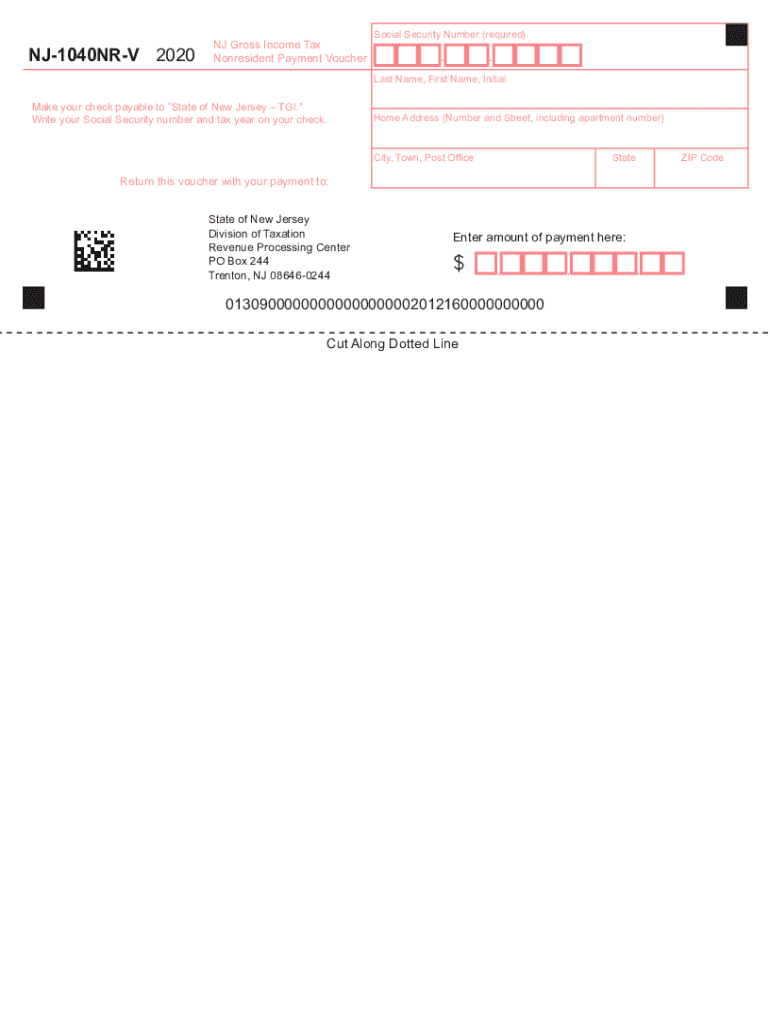
- Click ‘Get Form’ to open the NJ-1040NR-V in the editor.
- Begin by entering your Social Security Number in the designated field. This is a required entry, so ensure it is accurate.
- Next, fill in your last name, first name, and middle initial as prompted. This information helps identify your tax records.
- Provide your home address, including the number and street, city or town, state, and ZIP code. Make sure all details are correct for proper processing.
- In the payment section, enter the amount you are submitting. Double-check this figure to avoid any discrepancies.
- Finally, print the voucher and return it with your payment to the State of New Jersey at the specified address.
Start using our platform today for free to streamline your NJ-1040NR-V form completion!
Fill out nj 1040nr v online
It's free
See more nj 1040nr v versions
We've got more versions of the nj 1040nr v form. Select the right nj 1040nr v version from the list and start editing it straight away!
Security and compliance
At DocHub, your data security is our priority. We follow HIPAA, SOC2, GDPR, and other standards, so you can work on your documents with confidence.
Learn more


Related forms
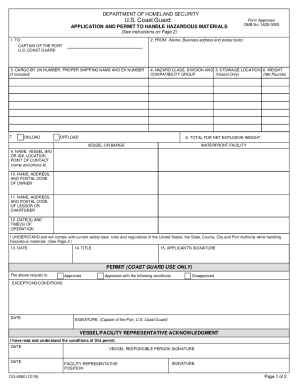
CG4260 PDF Application and Permit to Handle Hazardous Materials
The document is an application and permit form from the U.S. Coast Guard for handling hazardous materials, detailing the ...

Cg member to member marriage bah form
The document is a worksheet from the U.S. Coast Guard designed for Service Personnel Offices (SPOs) to determine the cor ...

Form DS-7646 Download Printable PDF or Fill Online U S National Commission for Unesco Laura W Bush
Form DS-7646 Download Printable PDF or Fill Online U S National Commission for Unesco Laura W Bush
The document outlines the application process for the Laura W. Bush Traveling Fellowship, administered by the U.S. Natio ...

Healthcare-Associated Infections - California Department of
The document is a comprehensive guide focused on infection prevention in orthopedic and pain management office settings. ...
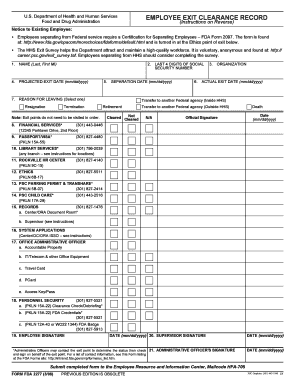
Employee clearance form
The document outlines the Employee Exit Clearance Record process for employees leaving the U.S. Food and Drug Administra ...
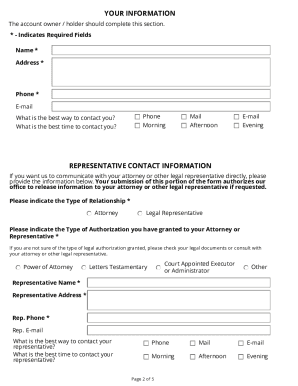
Parent and Student Complaint Form
The document is a Customer Complaint Form from the Office of the Comptroller of the Currency (OCC) designed for individu ...

Form rd 1942 9
The document is a Loan Resolution Security Agreement authorizing an organization to incur indebtedness for the purpose o ...
Location of Elevator
The document is an Inspection Report for Insects in Grain, issued by the U.S. Department of Agriculture's Grain Inspecti ...