




Here's how it works

01. Edit your dochub com fillable form online
Type text, add images, blackout confidential details, add comments, highlights and more.

02. Sign it in a few clicks
Draw your signature, type it, upload its image, or use your mobile device as a signature pad.

03. Share your form with others
Send it via email, link, or fax. You can also download it, export it or print it out.
How to use or fill out instructions 720 tax with our platform

- Click ‘Get Form’ to open the Instructions 720 tax in the editor.
- Begin by entering your name and address at the top of the form. Ensure that you include the quarter ending date.
- In Part I, report your excise tax liabilities for each applicable category. Carefully follow the instructions for each line item, ensuring accuracy in your calculations.
- If you are claiming any credits, complete Schedule C. Provide all necessary details about your claims, including dates and amounts.
- Review all entries for completeness and accuracy before submitting. Use our platform's features to sign and save your document securely.
- Finally, submit your completed form electronically or print it for mailing as per IRS guidelines.
Start using our platform today to simplify your tax filing process!
Fill out instructions 720 tax online
It's free
It's free
See more instructions 720 tax versions
We've got more versions of the instructions 720 tax form. Select the right instructions 720 tax version from the list and start editing it straight away!
| Versions | Form popularity | Fillable & printable |
|---|---|---|
| 2025 | 4.6 Satisfied (34 Votes) | |
| 2024 | 4.1 Satisfied (44 Votes) | |
| 2023 | 4.5 Satisfied (50 Votes) | |
| 2022 | 4.5 Satisfied (47 Votes) | |
| 2022 | 4.8 Satisfied (105 Votes) | |
| 2021 | 4.4 Satisfied (106 Votes) | |
| 2021 | 4.1 Satisfied (40 Votes) | |
| 2020 | 4.4 Satisfied (111 Votes) | |
| 2014 | 4 Satisfied (29 Votes) |
Security and compliance
At DocHub, your data security is our priority. We follow HIPAA, SOC2, GDPR, and other standards, so you can work on your documents with confidence.
Learn more


Related forms
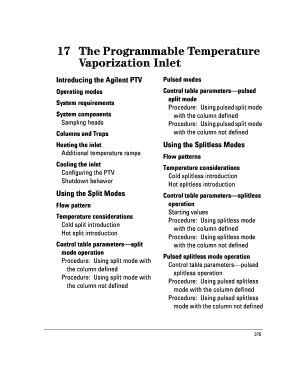
The Programmable Temperature Vaporization Inlet - ecs umass
The document provides a comprehensive guide on the Agilent Programmable Temperature Vaporization (PTV) Inlet System, det ...
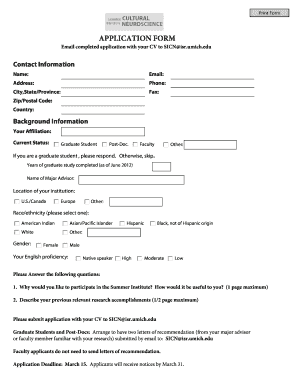
Mallory Hill Country Club - Employment Form
The document is an application form for a Summer Institute, requiring applicants to submit their CV and complete persona ...
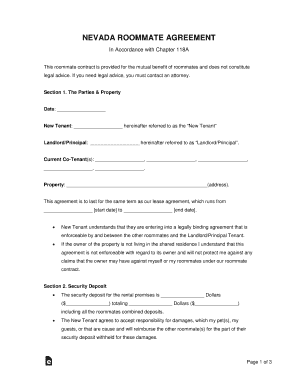
40+ Free Roommate Agreement Templates and Forms (Word, PDF)
The document is a Nevada Roommate Agreement outlining the terms and responsibilities of a new tenant joining an existing ...
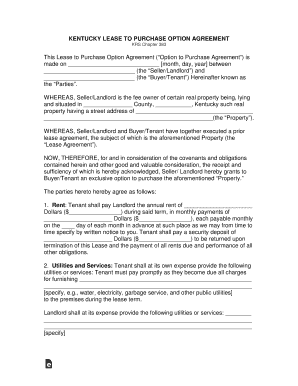
Free Kentucky Lease Agreement with Option to Purchase Form
The Kentucky Lease to Purchase Option Agreement outlines the terms under which a Buyer/Tenant can lease a property with ...

ORDINATION
The document is an application for ordination with The Pentecostal Assemblies of Canada (PAOC), outlining the process an ...
HDFC Bank Cardholder Dispute Form
The document is a Cardholder Dispute Form for HDFC Bank, allowing cardholders to formally dispute unauthorized or errone ...
Ch 9 - Price-Related Decisions in Negotiations
The document is a solicitation and offer for a negotiated acquisition, outlining the process for submitting offers, incl ...
Performance Plan and Appraisal Record - Non-Supervisory
The document outlines the Performance Plan and Appraisal Record for non-supervisory National Federation of Federal Emplo ...