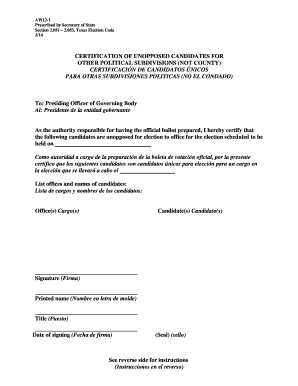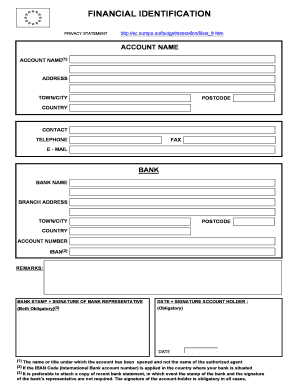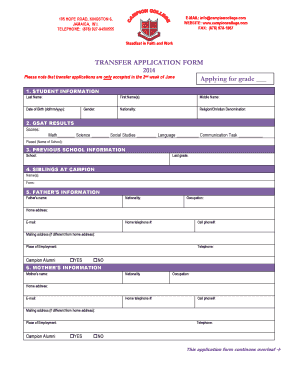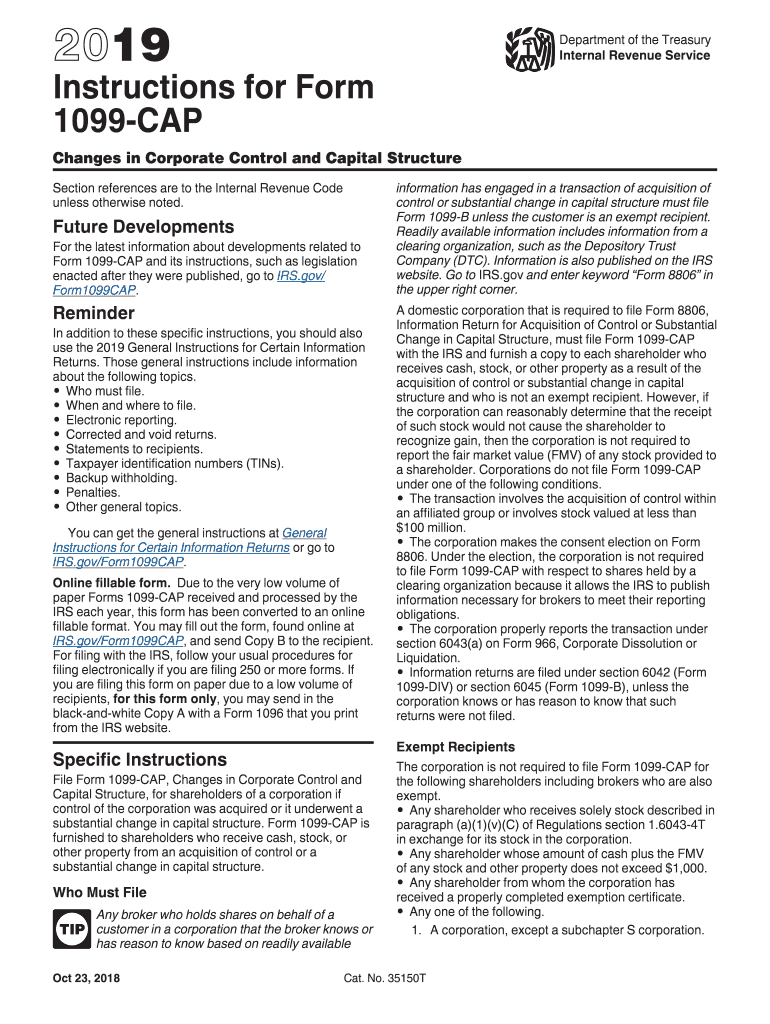




Here's how it works



How to use or fill out 9423 fillable appendix with our platform

- Click ‘Get Form’ to open the 9423 fillable appendix in the editor.
- Begin by entering your personal information in the designated fields, ensuring accuracy for effective processing.
- Proceed to fill out each section methodically. For example, if there are sections related to financial data, input the required figures clearly and double-check for any discrepancies.
- Utilize the comment or notes feature within our platform to add any necessary explanations or clarifications that may assist reviewers.
- Once all fields are completed, review the entire document for completeness and correctness before saving or submitting.
Start using our platform today to effortlessly complete your 9423 fillable appendix online for free!
It's free
See more 9423 fillable appendix versions
Got questions?
How do I sign my 9423 fillable appendix on iOS?
With DocHub, you can easily approve your 9423 fillable appendix or any other document on iOS, even without installing extra applications. You can access your DocHub account from any web-connected browser and complete and sign your form in any preferred method with just a couple of clicks.
How do you fill out 9423 fillable appendix on Android?
It is a no-brainer on a computer or via a mobile phone to fill out a 9423 fillable appendix with DocHub. All you need to do is open any installed browser on your smartphone and proceed to the DocHub website. Once authenticated, add your file and open it in editing mode. Use our toolbar to make your edits and save changes. Optionally, keep your file in your files or send it to a recipient immediately.
Security and compliance
At DocHub, your data security is our priority. We follow HIPAA, SOC2, GDPR, and other standards, so you can work on your documents with confidence.
Learn more