




Here's how it works

01. Edit your k1 tax form online
Type text, add images, blackout confidential details, add comments, highlights and more.

02. Sign it in a few clicks
Draw your signature, type it, upload its image, or use your mobile device as a signature pad.

03. Share your form with others
Send k 1 tax form via email, link, or fax. You can also download it, export it or print it out.
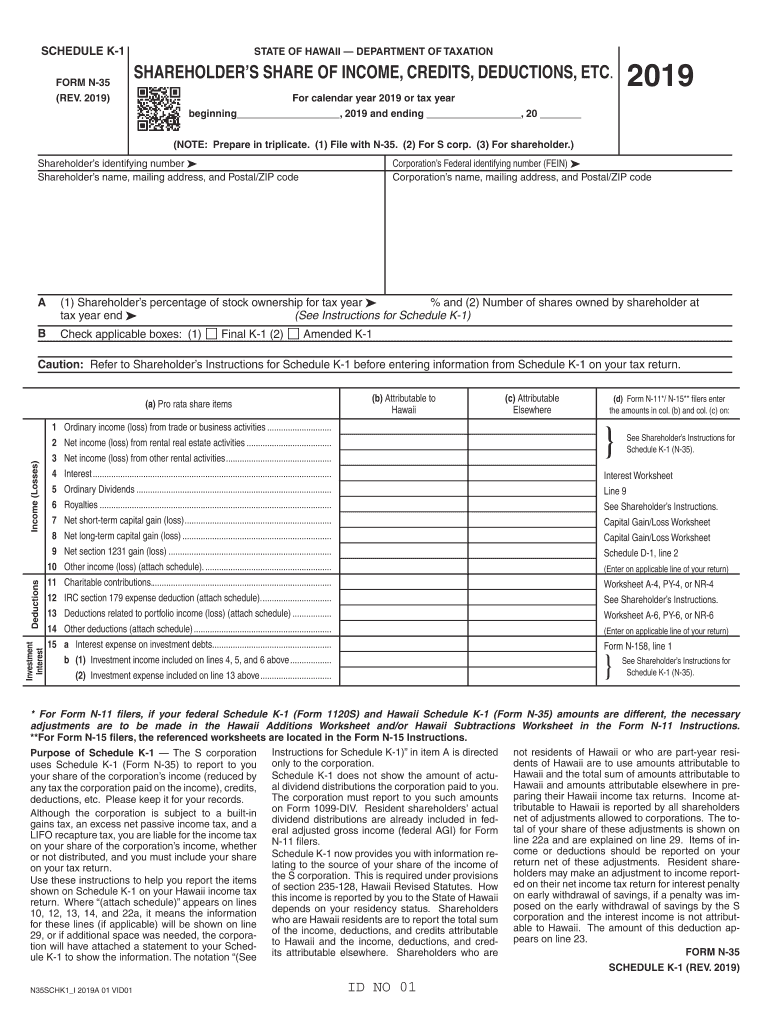
How to use or fill out Hawaii Schedule K-1 with our platform

- Click ‘Get Form’ to open the Hawaii Schedule K-1 in the editor.
- Begin by entering the shareholder’s identifying number and name, along with their mailing address and ZIP code. This information is crucial for accurate identification.
- Next, input the corporation’s Federal identifying number (FEIN) and its name and address. Ensure these details match official records to avoid discrepancies.
- In section A, indicate the shareholder’s percentage of stock ownership and the number of shares owned at year-end. This data is essential for calculating tax obligations.
- Check applicable boxes in section B to denote if this is a final or amended K-1. This helps clarify the status of your tax documents.
- Proceed to fill out income categories such as ordinary income, rental income, and dividends in sections C and D. Be meticulous in reporting amounts attributable to Hawaii versus elsewhere.
- Finally, review all entries for accuracy before saving or exporting your completed form. Utilize our platform's features for easy sharing or printing.
Start using our platform today for free to simplify your document editing and form completion!
Fill out hawaii schedule k 1 online
It's free
It's free
See more hawaii schedule k 1 versions
We've got more versions of the hawaii schedule k 1 form. Select the right hawaii schedule k 1 version from the list and start editing it straight away!
| Versions | Form popularity | Fillable & printable |
|---|---|---|
| 2023 | 4.1 Satisfied (53 Votes) | |
| 2022 | 4.5 Satisfied (30 Votes) | |
| 2021 | 4.9 Satisfied (28 Votes) | |
| 2020 | 4.4 Satisfied (147 Votes) | |
| 2019 | 4.3 Satisfied (95 Votes) | |
| 2018 | 4.4 Satisfied (266 Votes) | |
| 2017 | 4.3 Satisfied (58 Votes) | |
| 2016 | 4 Satisfied (57 Votes) | |
| 2015 | 4.4 Satisfied (459 Votes) | |
| 2014 | 4.1 Satisfied (31 Votes) | |
| 2005 | 4 Satisfied (51 Votes) |
Security and compliance
At DocHub, your data security is our priority. We follow HIPAA, SOC2, GDPR, and other standards, so you can work on your documents with confidence.
Learn more


Related forms
SETTLEMENT SERVICE PROVIDER LIST - EMM Wholesale
The document is a Settlement Service Provider List that informs borrowers about required settlement services for their l ...

Registered person
The document is an application form for obtaining a replacement certificate of registration for a vehicle in New Zealand ...
Hsbc Debit Card Application Form
The document is an HSBC Debit Card Application Form that requires completion by the accountholder or a guardian for mino ...

Jump math 6 1 pdf download
The document provides a comprehensive overview of mathematical sequences, focusing on both increasing and decreasing pat ...
Fragebogen Zur Beurteilung Der Sozialversicherungspflicht
The document is a questionnaire for assessing social insurance obligations for employees at the University of Kassel. It ...

Spring Street Shelter Referral Form - mhasmc
The document is a referral form for the Spring Street Shelter, designed to collect comprehensive information about clien ...
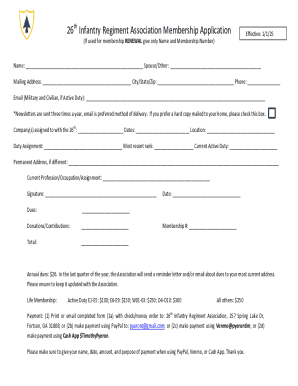
26th Infantry Regiment Association Membership Application
The document is a membership application for the 26th Infantry Regiment Association, detailing personal information requ ...
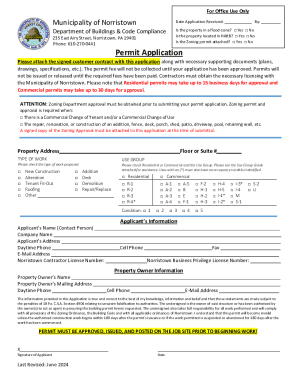
Permit Application
The document is a permit application form from the Municipality of Norristown's Department of Buildings & Code Complianc ...