




Here's how it works

01. Edit your dochub com fillable form online
Type text, add images, blackout confidential details, add comments, highlights and more.

02. Sign it in a few clicks
Draw your signature, type it, upload its image, or use your mobile device as a signature pad.

03. Share your form with others
Send d400 tax form via email, link, or fax. You can also download it, export it or print it out.
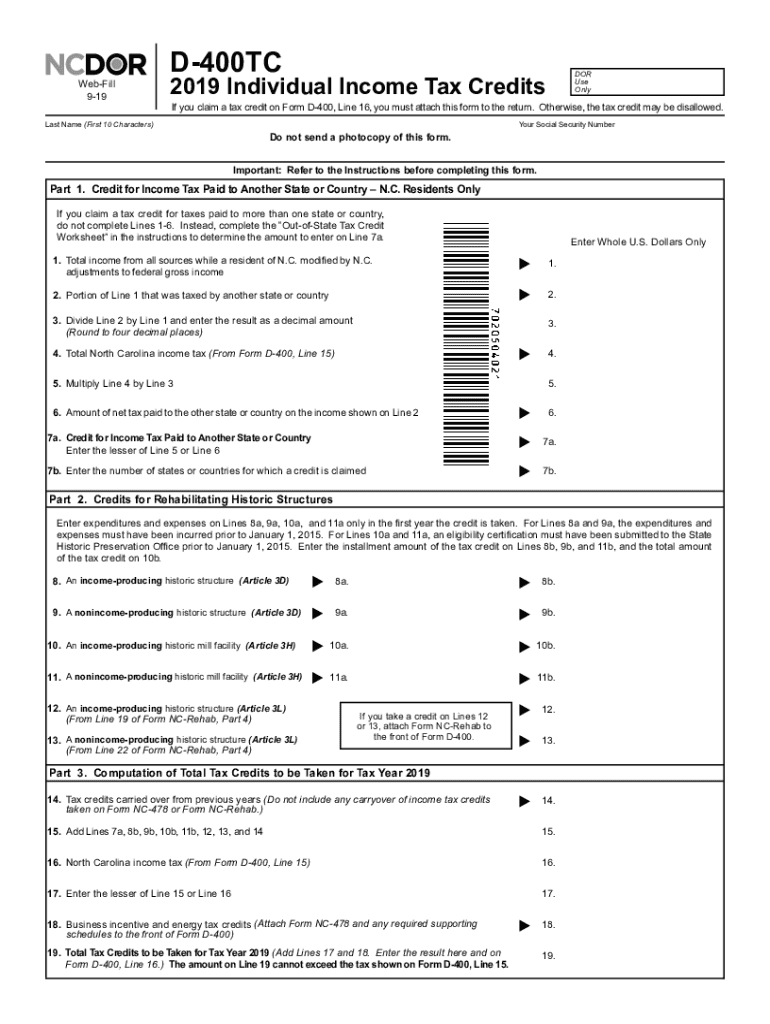
How to use or fill out NC D 400 form 2019 with our platform

- Click ‘Get Form’ to open the NC D 400 form in the editor.
- Begin by entering your legal name, account ID, and address in the designated fields. Ensure you use capital letters as specified.
- For the calendar year, indicate if your business closed or stopped paying wages, and enter the final date you paid wages.
- Fill in the total tax withheld for each month from January to December. Make sure to add these amounts accurately.
- Calculate the total tax withheld as reported on W-2 and 1099 statements, rounding to the nearest whole dollar as required.
- Compare Line 16 and Line 17. If there is an overpayment or underpayment, complete Lines 18 or 19 accordingly.
- Finally, sign and date the form at the bottom before submitting it electronically or via mail as per North Carolina law.
Start using our platform today for free to streamline your NC D 400 form completion!
Fill out nc d 400 form 2019 online
It's free
It's free
See more nc d 400 form 2019 versions
We've got more versions of the nc d 400 form 2019 form. Select the right nc d 400 form 2019 version from the list and start editing it straight away!
| Versions | Form popularity | Fillable & printable |
|---|---|---|
| 2025 | 4.6 Satisfied (33 Votes) | |
| 2024 | 4.4 Satisfied (36 Votes) | |
| 2023 | 4.3 Satisfied (20 Votes) | |
| 2022 | 4.2 Satisfied (41 Votes) | |
| 2021 | 4.9 Satisfied (32 Votes) | |
| 2020 | 4.1 Satisfied (66 Votes) | |
| 2019 | 4.4 Satisfied (82 Votes) | |
| 2018 | 4.3 Satisfied (294 Votes) | |
| 2017 | 4.4 Satisfied (84 Votes) | |
| 2016 | 4.4 Satisfied (90 Votes) | |
| 2015 | 4.4 Satisfied (182 Votes) | |
| 2014 | 4.3 Satisfied (70 Votes) | |
| 2011 | 4.2 Satisfied (42 Votes) |
Security and compliance
At DocHub, your data security is our priority. We follow HIPAA, SOC2, GDPR, and other standards, so you can work on your documents with confidence.
Learn more


Related forms
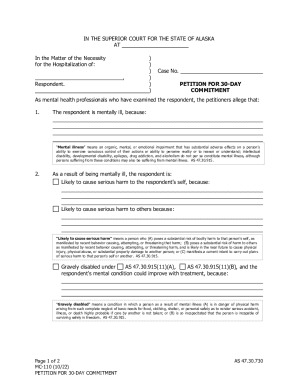
MC-110 Petition For 30-Day Commitment
The document is a petition filed in the Superior Court of Alaska for the 30-day commitment of a respondent deemed mental ...

Ucla health org chart
The document outlines the organizational structure of the UCLA Pathology and Laboratory Medicine department, detailing k ...
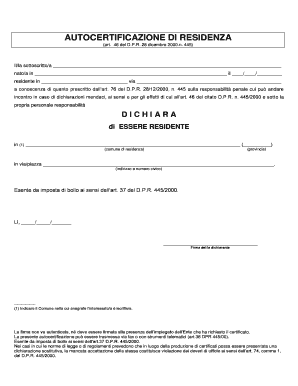
Autocertificazione residenza
The document is an 'Autocertificazione di Residenza' (Self-Certification of Residence) form, which allows individuals to ...
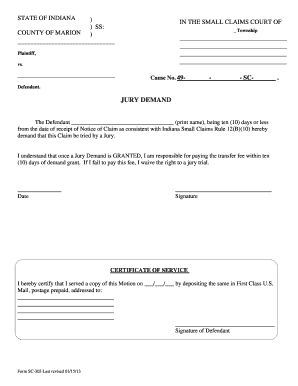
Warren Township Small Claims Court - indy
The document is a legal form from the Small Claims Court in Marion County, Indiana, where a defendant requests a jury tr ...
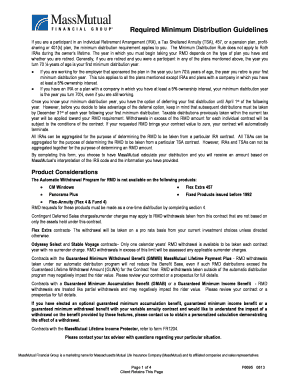
Mass mutual rmd request form
The document outlines the Required Minimum Distribution (RMD) guidelines for participants in various retirement plans, i ...

V10 form
The document provides guidance on the application process for licensing vehicles, specifically focusing on Heavy Goods V ...
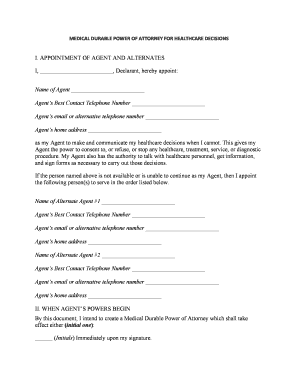
Power attorney form template
The document is a Medical Durable Power of Attorney for Healthcare Decisions, allowing the Declarant to appoint an Agent ...