
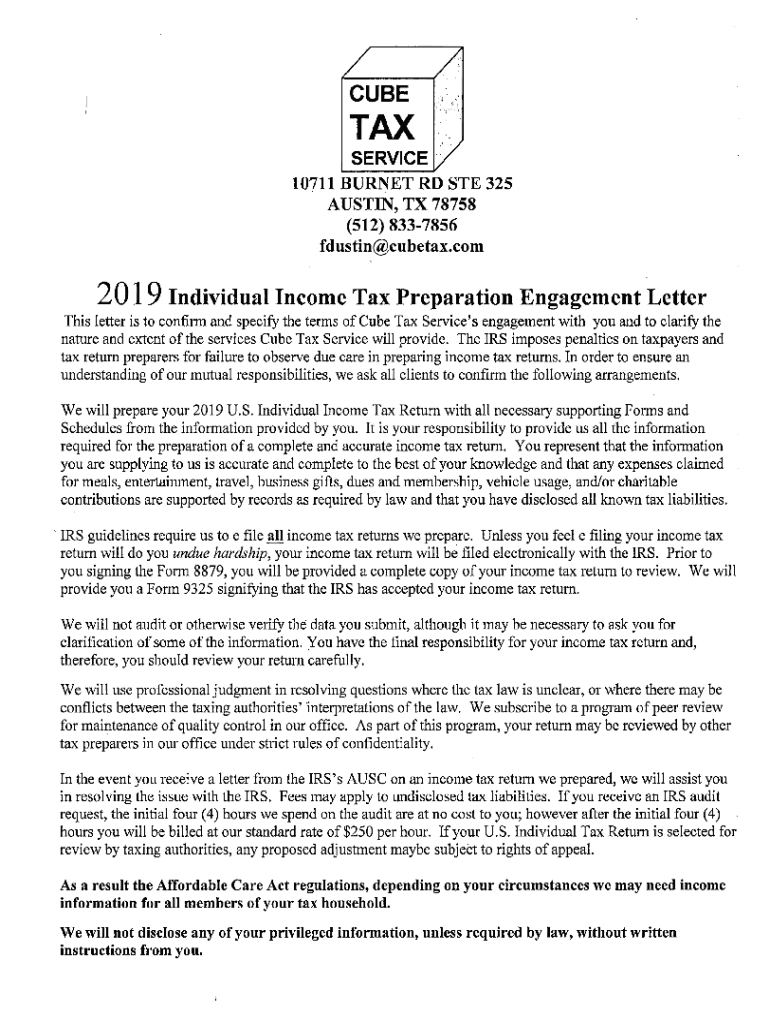




Here's how it works

01. Edit your tax engagement letter online
Type text, add images, blackout confidential details, add comments, highlights and more.

02. Sign it in a few clicks
Draw your signature, type it, upload its image, or use your mobile device as a signature pad.

03. Share your form with others
Send audit engagement letter example via email, link, or fax. You can also download it, export it or print it out.
How to use or fill out tax income engagement letter with our platform

- Click ‘Get Form’ to open the tax income engagement letter in the editor.
- Begin by entering your personal information in the designated fields, including your name, address, and contact details. Ensure accuracy as this information is crucial for correspondence.
- Next, review the engagement terms outlined in the letter. This section typically includes the scope of services provided and any relevant deadlines. Make sure to read through these carefully.
- In the signature section, add your electronic signature by selecting the signature tool. You can draw, type, or upload an image of your signature for convenience.
- Finally, save your changes and download or share the completed document directly from our platform for free. This ensures that you have a copy for your records and can easily send it to relevant parties.
Start using our platform today to streamline your document editing and signing process!
Fill out tax income engagement letter online
It's free
See more tax income engagement letter versions
We've got more versions of the tax income engagement letter form. Select the right tax income engagement letter version from the list and start editing it straight away!
| Versions | Form popularity | Fillable & printable |
|---|---|---|
| 2024 | 4.1 Satisfied (43 Votes) | |
| 2023 | 4.3 Satisfied (40 Votes) | |
| 2023 | 4.6 Satisfied (44 Votes) | |
| 2022 | 4.2 Satisfied (51 Votes) | |
| 2021 | 4.8 Satisfied (51 Votes) | |
| 2020 | 4.8 Satisfied (30 Votes) | |
| 2020 | 4.3 Satisfied (33 Votes) | |
| 2020 | 4.4 Satisfied (159 Votes) | |
| 2019 | 4.7 Satisfied (51 Votes) | |
| 2019 | 4.3 Satisfied (52 Votes) | |
| 2019 | 4.4 Satisfied (290 Votes) | |
| 2019 | 4.3 Satisfied (57 Votes) | |
| 2018 | 4.1 Satisfied (46 Votes) | |
| 2018 | 4.3 Satisfied (42 Votes) | |
| 2018 | 4.9 Satisfied (35 Votes) |
Security and compliance
At DocHub, your data security is our priority. We follow HIPAA, SOC2, GDPR, and other standards, so you can work on your documents with confidence.
Learn more


Related forms

The real power of human thinking is
The document discusses the concept of pattern recognition, emphasizing its importance in human cognition and automated s ...

Charities sos ms onlineportalCharities Online - Mississippi Secretary of State
The document is a newsletter from the Mississippi College School of Law (MCSOL) highlighting various events, achievement ...

How to Start a Bed and Breakfast - Entrepreneur
The document provides a comprehensive guide for starting and operating a Bed and Breakfast (B&B) in Oregon, detailing zo ...

Memory Vocabulary Memory Vocabulary - ece msstate
The document provides an overview of various types of memory, including ROM, RAM, SRAM, EEPROM, and DRAM. It explains th ...

Lease Rollover Certification Form
The document is a Lease Rollover Certification Form for the Small Rental Property Program, outlining the requirements an ...

Player Cheerleader Physical Form
The document outlines the physical requirements and health assessment process for participants in the Gold Coast Youth F ...
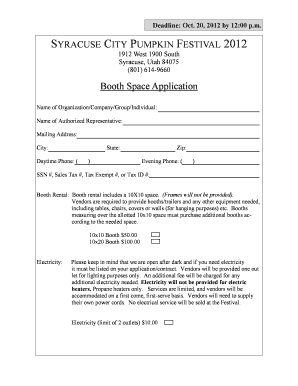
Booth Space Application - Syracuse City Parks and Recreation
The document outlines the application process and rules for vendors participating in the Syracuse City Pumpkin Festival ...
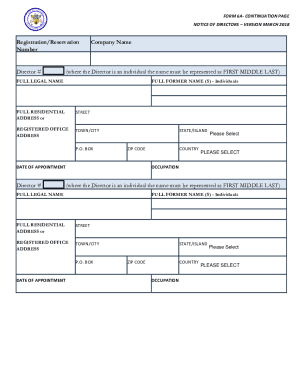
Registration Reservation Company Name Number - tcifsc tc
The document is a continuation page for Form 6A, specifically the Notice of Directors, updated in March 2018. It outline ...