Motion open judgment 2025

Get Form
motion open judgment Preview on Page 1

Here's how it works

01. Edit your form online
Type text, add images, blackout confidential details, add comments, highlights and more.
02. Sign it in a few clicks
Draw your signature, type it, upload its image, or use your mobile device as a signature pad.
03. Share your form with others
Send it via email, link, or fax. You can also download it, export it or print it out.

How to use or fill out motion open judgment with our platform

Form edit decoration
9.5
Ease of Setup
DocHub User Ratings on G2
9.0
Ease of Use
DocHub User Ratings on G2
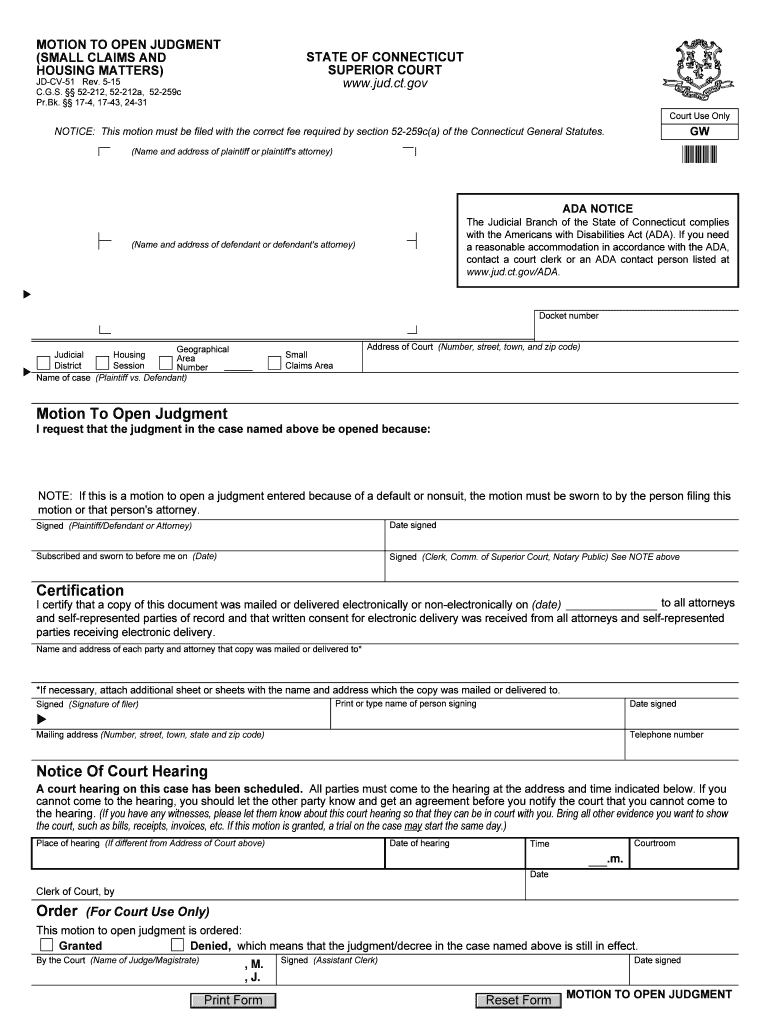
  1. Click ‘Get Form’ to open the motion open judgment in the editor.
  2. Begin by entering the name and address of the plaintiff or their attorney in the designated fields at the top of the form.
  3. Fill in the defendant's name and address, ensuring accuracy for proper notification.
  4. Input the docket number, geographical area, and session number as required. This information is crucial for court identification.
  5. In the section titled 'Motion To Open Judgment', clearly state your reasons for requesting to open the judgment. Be concise yet thorough.
  6. Sign and date the form where indicated, ensuring that if this is a motion due to default or nonsuit, it is sworn by you or your attorney.
  7. Complete the certification section by listing all parties and attorneys who received a copy of this document, along with their addresses.
  8. Finally, review all entries for accuracy before submitting your completed form through our platform.

Start using our platform today to streamline your document editing and submission process for free!

See more motion open judgment versions

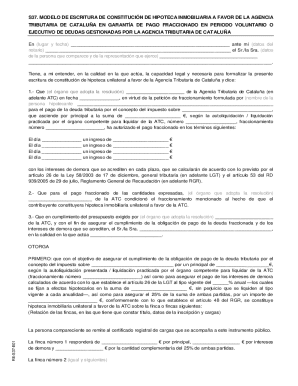
We've got more versions of the motion open judgment form. Select the right motion open judgment version from the list and start editing it straight away!
Versions Form popularity Fillable & printable
2019 4.8 Satisfied (122 Votes)
2015 4.2 Satisfied (59 Votes)
2012 4.3 Satisfied (283 Votes)
be ready to get more

Complete this form in 5 minutes or less

Get form

Got questions?

We have answers to the most popular questions from our customers. If you can't find an answer to your question, please contact us.
Contact us
Many situations arise during a lawsuit where the Judge is asked to make a decision. A Motion is a written request filed with the Court asking the Judge to take a certain type of action.
A released judgment refers to a courts decision that has been formally discharged or vacated, often as a result of a motion filed by one of the parties involved. This can occur for various reasons, including settlement agreements, newly discovered evidence, or procedural errors during the original proceedings.
A motion for judgment as a matter of law asks the court to enter a judgment based on the conclusion that no reasonable jury could docHub a different conclusion. The motion is made before the case is submitted to the jury but after a party has been fully heard on the issue.
be ready to get more

Complete this form in 5 minutes or less

Get form