




Here's how it works

01. Edit your dochub com fillable form online
Type text, add images, blackout confidential details, add comments, highlights and more.

02. Sign it in a few clicks
Draw your signature, type it, upload its image, or use your mobile device as a signature pad.

03. Share your form with others
Send maryland form 500 via email, link, or fax. You can also download it, export it or print it out.
How to use or fill out Maryland Form 500 with our platform

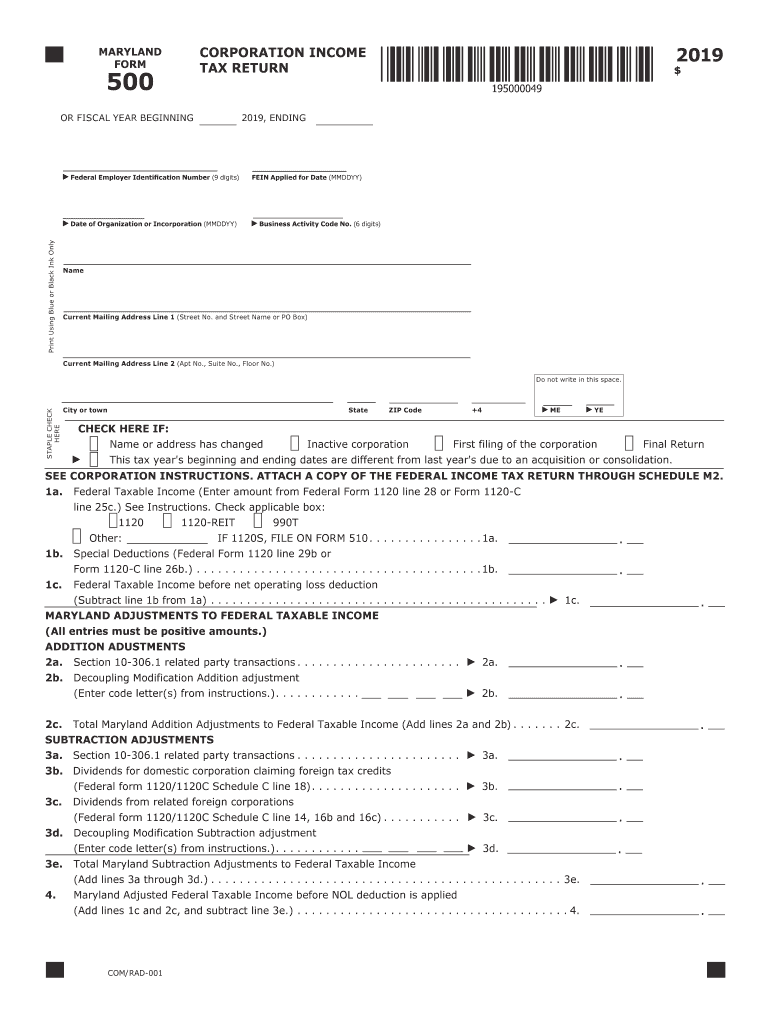
- Click ‘Get Form’ to open Maryland Form 500 in the editor.
- Begin by entering your Federal Employer Identification Number (FEIN) at the top of the form. Ensure it is a 9-digit number.
- Fill in the date of organization or incorporation in MMDDYY format, and indicate the tax year for which you are filing.
- Complete the current mailing address fields, including street address, city, state, and ZIP code. If applicable, check any boxes indicating changes in name or address.
- Proceed to report your Federal Taxable Income on line 1a. Follow this by detailing any special deductions on line 1b and calculating your taxable income before net operating loss deduction on line 1c.
- Continue filling out Maryland adjustments by entering addition adjustments on lines 2a and 2b, then calculate total adjustments on line 2c.
- For subtraction adjustments, complete lines 3a through 3d and sum them up on line 3e. This will help determine your Maryland Adjusted Federal Taxable Income.
- Finally, review all entries for accuracy before saving or exporting your completed form directly from our platform.
Start using our platform today to fill out Maryland Form 500 easily and for free!
Fill out maryland form 500 online
It's free
See more maryland form 500 versions
We've got more versions of the maryland form 500 form. Select the right maryland form 500 version from the list and start editing it straight away!
Security and compliance
At DocHub, your data security is our priority. We follow HIPAA, SOC2, GDPR, and other standards, so you can work on your documents with confidence.
Learn more


Related forms

Orals 2000-2001 00-0453 - Supreme Court of Texas - supreme courts state tx
The document is a transcript of oral arguments in the case City of Georgetown v. John Cornyn, discussing the implication ...

Ergomomics and human factors at work - a brief guide HSE leaflet aimed at employers with a duty to m
Ergomomics and human factors at work - a brief guide HSE leaflet aimed at employers with a duty to m
The document is a guide from the Health and Safety Executive focused on ergonomics and human factors in the workplace. I ...

1999 No 2360 (L 17) DISTRESS The Distress - Legislation uk
The document outlines the Distress for Rent (Amendment) Rules 1999, which amend the existing rules governing the certifi ...

Vehicle Networks CAN-based Higher Layer Protocols - STI Innsbruck
The document discusses Vehicle Networks, focusing on CAN-based Higher Layer Protocols (HLPs) essential for interconnecti ...

Realty Transfer Tax Declaration for Certificate of Compliance or Occupancy
The document is a Realty Transfer Tax Declaration form required for obtaining a Certificate of Compliance or Occupancy f ...

OFFER IN COMPROMISE INSTRUCTION BOOKLET
The document is an application form (SC656) for submitting an Offer in Compromise to the South Carolina Department of Re ...
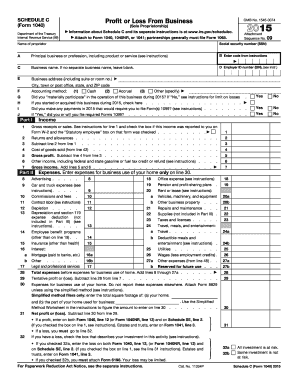
2015 Schedule C Form 1040
The document is Schedule C (Form 1040) for the year 2015, used by sole proprietors to report profit or loss from their b ...