




01. Edit your bir form 1800 online
Type text, add images, blackout confidential details, add comments, highlights and more.

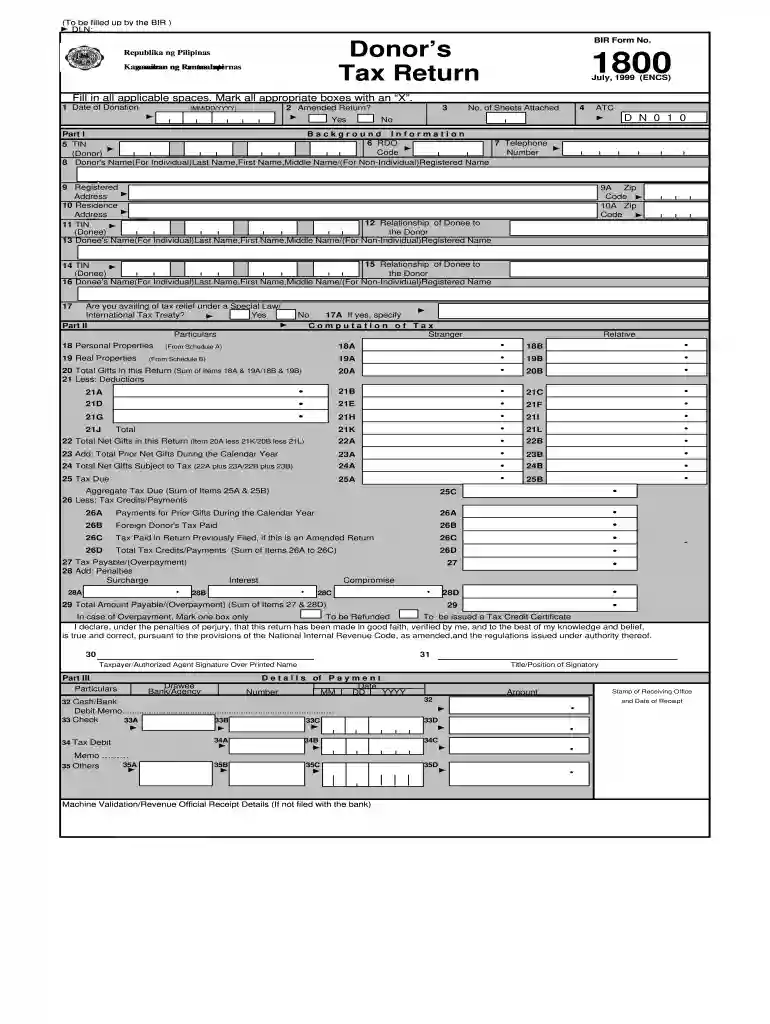
Type text, add images, blackout confidential details, add comments, highlights and more.

Draw your signature, type it, upload its image, or use your mobile device as a signature pad.

Send form 1800 via email, link, or fax. You can also download it, export it or print it out.

Start filling out your BIR Form 1800 online for free using our platform today!
We've got more versions of the bir form 1800 form. Select the right bir form 1800 version from the list and start editing it straight away!
At DocHub, your data security is our priority. We follow HIPAA, SOC2, GDPR, and other standards, so you can work on your documents with confidence.
The Expenses Supervisor (and backup supervisors) in myHR will need to be configured on the myHR Reports To pages for employees in the following paygroups: MONRead more
1800 .1. Easy. 16.1. WOODSTOVE UTILIZATION. This heater is designed to burn expelled moisture to form creosote. The creosote vapors condense in theRead more
Unassessed and unassessable penalties, interest, deficiencies in bonded acco abated; also fines, which have been collected; taxes previously penalties andRead more


