




Here's how it works

01. Edit your form online
Type text, add images, blackout confidential details, add comments, highlights and more.

02. Sign it in a few clicks
Draw your signature, type it, upload its image, or use your mobile device as a signature pad.

03. Share your form with others
Send it via email, link, or fax. You can also download it, export it or print it out.
How to use or fill out ny payment request with our platform

- Click ‘Get Form’ to open the ny payment request in the editor.
- Begin with SECTION 1 - PROPERTY INFORMATION. Fill in the property address and BBL (Block, Borough, Lot) details. Ensure accuracy as this information is crucial for processing your request.
- Move to SECTION 2 - APPLICANT INFORMATION. Enter your name, Social Security Number or EIN, date of birth, phone number, and email address. Indicate if this is your primary residence by checking 'Yes' or 'No'.
- In SECTION 3 - INSTRUCTIONS, review the documentation requirements carefully. Ensure you have proof of identity and relationship to the property ready for submission.
- Indicate your preferred payment agreement terms in SECTION 4. Specify the length of the agreement, payment frequency (monthly or quarterly), and down payment amount.
- Finally, sign and date the form at the bottom of SECTION 4 to confirm your agreement to the terms outlined.
Start filling out your ny payment request today for free using our platform!
Fill out ny payment request online
It's free
It's free
See more ny payment request versions
We've got more versions of the ny payment request form. Select the right ny payment request version from the list and start editing it straight away!
Security and compliance
At DocHub, your data security is our priority. We follow HIPAA, SOC2, GDPR, and other standards, so you can work on your documents with confidence.
Learn more


Related forms

Aba Performance Bond Manual PDF
The document is a Performance Bond form required for government contracts, detailing the obligations of the Principal an ...
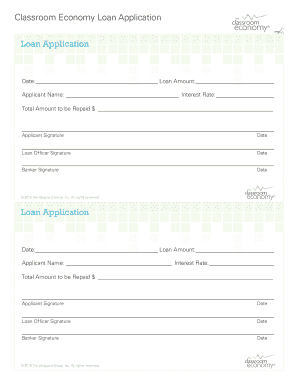
Classroom Economy Loan Application classroom economy
The document is a loan application form for a classroom economy program, detailing sections for the date, loan amount, a ...

MA School Health Record Form - Cambridge Public Schools
The document is a Massachusetts School Health Record form that collects essential information about a student's personal ...

William R Laird Second Chance Drivers License Act
The document is an application form for the Second Chance Driver’s License Act Program, which allows individuals to appl ...

CDC 's Role in Safe Injection Practices Injection Safety CDC
The document outlines a procedure for observing and evaluating the safety of portable medication carts in terms of injec ...

Download Referral Form - Sleep Apnea
The document is a referral form for an oral appliance evaluation by Dr. F. Jay Ohmes, DDS, FAGD, LVIF. It collects patie ...
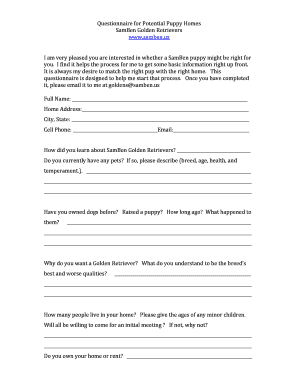
Puppy buyer questionnaire template
The document is a questionnaire for potential puppy homes from SamBen Golden Retrievers. It aims to gather essential inf ...