




Here's how it works

01. Edit your indiana form it 6wth online
Type text, add images, blackout confidential details, add comments, highlights and more.

02. Sign it in a few clicks
Draw your signature, type it, upload its image, or use your mobile device as a signature pad.

03. Share your form with others
Send form it 6wth via email, link, or fax. You can also download it, export it or print it out.
How to use or fill out Indiana Form E-6 with DocHub

- Click ‘Get Form’ to open it in the editor.
- Begin by entering your Federal Identification Number and Indiana Taxpayer Identification Number in the designated fields.
- Fill in the corporation's name, street address, city, state, ZIP code, and county. Ensure all information is accurate for proper processing.
- Indicate if this is for a new estimated account by checking the appropriate box. If applicable, also check if you have a new address.
- Specify the tax year ending date and indicate if you are remitting a payment. Enter the quarter and amount paid if applicable.
- Complete any additional sections as required, including your signature, title, and telephone number before submitting.
- Finally, mail the completed Form E-6 to the Indiana Department of Revenue at the provided address.
Start using our platform today to streamline your form completion process for free!
Fill out indiana form e 6 online
It's free
It's free
See more indiana form e 6 versions
We've got more versions of the indiana form e 6 form. Select the right indiana form e 6 version from the list and start editing it straight away!
Security and compliance
At DocHub, your data security is our priority. We follow HIPAA, SOC2, GDPR, and other standards, so you can work on your documents with confidence.
Learn more


Related forms
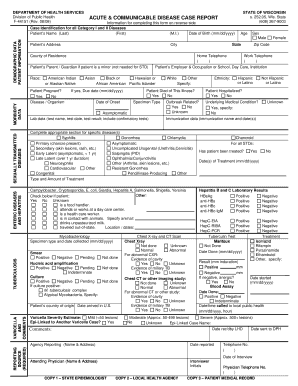
Dph 4151 form
The document is a form from the Wisconsin Department of Health Services for reporting acute and communicable diseases. I ...

Bureau of Long Term
The document is a consumer guide for parents of children receiving CLTS Waiver services in Wisconsin, focusing on incide ...
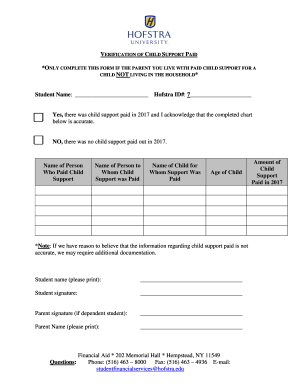
Student Financial Services Forms Hofstra New York
The document is a verification form for child support paid by a parent living with the student, specifically for a child ...

State of new jersey motor vehicle commission - NJ
The document is a comprehensive guide for carriers in New Jersey regarding the International Registration Plan (IRP), wh ...

Driver Education School License Application
The document outlines the application process for obtaining a Driver Education School License from the Maine Bureau of M ...
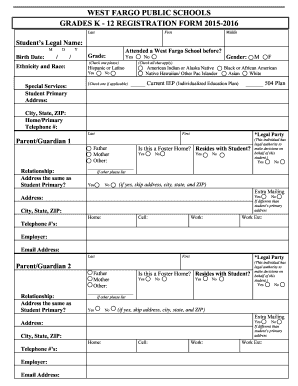
WEST FARGO PUBLIC SCHOOLS GRADES K - 12 REGISTRATION bb
The document is a registration form for West Fargo Public Schools for the 2015-2016 academic year, designed for students ...

University Agency Travel Card Application and Agreement Form
The document is a University/Agency Travel Card Application and Agreement Form, outlining the process for applying for a ...
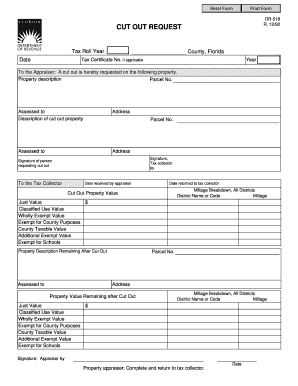
Tax Roll Year County Florida Date - formupack
The document is a form used in Florida for requesting a 'cut out' of property from the tax roll. It includes sections fo ...