




Here's how it works

01. Edit your pa hic renewal online online
Type text, add images, blackout confidential details, add comments, highlights and more.

02. Sign it in a few clicks
Draw your signature, type it, upload its image, or use your mobile device as a signature pad.

03. Share your form with others
Send pa home improvement contractor license renewal via email, link, or fax. You can also download it, export it or print it out.
How to use or fill out pa home improvement renewal application with our platform

- Click ‘Get Form’ to open the pa home improvement renewal application in the editor.
- Begin by filling in your Pass-Through Entity Name, Address, and Identification Number. Ensure all entries are in ALL CAPS and follow the specified date format (MMDDYYYY).
- In Section I, indicate the Total EITC/OSTC awarded for the tax year and provide the Contribution Date along with the amounts. Make sure to enter whole dollars only.
- Answer the questions regarding whether the remaining EITC/OSTC will be passed through for use by owners in the current or following year. Select only one option.
- Sign and date the form as a corporate officer or authorized member of your entity, ensuring that you print your name and title clearly.
- Proceed to Section II to list each shareholder, member, or partner receiving a pass-through credit. Fill out their names, Social Security numbers, and applicable percentages accurately.
Start using our platform today to easily complete your pa home improvement renewal application online for free!
Fill out pa home improvement renewal application online
It's free
It's free
See more pa home improvement renewal application versions
We've got more versions of the pa home improvement renewal application form. Select the right pa home improvement renewal application version from the list and start editing it straight away!
Security and compliance
At DocHub, your data security is our priority. We follow HIPAA, SOC2, GDPR, and other standards, so you can work on your documents with confidence.
Learn more


Related forms
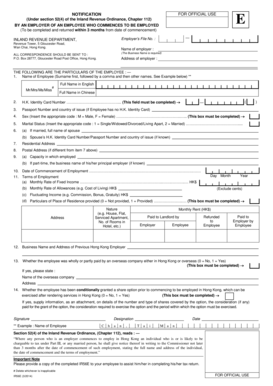
Notification by an Employer of an Employee who commences to be employed IR56E Notification by an Emp
Notification by an Employer of an Employee who commences to be employed IR56E Notification by an Emp
The document is a notification form required by the Inland Revenue Department in Hong Kong for employers to report the e ...

Ks 1216 2014 form
The document provides a comprehensive guide for new business owners in Kansas regarding the registration and application ...

Medical Records Release Form - Emerald City Naturopathic Clinic
The document is a Medical Records Release Form that allows a patient to authorize the release of their health care infor ...

Contractor's license application instructions - TN - tn
The document outlines the application process for obtaining a contractor's license in Tennessee, detailing requirements ...

Illinois rules of the road review course workbook answers 2016 form
The document serves as a comprehensive guide for Illinois drivers, detailing the Rules of the Road, requirements for obt ...
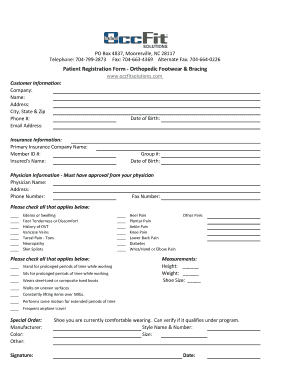
Patient Registration Form - Orthopedic Footwear and Bracing
The document is a Patient Registration Form for Orthopedic Footwear & Bracing, collecting customer and insurance informa ...

Health Record Requirement All incoming students are
The document outlines the health record requirements for incoming students at Radford University, emphasizing the necess ...
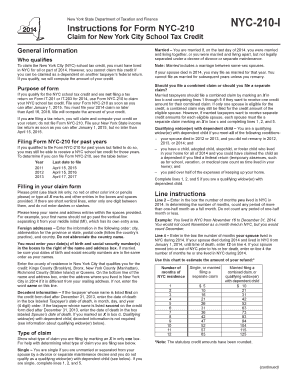
2014 form school tax credit
The document provides instructions for Form NYC-210, which is used to claim the New York City School Tax Credit for resi ...