




Here's how it works

01. Edit your form online
Type text, add images, blackout confidential details, add comments, highlights and more.

02. Sign it in a few clicks
Draw your signature, type it, upload its image, or use your mobile device as a signature pad.

03. Share your form with others
Send it via email, link, or fax. You can also download it, export it or print it out.
How to use or fill out Print Reset Freedom of Information Act Request Form Office of the Illinois Secretary of State with our platform

- Click ‘Get Form’ to open it in the editor.
- Begin by entering the date at the top of the form. This is essential for tracking your request.
- Fill in your name in the 'Requestor’s Name' field, followed by your company name and address. Ensure all details are accurate for proper correspondence.
- In the 'RECORDS SOUGHT' section, clearly mark the type of records you are requesting. Be specific about printed records or electronic data processing records.
- If requesting electronic data, specify the format and any special instructions in the provided fields to ensure clarity.
- Sign the form at the bottom to validate your request before submission.
- Submit your completed form via mail, fax, or email as indicated on the document.
Start using our platform today to streamline your FOIA requests effortlessly!
Fill out Print Reset Freedom of Information Act Request Form Office of the Illinois Secretary of State Date Requestor s Name Company Address Executive Counsel 17 N online
It's free
It's free
See more Print Reset Freedom of Information Act Request Form Office of the Illinois Secretary of State Date Requestor s Name Company Address Executive Counsel 17 N versions
We've got more versions of the Print Reset Freedom of Information Act Request Form Office of the Illinois Secretary of State Date Requestor s Name Company Address Executive Counsel 17 N form. Select the right Print Reset Freedom of Information Act Request Form Office of the Illinois Secretary of State Date Requestor s Name Company Address Executive Counsel 17 N version from the list and start editing it straight away!
Security and compliance
At DocHub, your data security is our priority. We follow HIPAA, SOC2, GDPR, and other standards, so you can work on your documents with confidence.
Learn more


Related forms

Gov loftboard
The document is a Coverage Application for filing under the Loft Law in New York City. It outlines the steps required to ...

Form ARTS-GS Articles of Incorporation of a General Stock Corporation
The document outlines the Articles of Incorporation for a General Stock Corporation in California, detailing necessary i ...
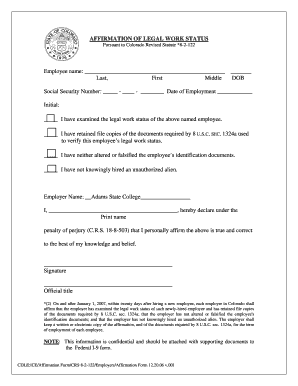
AFFIRMATION OF LEGAL WORK STATUS - Adams State College - adams
The document is an 'Affirmation of Legal Work Status' required by Colorado law, confirming that an employer has verified ...

How to apply child support in tennessee 2014 form
The document is a formal notice from the Tennessee Department of Human Services regarding the process for requesting an ...
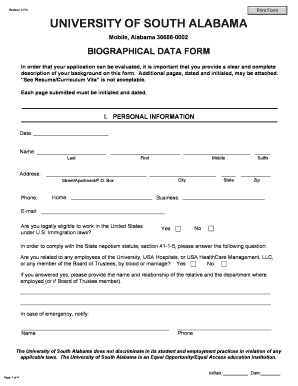
Biographical data 2013-2019 form
The document is a Biographical Data Form for applicants to the University of South Alabama, requiring detailed personal, ...

Ivari msp
The document outlines the Pre-Authorized Debit (PAD) agreement for insurance products offered by ivari. It includes sect ...

Change of Ownership Form - Invesco
The document is a Change of Ownership Form for non-retirement Invesco accounts, detailing the process to change account ...

Cf1r add 02 e
The document outlines the Certificate of Compliance for prescriptive residential additions in California that do not req ...