




Here's how it works

01. Edit your michigan department of treasury forms for past due taxes online
Type text, add images, blackout confidential details, add comments, highlights and more.

02. Sign it in a few clicks
Draw your signature, type it, upload its image, or use your mobile device as a signature pad.

03. Share your form with others
Send it via email, link, or fax. You can also download it, export it or print it out.
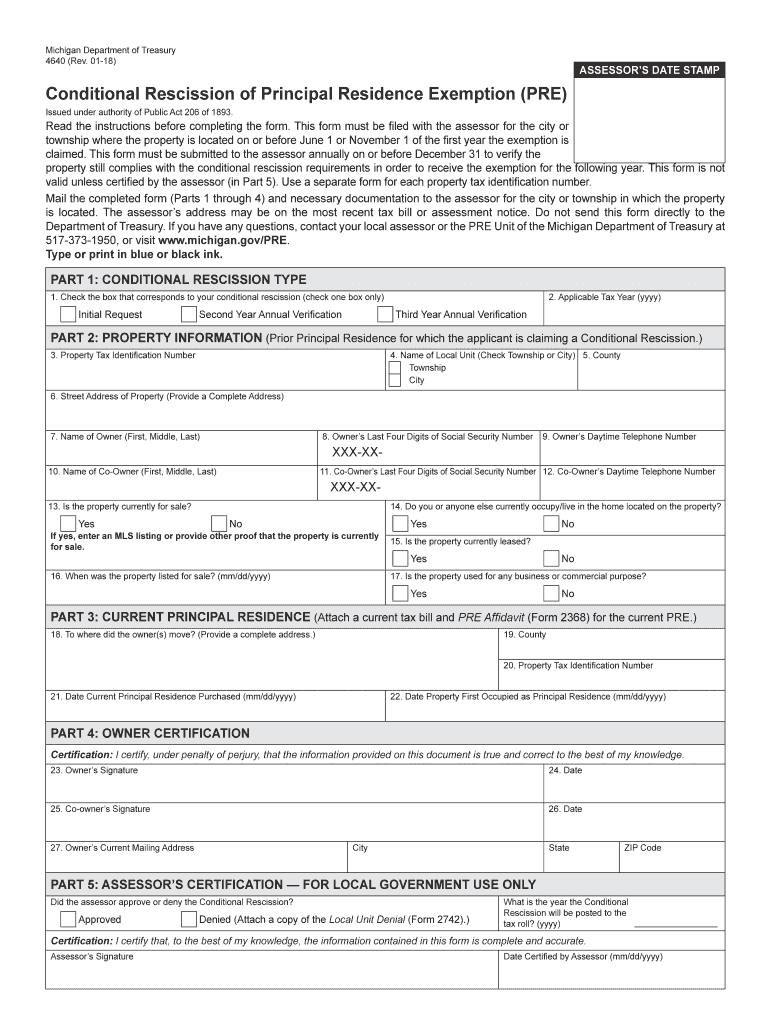
How to use or fill out Michigan Department of Treasury 4640 Rev 12 10 2015 form with our platform

- Click ‘Get Form’ to open it in the editor.
- In Part 1, select the type of conditional rescission by checking the appropriate box: Initial Request, Second Year Annual Verification, or Third Year Annual Verification. Enter the applicable tax year.
- Move to Part 2 and provide your Property Tax Identification Number, local unit name (city or township), and complete property address. Fill in the owner's name and last four digits of their Social Security Number, along with a daytime phone number.
- Continue filling out details for any co-owner if applicable, including their Social Security Number and phone number. Answer questions regarding the property's current status, such as whether it is for sale or leased.
- In Part 3, provide information about your current principal residence and attach necessary documentation like a tax bill and PRE Affidavit.
- Complete Part 4 by signing and dating the certification section. Ensure you include your current mailing address.
- Finally, submit the completed form to your local assessor's office before the deadline.
Start using our platform today to easily fill out your Michigan Department of Treasury forms for free!
Fill out michigan department of treasury 4640 rev 12 10 2015 form online
It's free
It's free
See more michigan department of treasury 4640 rev 12 10 2015 form versions
We've got more versions of the michigan department of treasury 4640 rev 12 10 2015 form form. Select the right michigan department of treasury 4640 rev 12 10 2015 form version from the list and start editing it straight away!
Security and compliance
At DocHub, your data security is our priority. We follow HIPAA, SOC2, GDPR, and other standards, so you can work on your documents with confidence.
Learn more


Related forms

Tanzania High Commission
The document is a visa application form for the United Republic of Tanzania, detailing the requirements and procedures f ...

Declaration of DomicileClerk and Comptroller, Palm Beach
The document is a Declaration of Domicile for individuals filing with the Clerk of the Circuit Court in Polk County, Flo ...

Event Sponsorship - St Raphael the Archangel Parish
The document is a sponsorship invitation for the Black & Gold Dinner Auction organized by Saint Raphael the Archangel Sc ...

How Can There Be False Birth Certificates? Help!
The document is a Report of Adoption that outlines the necessary information required for the adoption process, includin ...

Linkage agreement template
The document outlines a Linkage Agreement between a Testing Agency and a Referral Agency to collaboratively provide serv ...

Rent Verification Form - Keller Williams Realty
The document is a rent verification request form used by a property manager to gather information about a tenant's renta ...

Course 2 benchmark test first quarter answers
The document is a Course 2 Benchmark Test for the first quarter, covering various mathematical concepts from Chapters 1- ...
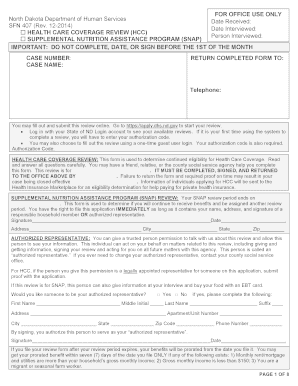
Sfn 407 nd
The document is a review form from the North Dakota Department of Human Services for individuals applying for Health Car ...