




Here's how it works

01. Edit your nib smart card application form online
Type text, add images, blackout confidential details, add comments, highlights and more.

02. Sign it in a few clicks
Draw your signature, type it, upload its image, or use your mobile device as a signature pad.

03. Share your form with others
Send nib smart card renewal application form via email, link, or fax. You can also download it, export it or print it out.
How to use or fill out nib online registration with our platform

- Click ‘Get Form’ to open the nib online registration in the editor.
- Begin by completing your policy details. Enter your customer number, family name, first name, current postal address, and daytime phone number.
- Next, provide details of your claim. Indicate whether you are claiming for everyday Extras or medical services received in a hospital by selecting 'Yes' or 'No'. Fill in the name of the provider and specify if the account is paid in full.
- For hospital claims, enter the date of admission and discharge. Confirm if this is related to an accident and if it involves compensation.
- Choose how you want nib to pay your claim by selecting one of the payment options provided.
- Finally, read the important information carefully and sign the form to declare that all information is true and correct.
Start filling out your nib online registration today for free using our platform!
Fill out nib online registration online
It's free
It's free
See more nib online registration versions
We've got more versions of the nib online registration form. Select the right nib online registration version from the list and start editing it straight away!
Security and compliance
At DocHub, your data security is our priority. We follow HIPAA, SOC2, GDPR, and other standards, so you can work on your documents with confidence.
Learn more


Related forms
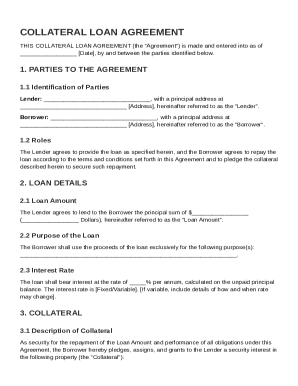
Collateral Loan Agreement Template
The document is a Collateral Loan Agreement between a Lender and a Borrower, outlining the terms of a loan including the ...
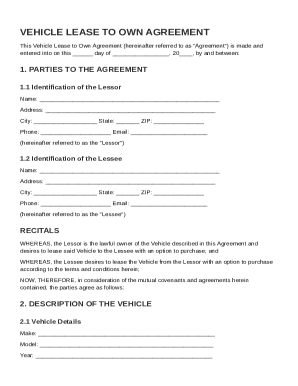
Vehicle Lease to Own Agreement Template
The Vehicle Lease to Own Agreement outlines the terms under which a Lessor leases a vehicle to a Lessee with an option t ...
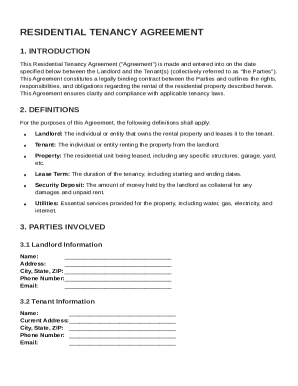
Rtb Tenancy Agreement Template
The Residential Tenancy Agreement is a legally binding contract between a landlord and tenant that outlines the rights, ...
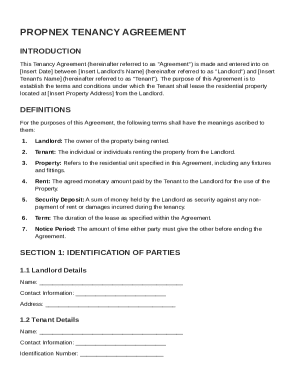
Propnex Tenancy Agreement Template
The document is a Tenancy Agreement between a Landlord and Tenant outlining the terms and conditions for leasing a resid ...
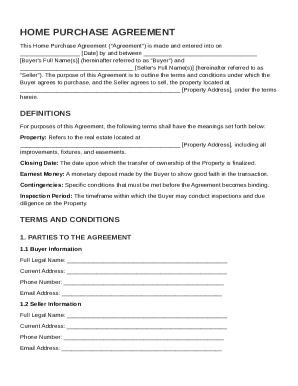
Home Purchase Agreement Template
The Home Purchase Agreement outlines the terms and conditions for the sale of a property between a Buyer and a Seller. I ...
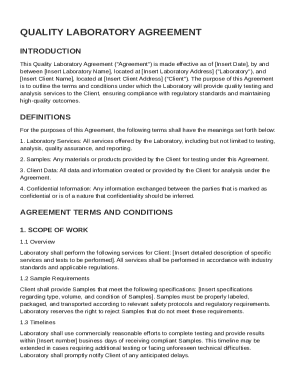
Quality Laboratory Agreement Template
The Quality Laboratory Agreement outlines the terms and conditions under which a laboratory provides quality testing and ...
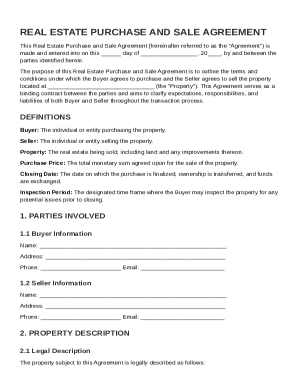
Real Estate Agreement Template
The document is a Real Estate Purchase and Sale Agreement outlining the terms and conditions for the sale of a property ...
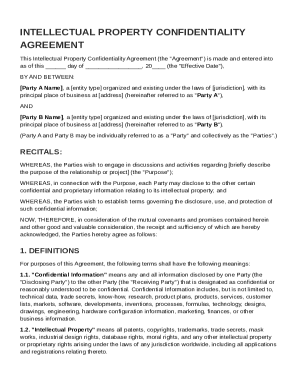
Intellectual Property Confidentiality Agreement Template
The document is an Intellectual Property Confidentiality Agreement between two parties, outlining the terms for the prot ...