




Here's how it works

01. Edit your form online
Type text, add images, blackout confidential details, add comments, highlights and more.

02. Sign it in a few clicks
Draw your signature, type it, upload its image, or use your mobile device as a signature pad.

03. Share your form with others
Send it via email, link, or fax. You can also download it, export it or print it out.
How to use or fill out 2015 New Mexico Net Operating Loss Carryforward Schedule for Fiduciary Income Tax with DocHub

- Click ‘Get Form’ to open the 2015 New Mexico Net Operating Loss Carryforward Schedule in our editor.
- Begin by entering the taxpayer’s name and FEIN at the top of the form. This information is essential for identification purposes.
- In Column 1, input the tax year for which you incurred the net operating loss. Ensure accuracy as this will affect your calculations.
- Column 2 requires you to enter the net operating loss incurred in that year. Refer to Worksheet 1 if needed for prior years' calculations.
- For Column 3, provide the net income before applying the NM NOL deduction, as calculated from Worksheet 2.
- Complete Columns 4 through 7 by detailing how much of the NM NOL was used, when it was applied, any expired amounts, and what carryforward is available for next year.
- Finally, ensure that Line 1 equals the sum of Column 4 and matches Line 5 from Worksheet 2 before submitting your completed schedule with Form FID-1.
Start using our platform today to easily fill out your tax forms online for free!
Fill out 2015 New Mexico Net Operating Loss Carryforward Schedule for Fiduciary Income Tax online
It's free
It's free
See more 2015 New Mexico Net Operating Loss Carryforward Schedule for Fiduciary Income Tax versions
We've got more versions of the 2015 New Mexico Net Operating Loss Carryforward Schedule for Fiduciary Income Tax form. Select the right 2015 New Mexico Net Operating Loss Carryforward Schedule for Fiduciary Income Tax version from the list and start editing it straight away!
Security and compliance
At DocHub, your data security is our priority. We follow HIPAA, SOC2, GDPR, and other standards, so you can work on your documents with confidence.
Learn more


Related forms
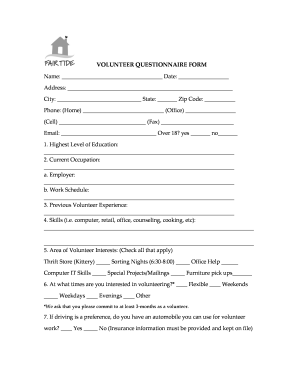
Volunteer questionnaire form
The document is a Volunteer Questionnaire Form for Fair Tide, which collects personal information, education, occupation ...
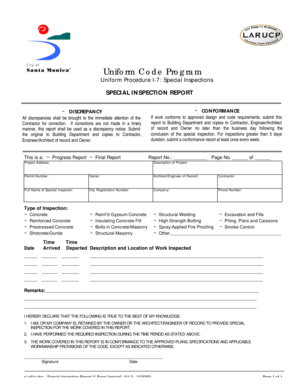
SPECIAL INSPECTION REPORT - Santa Monica California - smgov
The document outlines the procedures for special inspections in construction projects, detailing how to report discrepan ...
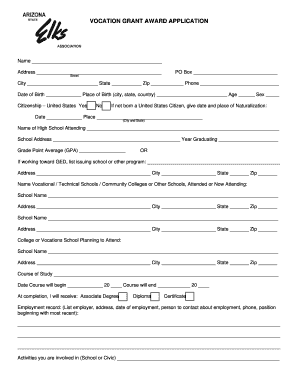
Arizona elk association vocational grant award form
The document outlines the application process for a Vocational Grant Award provided by the Arizona State Elks Associatio ...

Virginia Submission Identification Number (SID) B Your Social Security Number A Spouses Social Secur
Virginia Submission Identification Number (SID) B Your Social Security Number A Spouses Social Secur
The document VA-8879 is a Virginia Individual Income Tax e-File Signature Authorization form for the tax year 2015. It o ...
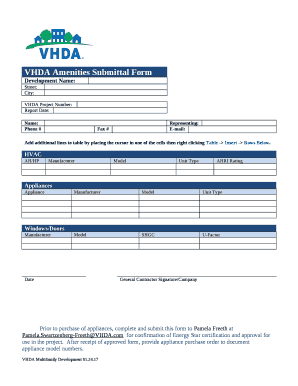
VHDA Amenities Submittal Form
The VHDA Amenities Submittal Form is a document used for submitting details about HVAC systems, appliances, and windows/ ...

Allan hancock police academy
The document is an application packet for the Allan Hancock College Basic Law Enforcement Academy, detailing the program ...
Nyc 210 form 2017 pdf
The document is a form (NYC-210) for claiming the New York City School Tax Credit, intended for individuals who lived in ...

MNPS Contract# 2-158009-02 Charter School Agreement - valorcollegiate
The document is a Charter School Agreement between the Metropolitan Board of Public Education and Valor Collegiate Acade ...