
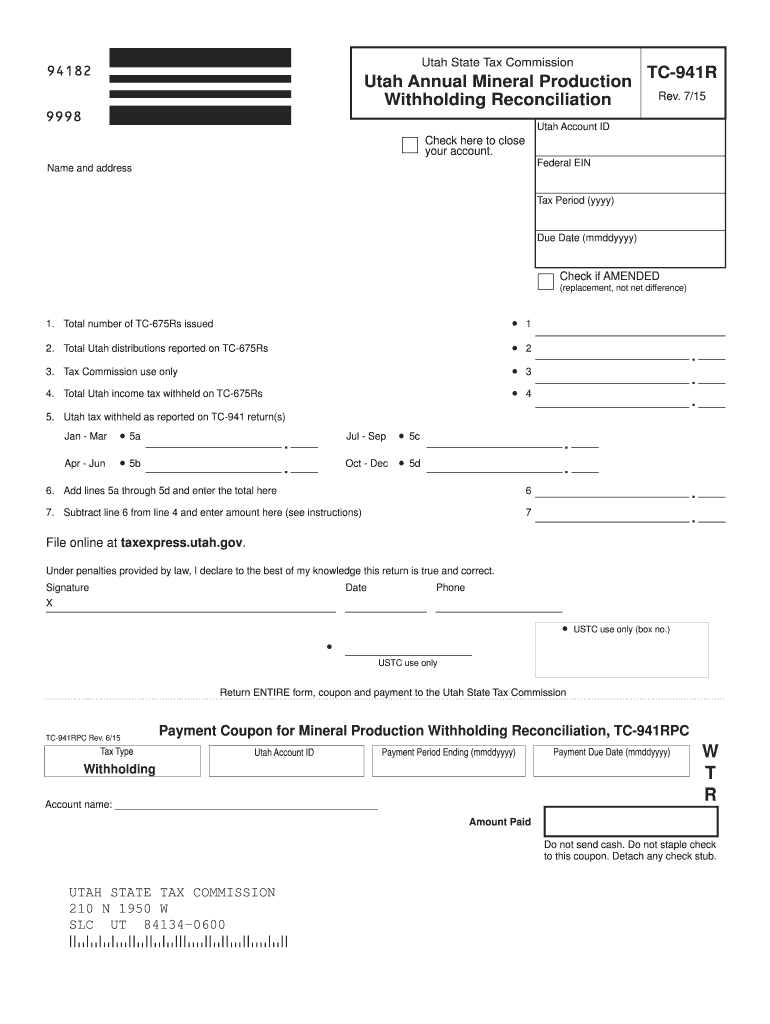




Here's how it works

01. Edit your 941r online
Type text, add images, blackout confidential details, add comments, highlights and more.

02. Sign it in a few clicks
Draw your signature, type it, upload its image, or use your mobile device as a signature pad.

03. Share your form with others
Send it via email, link, or fax. You can also download it, export it or print it out.
How to use or fill out tc 941r 2015 form with our platform

- Click ‘Get Form’ to open the TC-941R in the editor.
- Begin by entering your Utah Account ID and Federal EIN at the top of the form. Ensure that your name and address are correctly filled out.
- Indicate the tax period and due date for your submission. If this is an amended return, check the appropriate box.
- Fill in line 1 with the total number of TC-675Rs issued during the year, followed by line 2 with the total Utah distributions reported on those forms.
- For lines 5a through 5d, enter amounts from each quarterly return submitted. Line 6 should reflect the total of these quarterly amounts.
- Finally, subtract line 6 from line 4 and enter that amount on line 7. Review all entries for accuracy before finalizing.
Start using our platform today to easily complete your TC-941R form online for free!
Fill out tc 941r 2015 form online
It's free
See more tc 941r 2015 form versions
We've got more versions of the tc 941r 2015 form form. Select the right tc 941r 2015 form version from the list and start editing it straight away!
Security and compliance
At DocHub, your data security is our priority. We follow HIPAA, SOC2, GDPR, and other standards, so you can work on your documents with confidence.
Learn more


Related forms

Annual report of guardian of a minor child - Cochise County - cochise az
The document is an Annual Report of Guardian for a minor child, required by the Arizona Superior Court in Cochise County ...
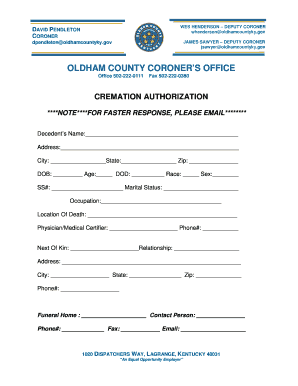
WES HENDERSON DEPUTY CORONER
The document is a cremation authorization form from the Oldham County Coroner's Office, detailing necessary information ...
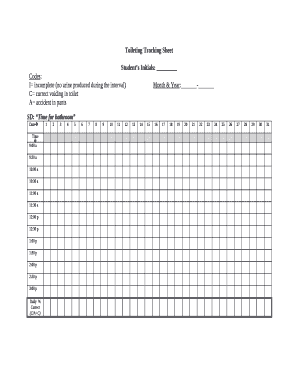
Toileting tracking sheet
The document is a Toileting Tracking Sheet designed for a student named John Doe, outlining a bathroom training strategy ...
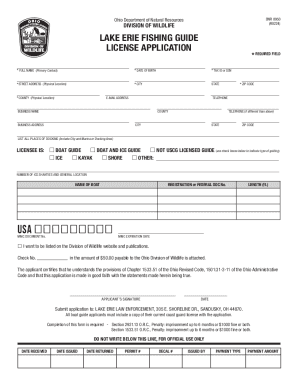
LAKE ERIE FISHING GUIDE LICENSE APPLICATION
The document is an application form for obtaining a fishing guide license from the Ohio Department of Natural Resources, ...
DNR9032-B (R0221)
The document outlines the application process for eligible resident disabled veterans and former prisoners of war in Ohi ...

Mr583
The document outlines the application process for renewing, replacing, or issuing provisional licenses, driver's license ...
INTEREST WAIVER GUIDE
The document is a guide from the American Civil Liberties Union of Washington that outlines the process for obtaining a ...

Seminole Nation Lien Entry Form
The document is a Lien Entry Form from the Seminole Nation of Oklahoma's Business & Corporate Regulatory Commission, use ...