




Here's how it works

01. Edit your form online
Type text, add images, blackout confidential details, add comments, highlights and more.

02. Sign it in a few clicks
Draw your signature, type it, upload its image, or use your mobile device as a signature pad.

03. Share your form with others
Send it via email, link, or fax. You can also download it, export it or print it out.
How to Use or Fill Out the Content Form with Our Platform

- Click 'Get Form' to open it in the editor.
- Begin by entering the County and date at the top of the form. This sets the context for your petition.
- Fill in the names and dates of birth of the child(ren) involved in the custody or visitation case. Ensure accuracy as this information is crucial.
- Indicate whether you are filing for a Final or Temporary Order by checking the appropriate box.
- In the section regarding changes in circumstances, specify any relevant changes since the last order was made, if applicable.
- Complete any additional sections that apply to your situation, such as consent from parents or findings related to domestic violence.
- Review all entries for accuracy before submitting your form. Use our platform's editing tools to make any necessary adjustments.
Start filling out your content form today for free and streamline your document process!
Fill out content form online
It's free
It's free
Security and compliance
At DocHub, your data security is our priority. We follow HIPAA, SOC2, GDPR, and other standards, so you can work on your documents with confidence.
Learn more


Related forms
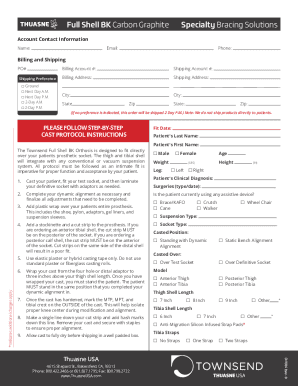
Full Shell BK - Thuasne USA
The document provides detailed instructions for the casting and fitting process of the Townsend Full Shell BK Orthosis, ...

APPLICATION FOR RENEWAL OF CERTIFICATION AS A MOTOR - dmv ny
The document is an application form (VS-121W) for the renewal of certification as a motor vehicle inspector in New York ...
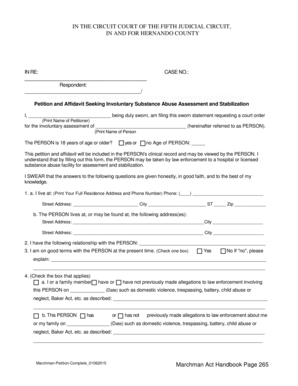
Hernando clerk form
The document is a legal petition and affidavit seeking an involuntary substance abuse assessment and stabilization for a ...
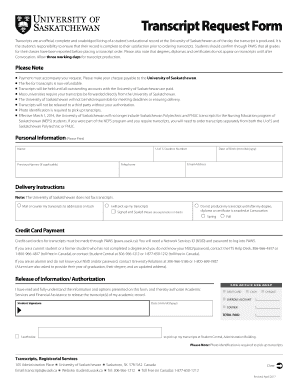
Transcripts are an ocial, complete and unabridged listing of a students educational record at the Un
Transcripts are an ocial, complete and unabridged listing of a students educational record at the Un
The document is a Transcript Request Form for the University of Saskatchewan, detailing the process and requirements for ...

Neuropsychology Intake Form - Dr G PsyD
The document is a Neuropsychology Intake Form designed to collect comprehensive information about a patient, typically a ...

Request for Official Transcripts
The document outlines the process for requesting official transcripts from the University of Central Missouri, including ...
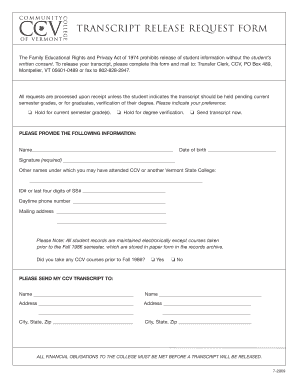
Transcript release req form - ccv
The document is a Transcript Release Request Form for the Community College of Vermont (CCV), which outlines the process ...
How to give and receive feedback effectively - PMC
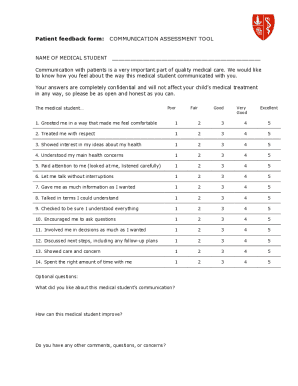
The document is a patient feedback form designed to assess the communication skills of medical students. It includes a s ...