




Here's how it works

01. Edit your form 512 online
Type text, add images, blackout confidential details, add comments, highlights and more.

02. Sign it in a few clicks
Draw your signature, type it, upload its image, or use your mobile device as a signature pad.

03. Share your form with others
Send ok form 512 via email, link, or fax. You can also download it, export it or print it out.
How to use or fill out ok 512 form with our platform

- Click ‘Get Form’ to open the ok 512 form in the editor.
- Begin by entering the calendar year for which you are filing at the top of the form. This is crucial for accurate processing.
- In Section 1, input your Oklahoma taxable income and any refund or balance due as indicated on your return. Ensure these amounts are whole dollars only.
- Proceed to Section 2, where you will declare your consent for direct deposit and authorize electronic funds withdrawal if applicable. Make sure to read each statement carefully before signing.
- Finally, complete Section 3 by signing as the Electronic Return Originator (ERO) or Paid Preparer, including all required details such as PTIN and contact information.
Start using our platform today to fill out your ok 512 form easily and for free!
Fill out ok 512 form online
It's free
It's free
See more ok 512 form versions
We've got more versions of the ok 512 form form. Select the right ok 512 form version from the list and start editing it straight away!
Security and compliance
At DocHub, your data security is our priority. We follow HIPAA, SOC2, GDPR, and other standards, so you can work on your documents with confidence.
Learn more


Related forms
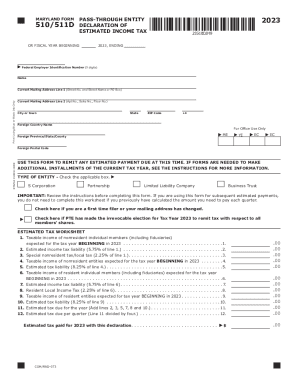
Md Code Regs 03 04 07 04 - Statements to Members
The document is the Maryland Form 510/511D for the year 2023, which is used by pass-through entities (PTEs) to declare a ...
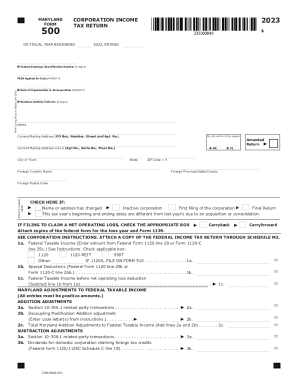
2023 Business Income Tax Forms and Instructions
The document is the 2023 Maryland Corporation Income Tax Return Form 500, which outlines the necessary information and c ...
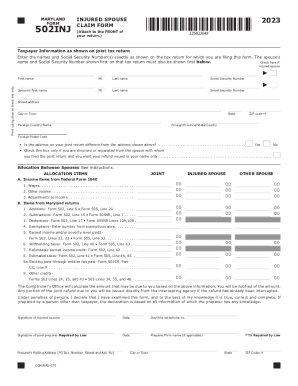
Tax Year 2023 502INJ Injured Spouse Claim Form Tax Year 2023 502INJ Injured Spouse Claim Form
Tax Year 2023 502INJ Injured Spouse Claim Form Tax Year 2023 502INJ Injured Spouse Claim Form
The document is the Maryland Form 502INJ for the year 2023, which is an Injured Spouse Claim Form. It is used by taxpaye ...

Ucsb vbrf
The document outlines the procedures and requirements for University of California, Santa Barbara students to request Ve ...
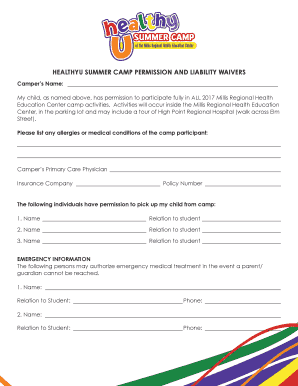
HEALTHYU SUMMER CAMP PERMISSION AND LIABILITY WAIVERS
The document is a permission and liability waiver for parents or guardians of campers participating in the Healthy U Sum ...

Maine IFTA-100 Quarterly Fuel Use Tax Return
The document outlines the procedures and requirements for filing the IFTA-100, IFTA Quarterly Fuel Use Tax Return, for t ...

Mms 2014 instructions form
The document is a report form (MMS-2014) used for reporting sales and royalty remittances related to Federal and Indian ...

For faster submission and processing,
The document is a Transcript Request Form from the Office of the Registrar at Wittenberg University, revised in March 20 ...