
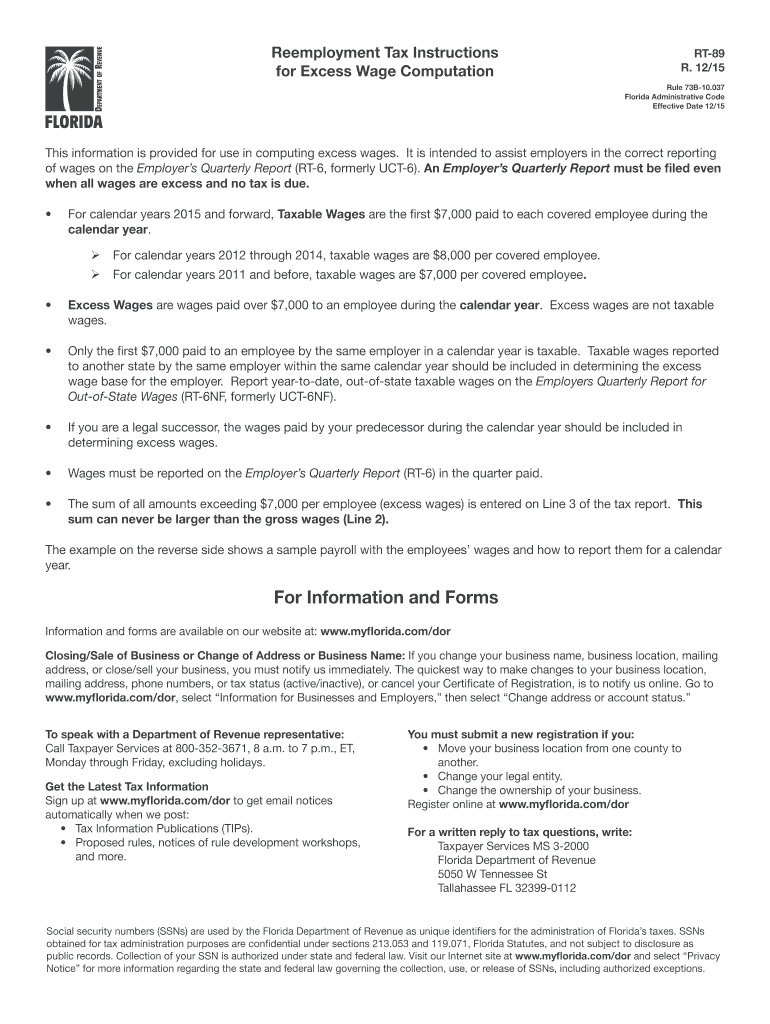




Here's how it works

01. Edit your miami dade surplus funds list online
Type text, add images, blackout confidential details, add comments, highlights and more.

02. Sign it in a few clicks
Draw your signature, type it, upload its image, or use your mobile device as a signature pad.

03. Share your form with others
Send surplus funds list via email, link, or fax. You can also download it, export it or print it out.
How to use or fill out Florida Tax Excess with our platform

- Click ‘Get Form’ to open the Florida Tax Excess form in the editor.
- Begin by entering your business name and account number at the top of the form. This information is crucial for identifying your tax records.
- In the section for reporting wages, input the gross wages paid to each employee for each quarter. Ensure that these figures reflect accurate payroll data.
- Calculate excess wages by determining any amounts paid over $7,000 per employee within the calendar year. Enter this total on Line 3 of the report.
- Finally, review all entries for accuracy before submitting. Use our platform’s features to sign and distribute your completed form seamlessly.
Start using our platform today to simplify your Florida Tax Excess reporting!
Fill out florida tax excess online
It's free
See more florida tax excess versions
We've got more versions of the florida tax excess form. Select the right florida tax excess version from the list and start editing it straight away!
Security and compliance
At DocHub, your data security is our priority. We follow HIPAA, SOC2, GDPR, and other standards, so you can work on your documents with confidence.
Learn more


Related forms

Appendix 2 of VAF4A - Gov UK
The document is an application form (VAF4A August 2018) for individuals seeking to enter the UK as family members of set ...

Cea5 application permit online
The document is an application form (CEA5) for a work permit under the Control of Employment Act 2014 in the Isle of Man ...
Ny stipulation form
The document is a stipulation form used in Workers' Compensation cases, detailing the agreement between parties regardin ...
Restraining order worksheet
The document is a Protective and Restraining Order Worksheet used by law enforcement and prosecuting agencies in Los Ang ...

Special transcript order get
The document is a formal request for a special transcript from the Superior Court of California, County of Los Angeles, ...
Illinois claims rules
The document outlines the rules, statutes, and procedures of the Illinois Court of Claims, including its jurisdiction ov ...
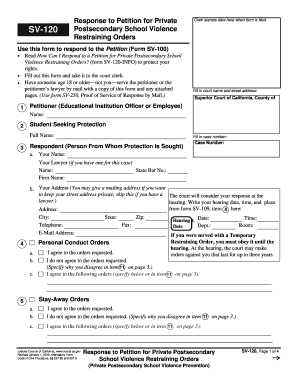
Response petition orders
The document SV-120 is a legal form used to respond to a Petition for Private Postsecondary School Violence Restraining ...
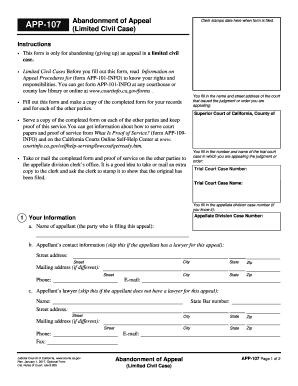
App 107 form
The document APP-107 is a form used to formally abandon an appeal in a limited civil case in California. It provides ins ...