
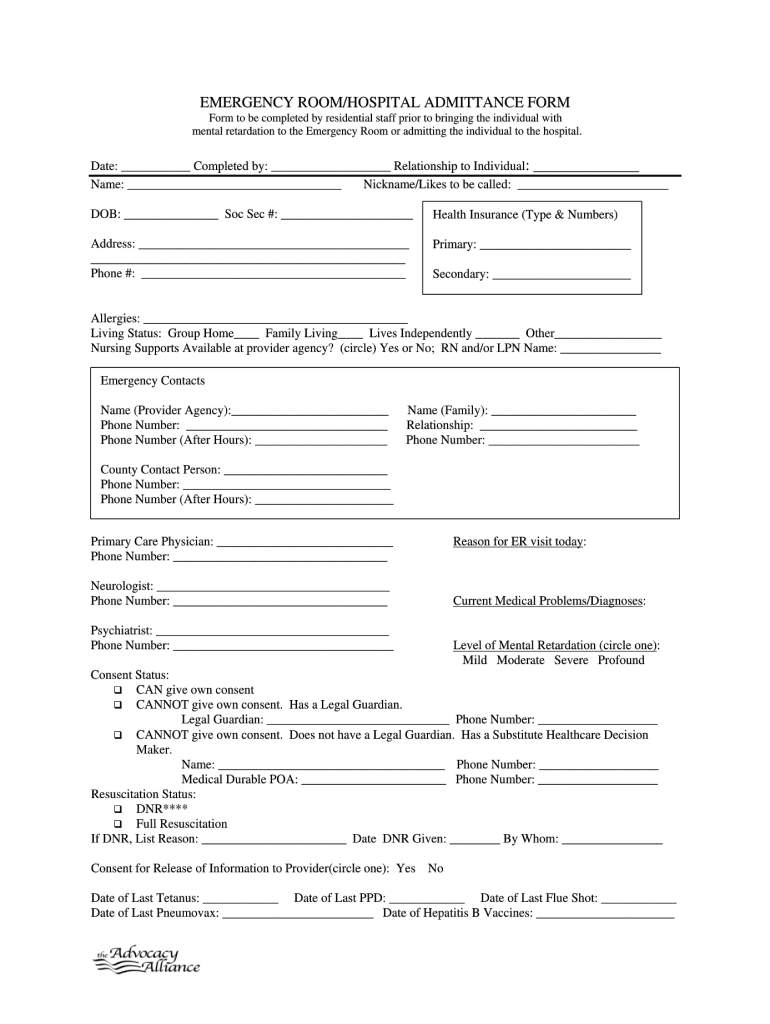




Here's how it works

01. Edit your hospital admission form online
Type text, add images, blackout confidential details, add comments, highlights and more.

02. Sign it in a few clicks
Draw your signature, type it, upload its image, or use your mobile device as a signature pad.

03. Share your form with others
Send hospital admit form via email, link, or fax. You can also download it, export it or print it out.
How to use or fill out the admittance form with our platform

- Click ‘Get Form’ to open the admittance form in the editor.
- Begin by entering your personal information in the designated fields, including your full name, date of birth, and contact details. Ensure accuracy for a smooth processing experience.
- Next, navigate to the medical history section. Here, you will need to provide relevant health information. Use the text boxes to detail any pre-existing conditions or allergies.
- In the consent section, read through the terms carefully. You can sign electronically using our platform’s signature feature, ensuring your consent is documented securely.
- Finally, review all entered information for completeness and accuracy before submitting. Utilize our platform's editing tools if any adjustments are needed.
Start filling out your admittance form today for free and experience seamless document management!
Fill out admittance form online
It's free
Security and compliance
At DocHub, your data security is our priority. We follow HIPAA, SOC2, GDPR, and other standards, so you can work on your documents with confidence.
Learn more


Related forms

Irs form schedule instructions
The document provides detailed instructions for completing Schedule D (Form 1040) related to capital gains and losses fo ...

Form 8453
The document is Form 8453-FE, used for electronically filing the U.S. Income Tax Return for Estates and Trusts (Form 104 ...
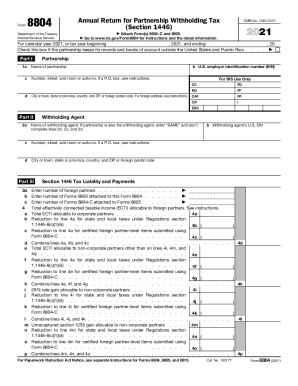
8804
The document is Form 8804, an Annual Return for Partnership Withholding Tax under Section 1446, issued by the Department ...

MOD APK iLovePDF PDF Editor & Reader Premium APK v1.3 ...
The document provides training information regarding the changes to the 1099 MISC and 1099 NEC forms for tax year 2021, ...
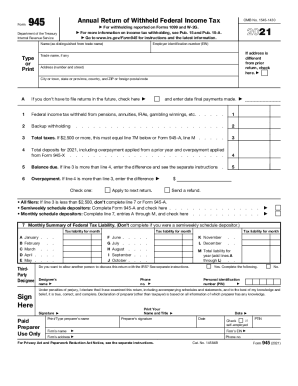
Form 945
The document is Form 945, the Annual Return of Withheld Federal Income Tax, used by employers to report federal income t ...
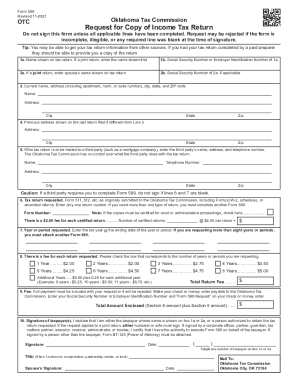
Form 599 form
Form 599 is a request form from the Oklahoma Tax Commission for obtaining a copy of an income tax return. It requires th ...
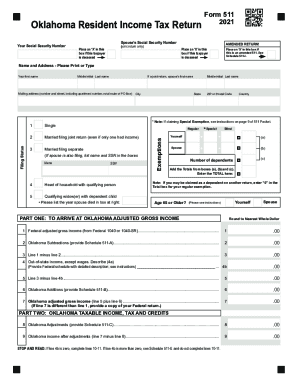
Oklahoma tax
The document is the 2021 Oklahoma Resident Individual Income Tax Forms and Instructions packet, which includes guideline ...
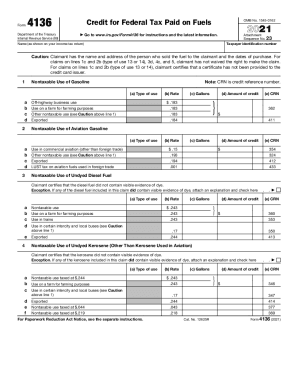
Form 4136
The document is Form 4136 from the Internal Revenue Service (IRS) for claiming a credit for federal tax paid on fuels. I ...