




Here's how it works

01. Edit your form online
Type text, add images, blackout confidential details, add comments, highlights and more.

02. Sign it in a few clicks
Draw your signature, type it, upload its image, or use your mobile device as a signature pad.

03. Share your form with others
Send it via email, link, or fax. You can also download it, export it or print it out.
How to use or fill out notice of entry bc form with our platform

- Click ‘Get Form’ to open the notice of entry bc form in the editor.
- Begin by entering the date at the top of the form. This is essential for record-keeping.
- Indicate how the notice was delivered by checking one or more of the boxes: 'Attached to Door', 'Left in Mailbox', 'Mailed', or 'In-Person'.
- Fill in the tenant’s name(s) and property address, including city, province, and postal code. Ensure accuracy for effective communication.
- Specify the purpose of access to the premises by selecting from the provided options or writing a custom reason in the designated area.
- Schedule access by filling out the date, day, and times required for entry. This helps tenants prepare accordingly.
- Finally, have the landlord print their name and sign at the bottom before saving or sharing your completed document.
Start using our platform today to fill out your notice of entry bc form online for free!
Fill out notice of entry bc form online
It's free
It's free
Security and compliance
At DocHub, your data security is our priority. We follow HIPAA, SOC2, GDPR, and other standards, so you can work on your documents with confidence.
Learn more


Related forms
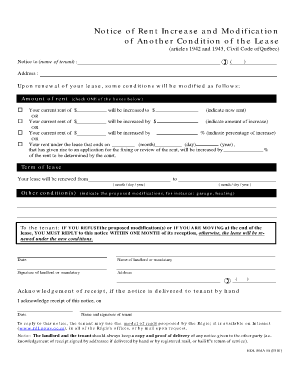
Rdl 806 e
The document is a Notice of Rent Increase and Modification of Lease Conditions, informing the tenant about proposed chan ...

Form PFS (Personal Financial Statement) Instruction Guide
The document is a Form C58P, Personal Financial Statement, used to assess an individual's ability to pay debts. It requi ...

Minnesota M8 2022-2023 Form - Fill Out and Sign
The document provides detailed instructions for filing the 2023 Minnesota S Corporation Form M8, including updates on fe ...
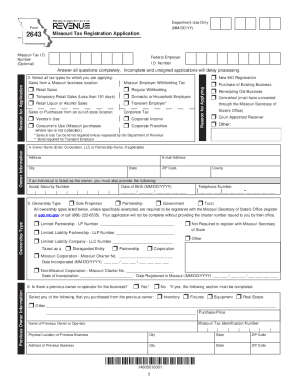
Taxpayer Guide - Missouri Department Of Revenue - MO
The Missouri Tax Registration Application provides detailed instructions for businesses to register for various tax type ...

Collector of Revenue HomepageGregory F X Daly
The document is Form E-6, an Informational Disbursement Report for Not-for-Profit Organizations in St. Louis for the cal ...
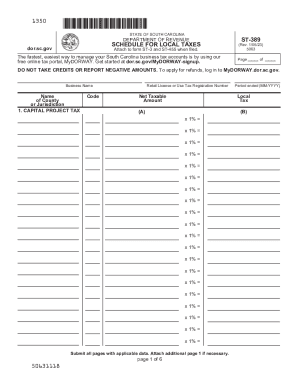
St 389
The document is a tax reporting form (ST-389) from the South Carolina Department of Revenue, used for reporting various ...
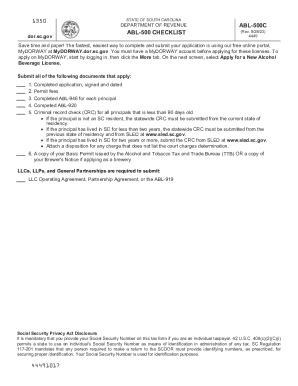
Sc liquor license
The document outlines the application process for obtaining an Alcohol Beverage License in South Carolina, detailing req ...
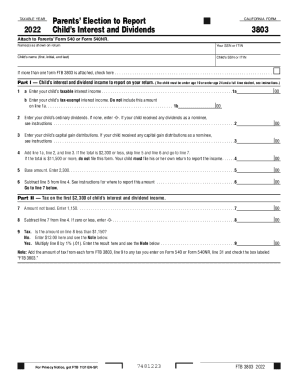
2022 Form 3803 Parents' Election to Report Child's Interest and Dividends 2022 Form 3803 Parents' El
2022 Form 3803 Parents' Election to Report Child's Interest and Dividends 2022 Form 3803 Parents' El
The document is California Form 3803 for the taxable year 2022, which allows parents to report their child's interest an ...