




Here's how it works

01. Edit your mv 16 online
Type text, add images, blackout confidential details, add comments, highlights and more.

02. Sign it in a few clicks
Draw your signature, type it, upload its image, or use your mobile device as a signature pad.

03. Share your form with others
Send mv16 via email, link, or fax. You can also download it, export it or print it out.
How to use or fill out Georgia MV 16 with DocHub

- Click ‘Get Form’ to open the Georgia MV 16 in our editor.
- Begin by filling out the vehicle information section. Enter the VIN, year, and make of the vehicle accurately.
- In the Transferor section, provide your printed name and relationship to the Transferee. If applicable, sign where indicated.
- Complete the Notary Public section by entering their full legal name, physical address, telephone number, and email address. Ensure they sign and date it as required.
- Next, move to the Transferee section. Fill in their printed name and relationship to you, followed by their signature.
- Repeat the notary process for the Transferee's details as outlined in step 4.
- Finally, if applicable, check the box regarding Ad Valorem Tax and confirm your understanding of its implications.
Start using our platform today to fill out your Georgia MV 16 form online for free!
Fill out georgia mv 16 online
It's free
See more georgia mv 16 versions
We've got more versions of the georgia mv 16 form. Select the right georgia mv 16 version from the list and start editing it straight away!
| Versions | Form popularity | Fillable & printable |
|---|---|---|
| 2014 | 4.8 Satisfied (62 Votes) |
Security and compliance
At DocHub, your data security is our priority. We follow HIPAA, SOC2, GDPR, and other standards, so you can work on your documents with confidence.
Learn more


Related forms

Birth or Death Certificate
The document is an application form for obtaining certified copies of birth and death certificates from the Bureau of Vi ...
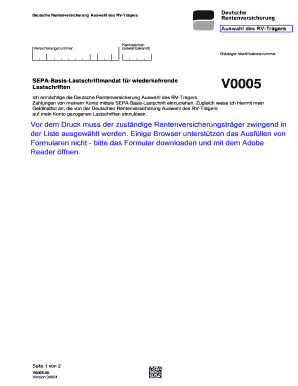
V0005
The document is a SEPA direct debit mandate form for the German pension insurance (Deutsche Rentenversicherung), allowin ...

Application To Rent And Rental Deposit - Fill and Sign
The document is an application form for renting a property managed by GBR Property Management. It requires personal info ...
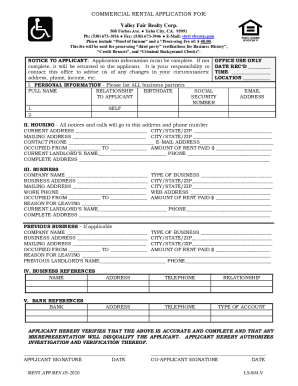
DocHub 471860861--Valley-Fair-RealtyFillable Online Valley Fair Realty - 31 Reviews - DocHub
DocHub 471860861--Valley-Fair-RealtyFillable Online Valley Fair Realty - 31 Reviews - DocHub
The document is a commercial rental application form for Valley Fair Realty Corp, requiring applicants to provide person ...
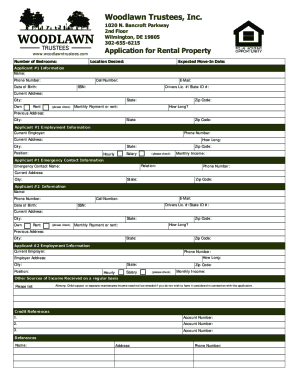
WTIRentalApplicationV3b cdr
The document is a rental application form from Woodlawn Trustees, Inc., located in Wilmington, DE. It collects detailed ...

Richfield Volunteer Fire Company - Hubertus, United States
The document is an application and rental agreement for the Richfield Volunteer Fire Company's hall. It outlines the res ...

Habc housing
The document outlines the application process for the Public Housing Program by the Housing Authority of Brevard County, ...
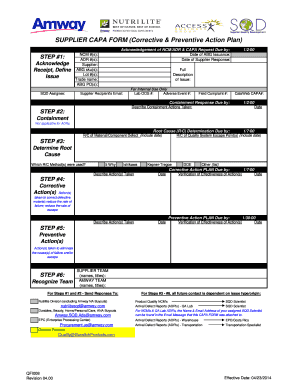
Capa format in excel
The document is a Supplier CAPA Form designed for managing Corrective and Preventive Action Plans related to non-conform ...