




Here's how it works

01. Edit your dochub com fillable form online
Type text, add images, blackout confidential details, add comments, highlights and more.

02. Sign it in a few clicks
Draw your signature, type it, upload its image, or use your mobile device as a signature pad.

03. Share your form with others
Send middle school lab report template via email, link, or fax. You can also download it, export it or print it out.
How to use or fill out 8th grade lab report example with our platform

- Click ‘Get Form’ to open the 8th grade lab report example in the editor.
- Begin by entering your name and period at the top of the document. This personalizes your report.
- Create a unique title for your experiment in the Title section. Ensure it is concise and relevant.
- In the Purpose/Problem Statement section, clearly articulate the testable question that your lab addresses.
- Formulate your Hypothesis/Prediction using the specified structure: If... then... because... This will guide your experiment.
- Identify and list your variables in the Identification of Variables section, ensuring you specify manipulated, responding, and controlled variables.
- Compile a complete Materials list detailing all items needed for your experiment.
- Outline clear Procedures as numbered steps in present tense, ensuring logical flow and clarity for anyone following them.
- Create a Data Table with labeled columns for recording observations and results from trials.
- Draft Graphs that accurately represent your data, labeling axes and including units for clarity.
- Conclude by summarizing findings in paragraph form, addressing all required elements without using first-person language.
Start editing your lab report today on our platform for free!
Fill out 8th grade lab report example online
It's free
See more 8th grade lab report example versions
We've got more versions of the 8th grade lab report example form. Select the right 8th grade lab report example version from the list and start editing it straight away!
| Versions | Form popularity | Fillable & printable |
|---|---|---|
| 2010 | 4 Satisfied (48 Votes) |
Security and compliance
At DocHub, your data security is our priority. We follow HIPAA, SOC2, GDPR, and other standards, so you can work on your documents with confidence.
Learn more


Related forms

FIRST CIRCUIT COURT - Hawaii State Judiciary - courts state hi
The document outlines the schedule of fees and costs for frequently requested services and copies of records from the Ju ...
Jv610
The document is a form (JV-610) related to cases of children who are habitually disobedient under Welfare and Institutio ...
Commission - Los Angeles Superior Court
The document is a legal commission issued by the Superior Court of California, County of Los Angeles, authorizing the de ...
PCT RO 101 Request - WIPO - wipo
The document outlines the request form for filing an international patent application under the Patent Cooperation Treat ...

Community transit claim
The document is a Standard Claim Form for Community Transit, intended for individuals to report incidents and claim dama ...
M00116
The document is a Technical Assessment (TA) Summary Form (M00116) that outlines the requirements for summarizing evidenc ...
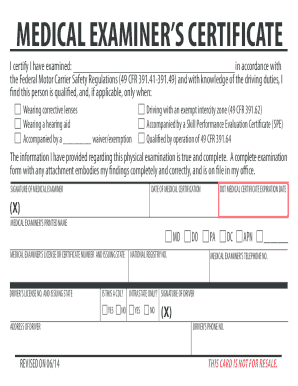
MEDICAL EXAMINER'S CERTIFICATE - transportation wv
The document is a Medical Examiner's Certificate that certifies an individual's medical examination in accordance with F ...
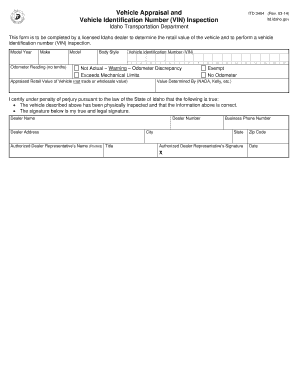
Idaho vin verification form
The document is a form from the Idaho Transportation Department for licensed dealers to appraise the retail value of a v ...