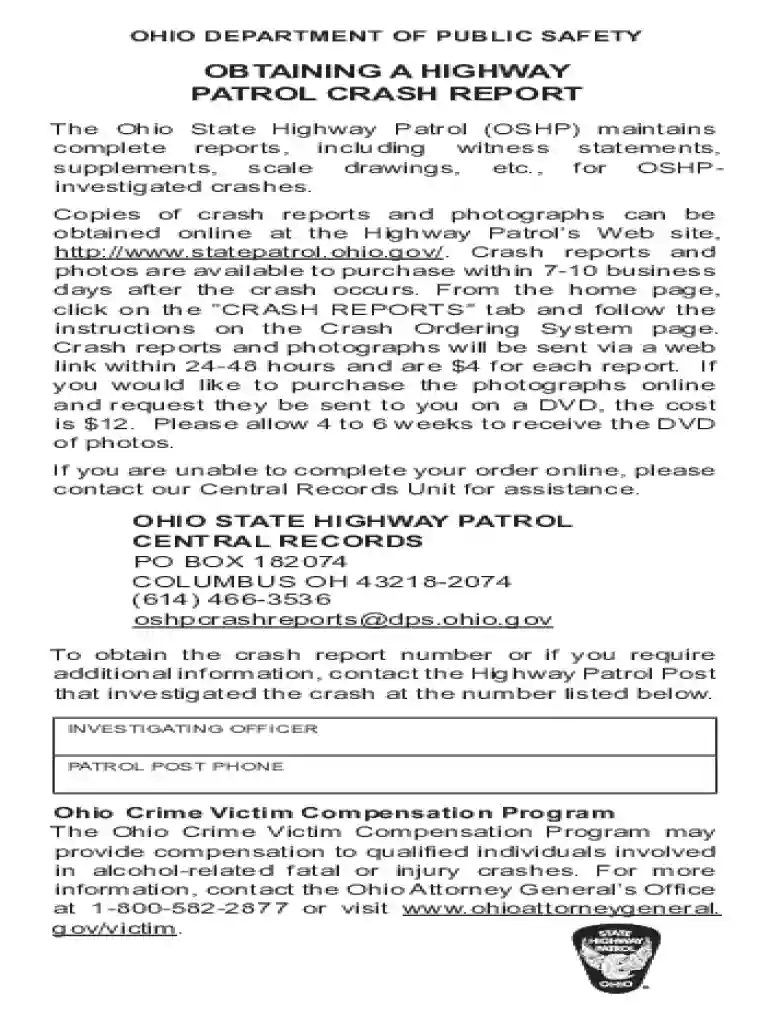
Ohio highway crash report 2026

Get Form
ohio highway crash report Preview on Page 1

Here's how it works

01. Edit your ohio highway crash report online
Type text, add images, blackout confidential details, add comments, highlights and more.

02. Sign it in a few clicks
Draw your signature, type it, upload its image, or use your mobile device as a signature pad.

03. Share your form with others
Send oshpcrashreports dps ohio gov via email, link, or fax. You can also download it, export it or print it out.

How to use or fill out Ohio Highway Crash Report with our platform

Form edit decoration
9.5
Ease of Setup
DocHub User Ratings on G2
9.0
Ease of Use
DocHub User Ratings on G2
  1. Click ‘Get Form’ to open the Ohio Highway Crash Report in the editor.
  2. Begin by filling out the 'Crash Report' section, including the crash date, location, county, and city/town. Ensure accuracy as this information is crucial for processing.
  3. Next, complete the 'Driver 1' section. Enter the driver's name, phone number, address, city/state/ZIP code, insurance company details, and policy number. Repeat this for Driver 2 and Driver 3 if applicable.
  4. Review all entered information for completeness and accuracy. Utilize our platform's editing features to make any necessary adjustments easily.
  5. Once satisfied with your entries, save your document. You can then download it or share it directly from our platform for free.

Start using our platform today to streamline your Ohio Highway Crash Report process!

See more ohio highway crash report versions

We've got more versions of the ohio highway crash report form. Select the right ohio highway crash report version from the list and start editing it straight away!
Versions Form popularity Fillable & printable
2021 4.9 Satisfied (30 Votes)
2016 4.4 Satisfied (116 Votes)
2012 4 Satisfied (46 Votes)
be ready to get more

Complete this form in 5 minutes or less

Get form

Got questions?

We have answers to the most popular questions from our customers. If you can't find an answer to your question, please contact us.
Contact us
Yes, Ohio records are accessible to the public, unless they are classified as confidential or exempt under state laws.
A: You can request copies of these reports in several ways: Online. In person at Police Records Section. By telephone at: 513-352-3559; or. Email your request to cpdrecords@cincinnati-oh.gov.
You can acquire a copy of your crash report by visiting the DPS website. Here, under the crash reports section, you can locate your specific report by providing the accident date, your license, and vehicle registration numbers, along with other personal details.
How do I obtain a copy of a police incident or accident report? Online: Visit /police-department-requests/ In Person: Completed and approved incident reports are generally available within five (5) days following the filing of the report, in person at the police department.
ing to some sources, it occurred in 1891 in Ohio City, Ohio. The culprit? A Buckeye gasoline buggy, one of the first American gas-powered vehicles. Designed by John William Lambert, the car struck a tree root, veered off course, and collided with a hitching post.

Security and compliance

At DocHub, your data security is our priority. We follow HIPAA, SOC2, GDPR, and other standards, so you can work on your documents with confidence.

Learn more
ccpa2
pci-dss
gdpr-compliance
hipaa
soc-compliance

People also ask

ing to the Ohio State Highway Patrol (OSHP), accident reports are not public records, as they contain personal information, like drivers license numbers. However, this information may be redacted from the document. You can access the report online or at your local law enforcement agencys headquarters.
Ohio is considered an at-fault or tort state, which means that drivers found responsible for causing an accident are also responsible for paying the damages of other parties involved.

ohio crash reports