




Here's how it works

01. Edit your delaware resale certificate online
Type text, add images, blackout confidential details, add comments, highlights and more.

02. Sign it in a few clicks
Draw your signature, type it, upload its image, or use your mobile device as a signature pad.

03. Share your form with others
Send resale certificate delaware via email, link, or fax. You can also download it, export it or print it out.
How to use or fill out Delaware Wholesale Exemption Certificate with our platform

- Click ‘Get Form’ to open the Delaware Wholesale Exemption Certificate in the editor.
- Begin by filling in the 'Name of Seller' and 'Address' fields. Ensure that you provide accurate information as this is crucial for tax documentation.
- Select whether this is a 'Single Purchase Certificate' or a 'Blanket Certificate' by checking the applicable box.
- Complete the 'Shipping Location' and include both zip codes for the seller and shipping address. This helps clarify where goods are being sent.
- Fill in the 'Date and State of Incorporation' along with the 'Employer Identification Number'. This identifies your business legally.
- For a single purchase, enter the 'Invoice No.' and 'Invoice Date'. If using a blanket certificate, ensure it’s dated within one year prior to sales.
- Provide purchaser details including their name, address, incorporation date, employer identification number, and nature of business.
- Finally, ensure that an authorized individual signs and dates the form at both seller and purchaser sections to validate accuracy.
Start using our platform today to streamline your document editing process for free!
Fill out delaware wholesale exemption certificate online
It's free
Security and compliance
At DocHub, your data security is our priority. We follow HIPAA, SOC2, GDPR, and other standards, so you can work on your documents with confidence.
Learn more


Related forms
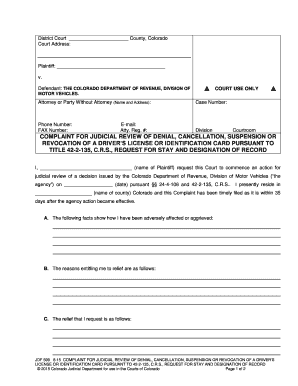
Jdf 599
The document is a legal complaint filed in the District Court of Colorado, requesting a judicial review of a decision ma ...

Co notice parent
The document is a legal notice from a Colorado court regarding a petition to change the name of a minor child. It inform ...
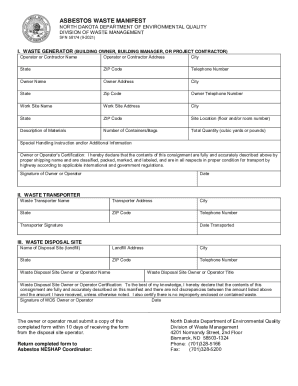
North Dakota Department of Environmental Quality Asbestos Waste Manifest North Dakota Department of
North Dakota Department of Environmental Quality Asbestos Waste Manifest North Dakota Department of
The document is an Asbestos Waste Manifest form issued by the North Dakota Department of Environmental Quality, detailin ...

Medquesthawaiidhsform1121
The document outlines the DHS 1124 form, which is used to authorize the Med-QUEST Division to obtain confidential inform ...

1 CENTERS FOR MEDICARE & MEDICAID SERVICES SPECIAL - med-quest
The document outlines the scope of services, reimbursement procedures, penalties, and reporting requirements for nursing ...
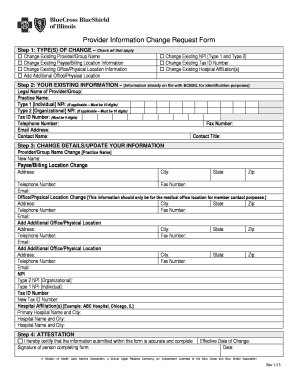
Bluecross information change request form
The document provides instructions for participating providers of BCBSIL to complete the Provider Information Change Req ...

Dgba updates download
The document outlines the procedures for handling employee complaints and grievances within an organization, emphasizing ...
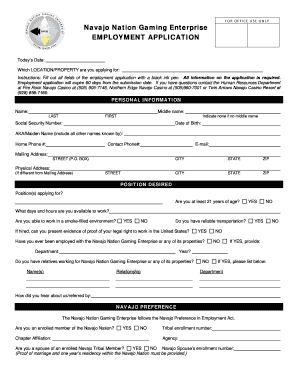
Navajo nation gaming application
The document is an employment application for the Navajo Nation Gaming Enterprise, requiring applicants to provide perso ...