What is the difference between a cost-plus and a fixed-price construction contract?
Most contracts have a cost-plus fee scale of 10-25%. A contractor would use takeoff software to calculate the materials costs, but they wouldnt need to be exact. Some companies use a cost-plus-fixed-fee (CPFF) instead of a percentage.
Related Searches
Construction contract cost plus or fixed fee maine pdfMaine construction contract TemplateMaine home construction contracts ActMaine UNIFORM COMMERCIAL CODEMaine unfair Trade Practices ActGeneral contractor MaineGeneral contractor license MaineMaine handyman laws
Security and compliance
At DocHub, your data security is our priority. We follow HIPAA, SOC2, GDPR, and other standards, so you can work on your documents with confidence.
Cost Limitation - Construction Contracts.--The amount of obligated capital costs recognized as capital costs cannot exceed the estimated construction costs
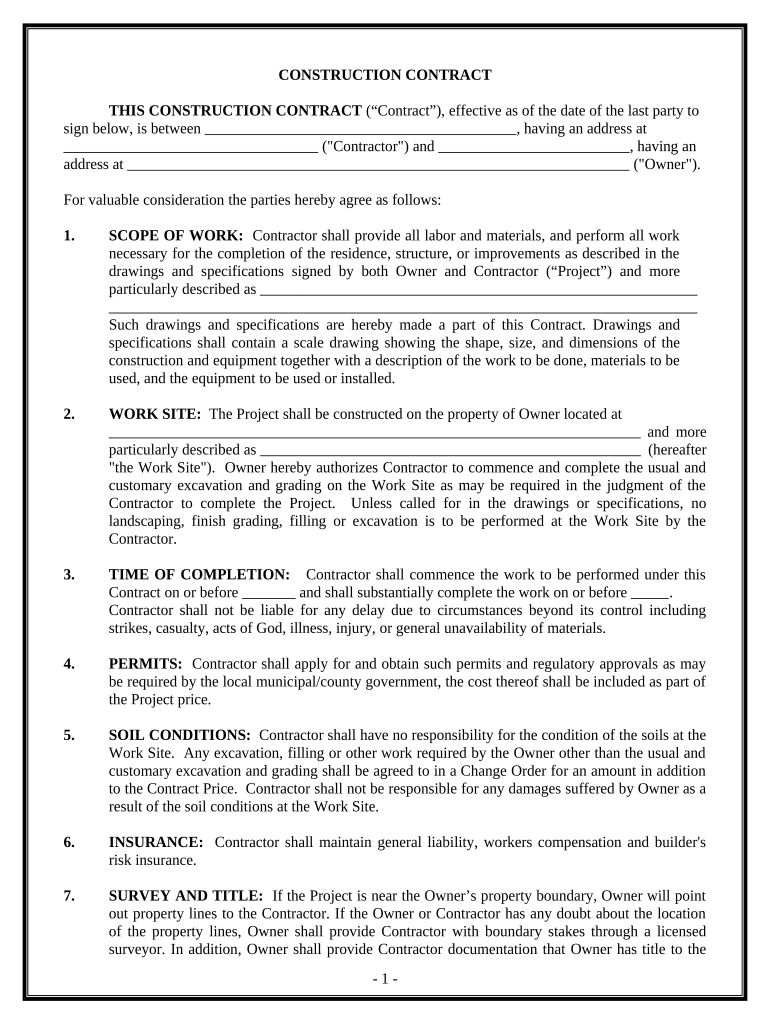
Any home construction contract for more than $3,000 in materials or labor must be in writing and must be signed by both the home construction contractor and
C.M.R. 18, 554, ch. 1, STATE OF MAINE GUIDELINES FOR A
Where separate contracts are involved or where the construction is to be performed on a cost plus fee basis, and additional charge should be negotiated.
Cookie consent notice
This site uses cookies to enhance site navigation and personalize your experience.
By using this site you agree to our use of cookies as described in our Privacy Notice.
You can modify your selections by visiting our Cookie and Advertising Notice.