
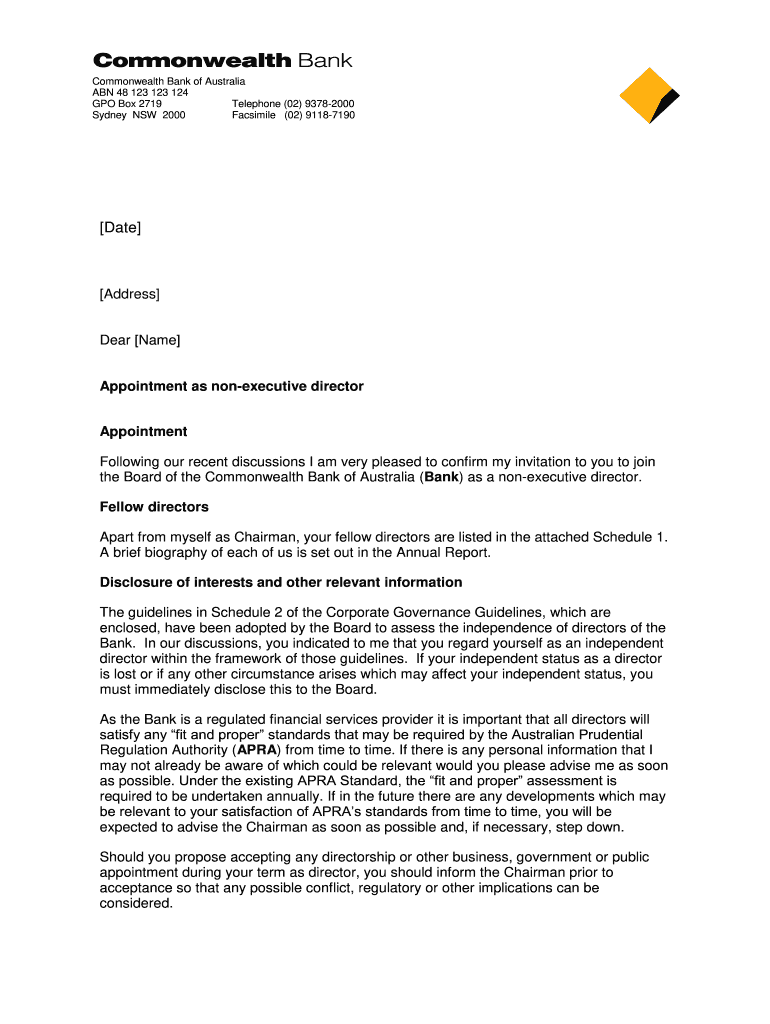







Definition and Meaning of Bank Deposit Slip CommBank
A bank deposit slip is a document that customers use to deposit funds into their bank accounts. The Commonwealth Bank of Australia (CommBank) provides specific deposit slips for this purpose. These slips help in recording the details of the deposit transaction, including the account number, the name of the depositor, and the amount being deposited. CommBank's deposit slips can be utilized for various types of transactions, whether depositing cash, checks, or other forms of currency directly into an account. Understanding the structure and purpose of a bank deposit slip is essential for ensuring accurate and efficient banking transactions.
How to Use the Bank Deposit Slip CommBank
To effectively use a CommBank deposit slip, follow these steps:
-
Obtain a Slip: You can either download a printable version of the Commonwealth Bank deposit slip from the bank's website or request one at your local branch.
-
Fill in Your Details:
- Account Number: Enter the account number into which you wish to deposit funds. Ensure this is accurate to avoid delays.
- Depositor Information: Include the name of the individual or entity making the deposit.
- Deposit Amount: Clearly write the total amount being deposited, separated by cash and checks if applicable.
-
Check Your Information: Review all filled sections for accuracy. Errors can lead to complications in the handling of your deposits.
-
Submit the Slip: Present the completed deposit slip with your funds at a bank teller or use the deposit box available in the branch.
By following these steps, you can ensure a smooth deposit process.
How to Obtain the Bank Deposit Slip CommBank
Acquiring a Commonwealth Bank deposit slip can be done through various methods:
- Download from Website: Access the CommBank official website and navigate to the section for banking forms. Here, you can find and download the bank deposit slip PDF, which you can print and fill out at your convenience.
- In-Person at Branch: Visit any Commonwealth Bank branch and request a deposit slip from a teller. The staff can also assist you if you have questions regarding the completion of the slip.
- Mobile Banking App: If you are a CommBank customer, you may find an option to access deposit slips within the mobile banking app. This feature enhances the convenience of managing your finances.
These options ensure that you have access to the deposit slip when needed, simplifying your banking experience.
Steps to Complete the Bank Deposit Slip CommBank
Filling out a Commonwealth Bank deposit slip accurately is crucial for processing your deposit without hitches. The following steps will guide you in completing the slip:
-
Date: Write the date when the deposit is being made at the top of the slip.
-
Account Information:
- Fill in your full account name.
- Clearly indicate your account number; verify its accuracy carefully.
-
Details of the Deposit:
- Specify the amounts being deposited under various categories:
- Cash: Count and insert the cash amount directly.
- Checks: Enter the amount and provide details for each check being deposited, including the check number and the issuer.
- Specify the amounts being deposited under various categories:
-
Total Amount: Calculate the total deposit amount and write it in the designated section to confirm what you are depositing.
-
Signature: Sign the slip at the end to validate the transaction and confirm that everything is accurate.
By adhering to these detailed instructions, you can ensure that your deposit is processed smoothly and without delay.
Important Terms Related to Bank Deposit Slip CommBank
When utilizing the Commonwealth Bank deposit slip, it is helpful to understand key terms related to the process:
- Depositor: The individual or entity that is making the deposit.
- Account Number: A unique number assigned to your bank account, used to identify the account when processing transactions.
- Deposit Amount: The total sum of cash and checks being deposited into the account.
- Teller: A bank employee who assists customers with transactions, including accepting deposits.
- Deposit Box: A secure drop-off point in bank branches where deposits can be made while the branch is closed.
Having a grasp of these terms can streamline the deposit process, allowing for clear communication with banking staff if needed.
Examples of Using the Bank Deposit Slip CommBank
Consider various situations where a Commonwealth Bank deposit slip might be utilized:
-
Personal Deposits: An individual wishes to deposit their paycheck. They would fill out the deposit slip, noting the exact amount and their account information, and then submit it to the teller at their local branch.
-
Business Transactions: A small business may receive various cash payments and checks from customers. Using the deposit slip, the business owner can consolidate the amounts and make bulk deposits to their business account, ensuring accurate accounting records.
-
Gifts or Inheritance: An individual inherits a sum of money and uses the bank deposit slip to deposit the lump sum into a personal savings or checking account.
These practical examples illustrate common usages of the deposit slip, highlighting how it aids in financial transactions for various purposes.




