Massachusetts contract 2026

Get Form
massachusetts contract Preview on Page 1

Here's how it works

01. Edit your form online
Type text, add images, blackout confidential details, add comments, highlights and more.
02. Sign it in a few clicks
Draw your signature, type it, upload its image, or use your mobile device as a signature pad.
03. Share your form with others
Send it via email, link, or fax. You can also download it, export it or print it out.

How to use or fill out Massachusetts Contract with Our Platform

Form edit decoration
9.5
Ease of Setup
DocHub User Ratings on G2
9.0
Ease of Use
DocHub User Ratings on G2
  1. Click ‘Get Form’ to open the Massachusetts Contract in the editor.
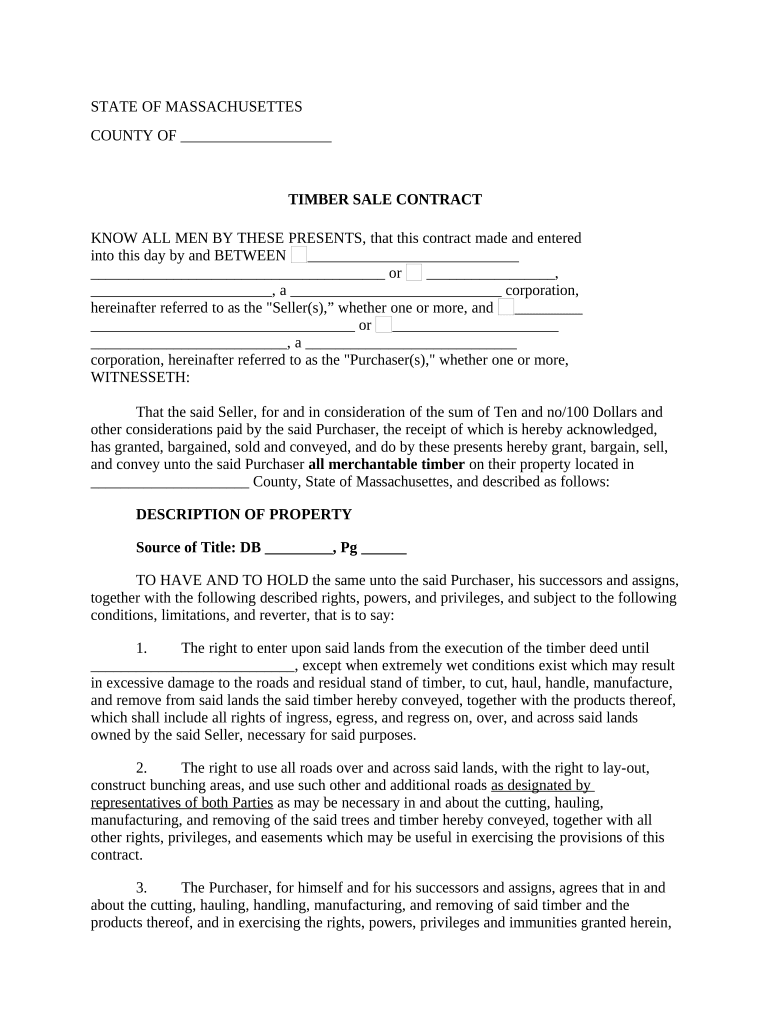
  2. Begin by filling in the 'Seller' and 'Purchaser' sections. Enter the names of both parties involved in the contract, ensuring accuracy for legal purposes.
  3. In the 'Description of Property' section, provide detailed information about the property where the timber is located, including county and source of title.
  4. Complete the rights and responsibilities outlined in sections 1 through 8. Pay special attention to conditions regarding timber removal and management practices as specified in Exhibit A.
  5. Fill out any financial details, such as deposit amounts and payment rates for timber cut but not sold. Ensure all monetary figures are accurate.
  6. Finalize by signing and dating the document. If applicable, include witness signatures and notary acknowledgments as required.

Start using our platform today to streamline your document editing and signing process for free!

be ready to get more

Complete this form in 5 minutes or less

Get form

Got questions?

We have answers to the most popular questions from our customers. If you can't find an answer to your question, please contact us.
Contact us
The Massachusetts employment contract signifies recent employment within an organization. Issued by the employer, the contract will declare the position, wage, and benefits for the new employee. Once both parties are in accordance with the terms, employment will be established.
You must be registered in COMMBUYS, the states purchasing and procurement system, to respond to a Statewide Contract bid and, if awarded, transact business with the Commonwealth. It takes about 5-10 minutes to get registered and its free.
To form a contract, the parties must mutually agree to the terms and conditions of their promises. This is often referred to as mutuality or a meeting of the minds. When an agreement is mutual, it means that the parties communicated to each other their agreement to the same terms and conditions.
However, if you are unable to locate your vendor code, you can contact the Commonwealth agency you are currently doing business with and ask them for your VC (vendor code) number. The department will ask for your TIN number which is located on the businesses W9 form/1099 form.
The Master Agreement (MA) document sets prices, terms, and conditions, by which you can purchase itemized goods or services from a vendor at a negotiated price. A Master Agreement does not commit you to make a purchase, and therefore carries no funding information. You use Master Agreements to meet recurring needs.

Security and compliance

At DocHub, your data security is our priority. We follow HIPAA, SOC2, GDPR, and other standards, so you can work on your documents with confidence.

Learn more
ccpa2
pci-dss
gdpr-compliance
hipaa
soc-compliance

People also ask

Yes. Employment contracts are enforceable in Massachusetts. When an employer and an employee enter into a written and signed employment contract, both parties will be held to the terms of the contract.
A contract is a voluntary, legally enforceable promise between two competent to perform (or not to perform) parties some legal act in exchange for consideration.

Related links