




01. Edit your strawman account online
Type text, add images, blackout confidential details, add comments, highlights and more.

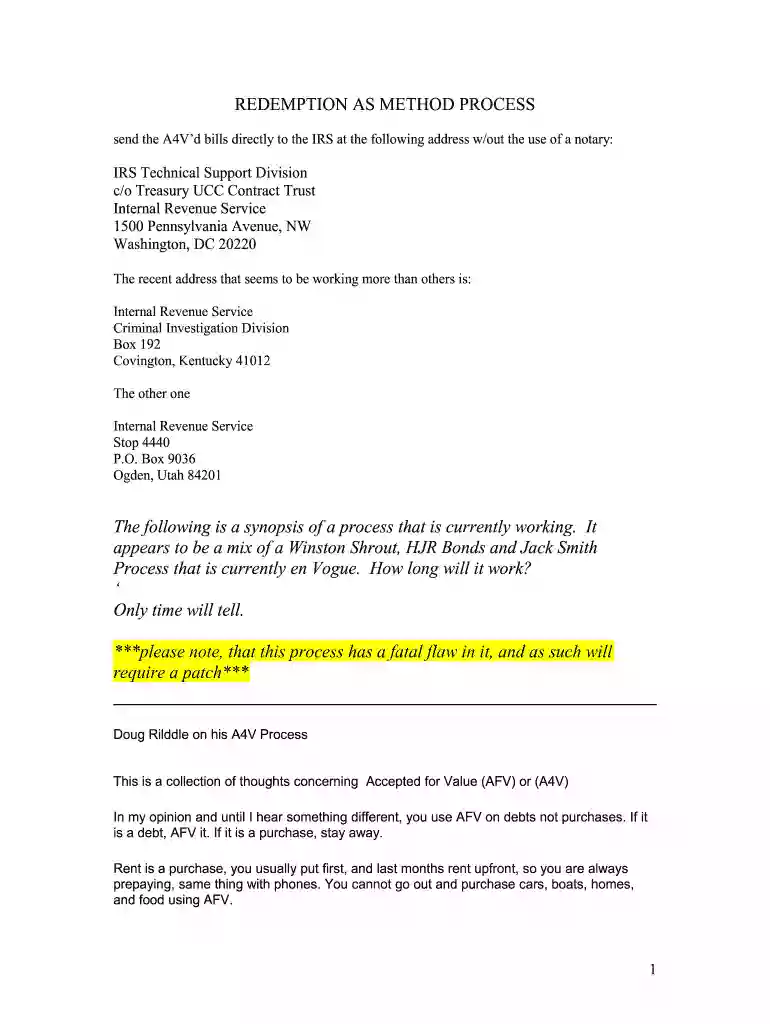
Type text, add images, blackout confidential details, add comments, highlights and more.

Draw your signature, type it, upload its image, or use your mobile device as a signature pad.

Send strawman account access via email, link, or fax. You can also download it, export it or print it out.

Start filling out your UCC Contract Trust Account today for free and experience seamless document management!
At DocHub, your data security is our priority. We follow HIPAA, SOC2, GDPR, and other standards, so you can work on your documents with confidence.
(4) Bank means a person engaged in the business of banking and includes a savings bank, savings and loan association, credit union, and trust company.Read more
The exact terms and conditions of this document will be set forth in the final document that is executed by each party. EXHIBIT A TO UCC-l FINANCING STATEMENT.Read more
The contract negotiation process is designed to achieve reasonable contract terms and clear of all mortgages, deeds of trust, UCC-1s, and other liensRead more


