Type text, add images, blackout confidential details, add comments, highlights and more.
02. Sign it in a few clicks
Draw your signature, type it, upload its image, or use your mobile device as a signature pad.
03. Share your form with others
Send easement paperwork via email, link, or fax. You can also download it, export it or print it out.
How to use or fill out Ohio Easement with our platform
Ease of Setup
DocHub User Ratings on G2
Ease of Use
DocHub User Ratings on G2
Click ‘Get Form’ to open the Ohio Easement document in the editor.
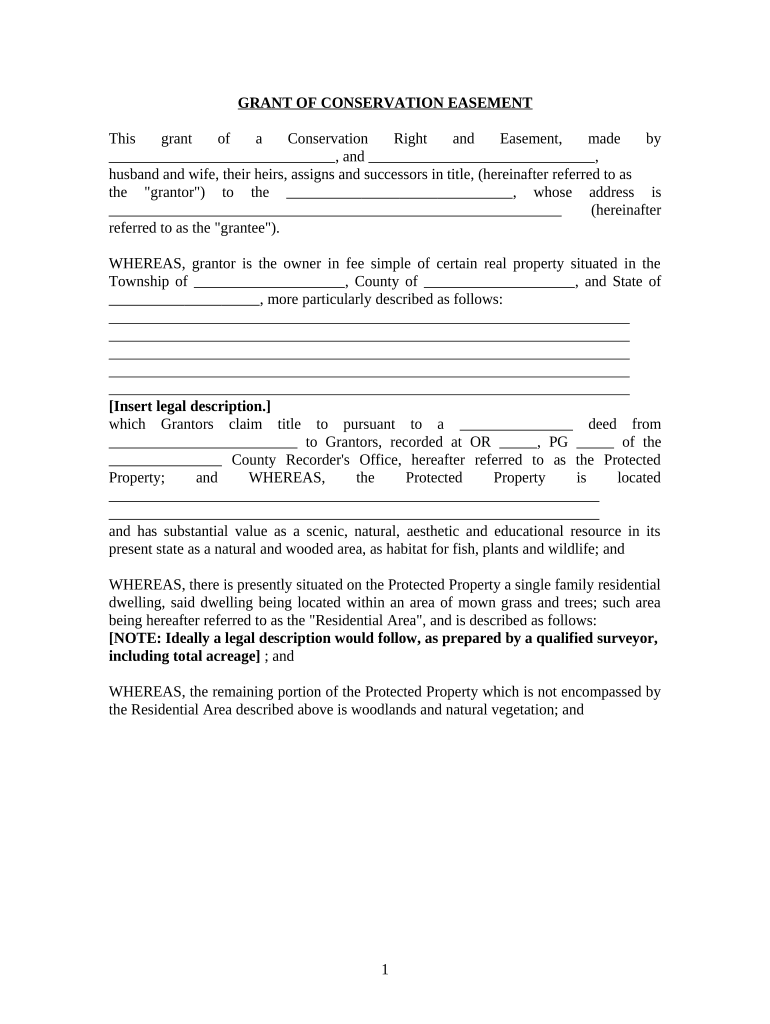
Begin by filling in the names of the grantors at the top of the form, ensuring you include both parties' full names.
Next, provide the address of the grantee. This is essential for identifying who will hold the easement rights.
In the section detailing the Protected Property, insert a legal description of the property. This should be as precise as possible to avoid any ambiguity.
Review and complete each section regarding rights reserved by grantors and prohibited uses. Make sure to understand what activities are allowed or restricted on the property.
Finally, ensure all signatures are collected where indicated, including notarization for legal validation.
Start using our platform today to easily fill out your Ohio Easement form online for free!
What are the 3 types of easementsWho owns an easementCan a property owner block an easementWhat is an easement on a houseWhat are the 4 types of easementsEasement examplesAep easement mapHow wide is a utility easement in ohio
Security and compliance
At DocHub, your data security is our priority. We follow HIPAA, SOC2, GDPR, and other standards, so you can work on your documents with confidence.
Cookie consent notice
This site uses cookies to enhance site navigation and personalize your experience.
By using this site you agree to our use of cookies as described in our Privacy Notice.
You can modify your selections by visiting our Cookie and Advertising Notice.