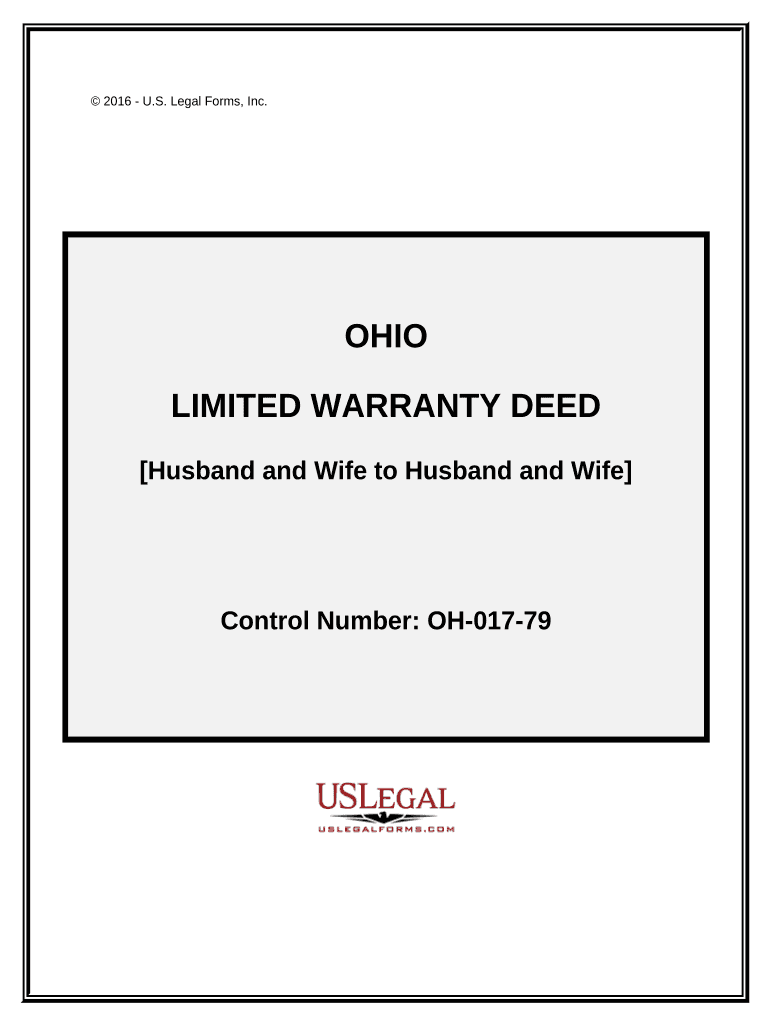
Ohio limited warranty 2026

Get Form
ohio limited warranty deed Preview on Page 1

Here's how it works

01. Edit your ohio limited warranty deed online
Type text, add images, blackout confidential details, add comments, highlights and more.
02. Sign it in a few clicks
Draw your signature, type it, upload its image, or use your mobile device as a signature pad.
03. Share your form with others
Send it via email, link, or fax. You can also download it, export it or print it out.

How to use or fill out Ohio Limited Warranty with our platform

Form edit decoration
9.5
Ease of Setup
DocHub User Ratings on G2
9.0
Ease of Use
DocHub User Ratings on G2
  1. Click ‘Get Form’ to open the Ohio Limited Warranty in the editor.
  2. Begin by entering the names of the Grantors (Husband and Wife) in the designated fields. Ensure that you accurately reflect their legal names.
  3. Next, specify how the Grantees will hold the property. Choose between 'Tenants in Common' or 'Joint Tenants with Right of Survivorship' based on your preference.
  4. Fill in the legal description of the property as indicated in Exhibit A. This may require referencing additional documents for accuracy.
  5. Complete the signature section by having both Grantors sign and date the document. If applicable, include signatures from spouses.
  6. Finally, ensure all required fields are filled out before saving or exporting your completed warranty deed for distribution.

Start using our platform today to easily complete your Ohio Limited Warranty form online for free!

be ready to get more

Complete this form in 5 minutes or less

Get form

Got questions?

We have answers to the most popular questions from our customers. If you can't find an answer to your question, please contact us.
Contact us
No, a warranty deed does not prove ownership. A title search is the best way to prove that a grantor rightfully owns a property. The warranty deed is a legal document that offers the buyer protection. In other words, the property title and warranty deed work in tandem together.
General Warranty Deed: A General Warranty Deed provides buyers with the highest level of protection. It guarantees the propertys title against all claims and encumbrances, even those that predate the sellers ownership. In contrast, a Limited Warranty Deed only covers the period of the sellers right.
A full warranty covers more damage types or product parts than a limited warranty, but both warranty types can have exclusions and exceptions. Just because a consumer product comes with a warranty, either written or implied, does not mean the business will fix or replace it in all circumstances.
You can sell as a warranty deed but this means you are warranting clean title and the buyer can come back to you, you should only provide a warranty deed if theres a title company/title insurance being purchased.
An implied warranty is a legal obligation that the law will recognize in the absence of explicit warranties or promises by a product manufacturer. An implied warranty exists as a matter of circumstances and the exact nature of the implied warranty will vary depending on the type of product involved.

Security and compliance

At DocHub, your data security is our priority. We follow HIPAA, SOC2, GDPR, and other standards, so you can work on your documents with confidence.

Learn more
ccpa2
pci-dss
gdpr-compliance
hipaa
soc-compliance

People also ask

Special Warranty Deed Risks: The limited protection may expose buyers to title issues that arose before the sellers ownership period. This can be risky, especially for older properties or those with a complicated title history.
This type of deed provides limited protection, covering only the period when the seller owned the property. For many homebuyers, especially those in residential transactions, this might feel less secure compared to a general warranty deed.
In a Limited Warranty Deed, the seller guarantees that they have not caused any defects in title during their ownership, but they do not warrant against defects that may have existed before their ownership. Essentially, the seller is only responsible for title issues that occurred while they owned the property.

Related links