New york deed 2026

Get Form
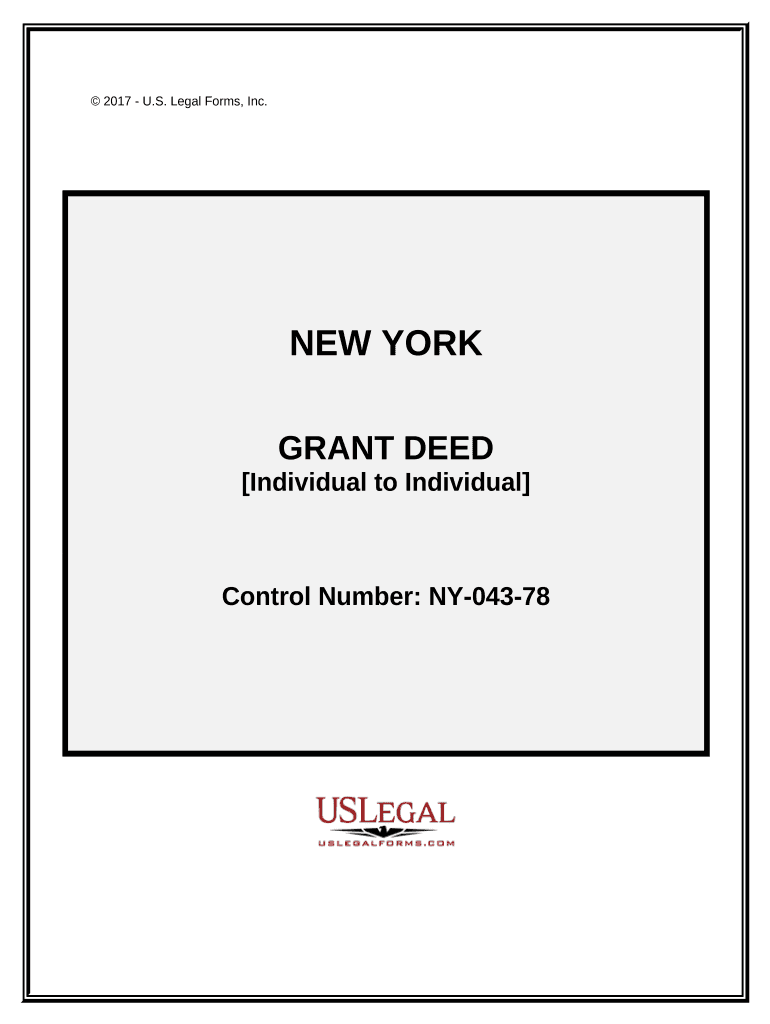
new york deed Preview on Page 1

Here's how it works

01. Edit your form online
Type text, add images, blackout confidential details, add comments, highlights and more.
02. Sign it in a few clicks
Draw your signature, type it, upload its image, or use your mobile device as a signature pad.
03. Share your form with others
Send it via email, link, or fax. You can also download it, export it or print it out.

How to use or fill out New York Deed with our platform

Form edit decoration
9.5
Ease of Setup
DocHub User Ratings on G2
9.0
Ease of Use
DocHub User Ratings on G2
  1. Click ‘Get Form’ to open the New York Grant Deed in the editor.
  2. Begin by entering the date of execution at the top of the form. This is crucial for legal validity.
  3. In the 'BY AND BETWEEN' section, input the names of both parties involved in the transaction. Ensure accuracy to avoid future disputes.
  4. Next, provide a detailed legal description of the property being transferred. If you have an Exhibit A, attach it as instructed.
  5. Complete the acknowledgment section by filling in your name and signature, along with that of a notary public if required.
  6. Review all entered information for accuracy before saving or printing your completed deed.

Start using our platform today to streamline your document editing and signing process for free!

be ready to get more

Complete this form in 5 minutes or less

Get form

Got questions?

We have answers to the most popular questions from our customers. If you can't find an answer to your question, please contact us.
Contact us

Sure, and it’s really straightforward! DocHub is a web-based PDF editor with advanced document management functions that allow you rapidly edit your forms, fill out empty fields and insert new ones for other people to fill out, and create electronic signatures in several ways. Upload your new york deed, provide information as required, and select how you want to eSign your document - by typing your name, drawing your signature, uploading its picture, or utilizing a QR code.

You need only an internet connection and a browser to complete your new york deed on an iOS phone. Open the DocHub website and authenticate. Then, add your file or choose it from the list in your dashboard. Then use our editing instruments to complete your form and preserve all your modifications. You can also send it to a dedicated recipient straight away.

You can search for property records and property ownership information online, in person, or over the phone with a 311 representative. Property owners of all boroughs except Staten Island can visit ACRIS. To search documents for Staten Island property, visit the Richmond County Clerks website.
Property records are public. People may use these records for background information on purchases, mortgages, asset searches, and other legal and financial transactions.
In New York, there are several different types of deeds, depending on what rights are being transferred and who is transferring the rights.

Security and compliance

At DocHub, your data security is our priority. We follow HIPAA, SOC2, GDPR, and other standards, so you can work on your documents with confidence.

Learn more
ccpa2
pci-dss
gdpr-compliance
hipaa
soc-compliance

People also ask

Check List for Recording Documents Avoiding Rejections: Grantor/Transferor/Seller is the same. Grantee/Transferee/Buyer is the same. Deed must be completed with names and address of Grantor(s) Grantee(s) Grantor(s) must be properly acknowledged by a notary public. All signatures must be original.
Components of a deed in New York include: Property Description: Detailed information about the property being transferred. Grantor and Grantee: The names of the seller (grantor) and the buyer (grantee). Consideration: The value exchanged for the property, often the purchase price.

Related links