Type text, add images, blackout confidential details, add comments, highlights and more.
02. Sign it in a few clicks
Draw your signature, type it, upload its image, or use your mobile device as a signature pad.
03. Share your form with others
Send it via email, link, or fax. You can also download it, export it or print it out.
How to use or fill out nj disclosure statement with our platform
Ease of Setup
DocHub User Ratings on G2
Ease of Use
DocHub User Ratings on G2
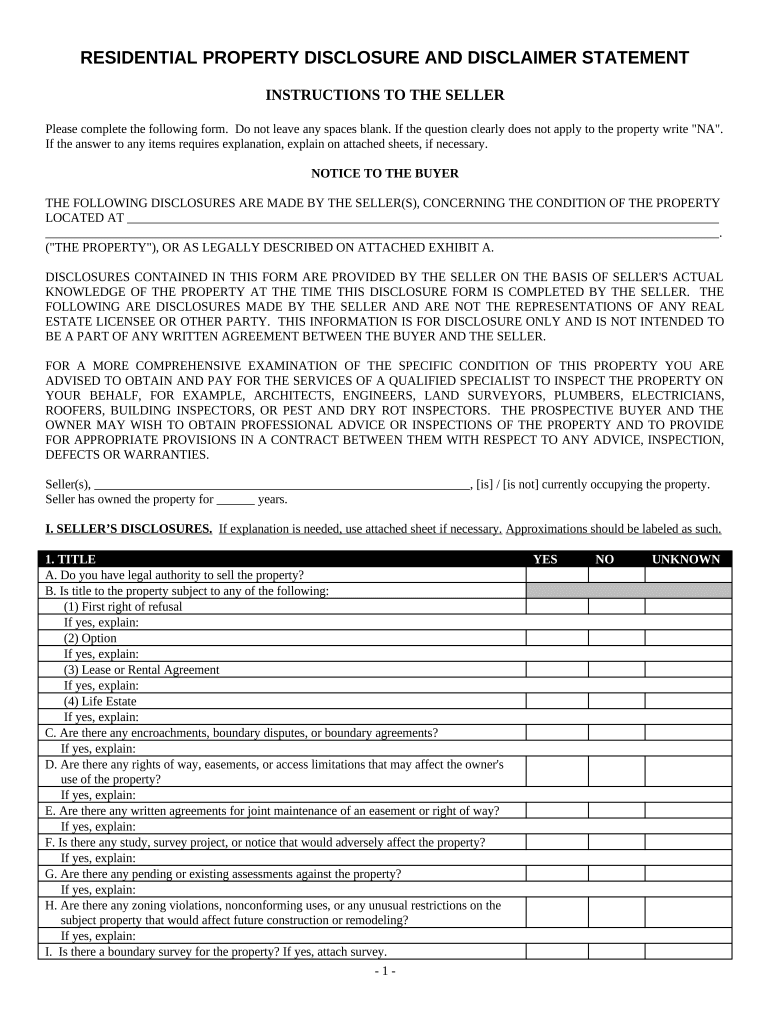
Click ‘Get Form’ to open the nj disclosure statement in the editor.
Begin by filling in your name and the property address at the top of the form. Ensure all fields are completed accurately.
In the 'Seller’s Disclosures' section, answer each question regarding title, water source, sewer system, and structural details. If any question does not apply, write 'NA'.
For questions requiring explanations, utilize attached sheets if necessary. Be thorough in your responses to provide clarity for potential buyers.
Review your answers carefully before saving or exporting the document. This ensures that all information is correct and complete.
Start using our platform today to easily fill out your nj disclosure statement for free!
The purpose of this Disclosure Statement is to disclose, to the best of Sellers knowledge, the condition of the Property, as of the date set forth below. TheRead more
Cookie consent notice
This site uses cookies to enhance site navigation and personalize your experience.
By using this site you agree to our use of cookies as described in our Privacy Notice.
You can modify your selections by visiting our Cookie and Advertising Notice.