




01. Edit your form online
Type text, add images, blackout confidential details, add comments, highlights and more.

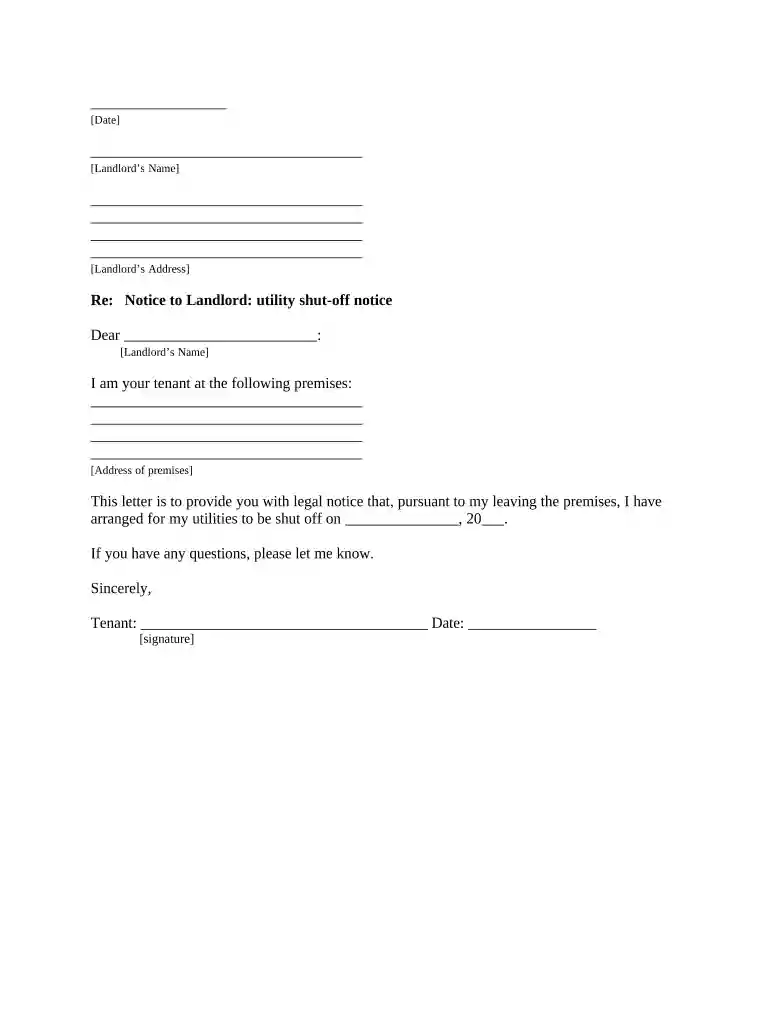
Type text, add images, blackout confidential details, add comments, highlights and more.

Draw your signature, type it, upload its image, or use your mobile device as a signature pad.

Send it via email, link, or fax. You can also download it, export it or print it out.

Start using our platform today to easily complete and manage your tenant shut off notice online, for free!
At DocHub, your data security is our priority. We follow HIPAA, SOC2, GDPR, and other standards, so you can work on your documents with confidence.


Tenant harassment. Tenant harassment can take many forms: from threats, to cutting off essential services like heat or hot water, to causing damage to yourRead more
Notify tenants at least 30 days before turning off service and of their right to receive continued service if the tenant pays an amount equal to the most recent.Read more
May 22, 2026 Manage multiple properties from a single platform, streamlining tasks such as lease management, rent collection, and maintenance requests.Read more


