Type text, add images, blackout confidential details, add comments, highlights and more.
02. Sign it in a few clicks
Draw your signature, type it, upload its image, or use your mobile device as a signature pad.
03. Share your form with others
Send it via email, link, or fax. You can also download it, export it or print it out.
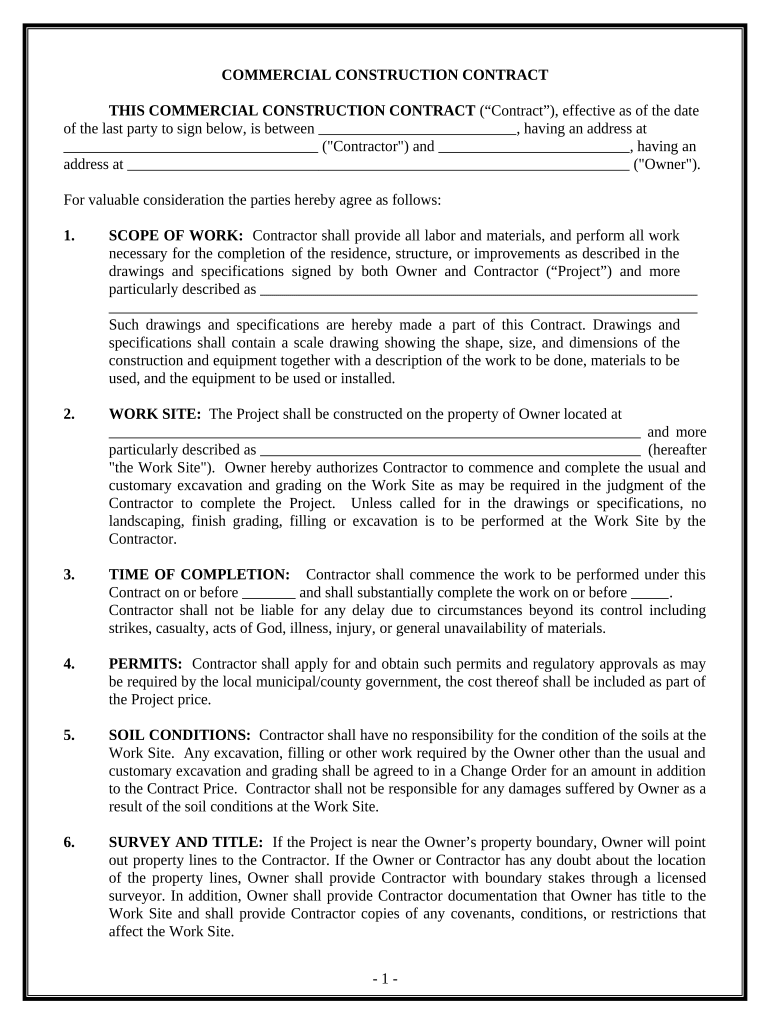
How to use or fill out Commercial Contract for Contractor - New Hampshire
Ease of Setup
DocHub User Ratings on G2
Ease of Use
DocHub User Ratings on G2
Click ‘Get Form’ to open it in the editor.
Begin by entering the names and addresses of both the Contractor and Owner in the designated fields at the top of the form.
In the 'SCOPE OF WORK' section, provide a detailed description of the project, including drawings and specifications that outline the work to be performed.
Specify the 'WORK SITE' address where construction will take place, ensuring accuracy for legal purposes.
Fill in the 'TIME OF COMPLETION' section with start and completion dates, noting any potential delays that may arise.
Complete sections regarding permits, soil conditions, and any changes to scope of work as necessary throughout your project.
Finally, review all entries for accuracy before signing. Ensure both parties sign and date at the end of the document.
Start using our platform today to streamline your contract editing process for free!
Fill out Commercial Contract for Contractor - New Hampshire online It's free
Commercial contract for contractor new hampshire templateCommercial contract for contractor new hampshire pdfState of NH bidsConstruction projects in NHNH ContractorsNH DOTNH APEX AcceleratorDoing business with nhdot
Security and compliance
At DocHub, your data security is our priority. We follow HIPAA, SOC2, GDPR, and other standards, so you can work on your documents with confidence.
N.H. Admin. Code Tra 401.05 - Prequalification Statement
(1) Complete legal business name of contractor submitting statement; ; (2) Complete legal business address; ; (3) Date of submission; ; (4) Telephone number;.Read more
Cookie consent notice
This site uses cookies to enhance site navigation and personalize your experience.
By using this site you agree to our use of cookies as described in our Privacy Notice.
You can modify your selections by visiting our Cookie and Advertising Notice.