Annual Minutes - Nebraska - Nebraska 2026

Get Form
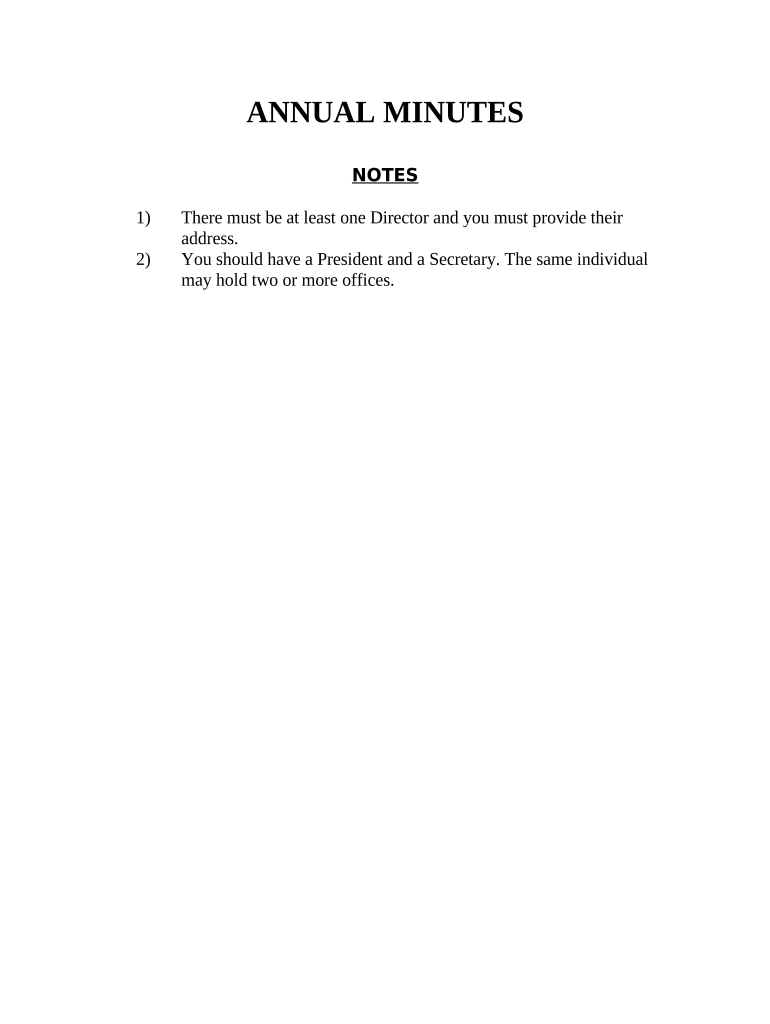
Annual Minutes - Nebraska - Nebraska Preview on Page 1

Here's how it works

01. Edit your form online
Type text, add images, blackout confidential details, add comments, highlights and more.
02. Sign it in a few clicks
Draw your signature, type it, upload its image, or use your mobile device as a signature pad.
03. Share your form with others
Send it via email, link, or fax. You can also download it, export it or print it out.

How to use or fill out Annual Minutes - Nebraska - Nebraska with our platform

Form edit decoration
9.5
Ease of Setup
DocHub User Ratings on G2
9.0
Ease of Use
DocHub User Ratings on G2
  1. Click ‘Get Form’ to open the Annual Minutes document in the editor.
  2. Begin by entering the name of your corporation in the designated field at the top of the form. This identifies which corporation the minutes pertain to.
  3. Fill in the names and addresses of at least one Director, as well as a President and a Secretary. Remember, one individual can hold multiple offices.
  4. In the 'Election of Directors' section, list each Director's name and address. Ensure that all required fields are completed for clarity.
  5. Proceed to approve actions taken by Directors from the previous year by checking or noting their acceptance in the appropriate section.
  6. For 'Election of Officers', fill in names corresponding to each office: President, Vice-President, Secretary, and Treasurer.
  7. Finally, ensure all Shareholders and Directors sign at the bottom of the document to validate these resolutions.

Start using our platform today for free to streamline your document editing and signing process!

be ready to get more

Complete this form in 5 minutes or less

Get form

Got questions?

We have answers to the most popular questions from our customers. If you can't find an answer to your question, please contact us.
Contact us
Minutes are not supposed to be verbatim and including too much detail may only provide ammunition that may be used against the board in a lawsuit. However, with too little detail the minutes may be useless and may leave an impression that the board did not adequately consider one or more matters.
How To Take Meeting Minutes Name of the organisation. Purpose of the meeting. Start and end times. Date and location. List of attendees and absentees. Space for important information, such as decisions made and responsibilities delegated. Space for signatures. An agenda (consult the meeting leader if in doubt)
Heres a simple template you can refer to next time you need to take meeting minutes: Organization Name. Meeting Minutes. Date: Opening: The meeting was called to order at [Time] by [Name] at [Location]. Present: [List of all present members] Absent: Approval of Agenda: Approval of Minutes:
Include meeting date, time, location, attendees, and purpose. Use consistent formatting through templates or board minutes software. Create backup copies of final documents for security. Take complete attendance: List all attendees, including executives, management, employees, and guests.
Corporate meeting minutes typically include: The meetings date, time and location. A list of attendees and absentees, including any present board members or officers. Agenda items. Summaries of all discussion points. Details of all activities completed or agreed upon. Results of any votes or motions.

Security and compliance

At DocHub, your data security is our priority. We follow HIPAA, SOC2, GDPR, and other standards, so you can work on your documents with confidence.

Learn more
ccpa2
pci-dss
gdpr-compliance
hipaa
soc-compliance
be ready to get more

Complete this form in 5 minutes or less

Get form