




Here's how it works

01. Edit your massachusetts form m 3 fillable online
Type text, add images, blackout confidential details, add comments, highlights and more.

02. Sign it in a few clicks
Draw your signature, type it, upload its image, or use your mobile device as a signature pad.

03. Share your form with others
Send massachusetts form 3m via email, link, or fax. You can also download it, export it or print it out.
How to use or fill out m 3m form with our platform

- Click ‘Get Form’ to open the m 3m form in the editor.
- Begin by entering your Federal Identification Number at the top of the form. Ensure this number is accurate as it is crucial for processing.
- Fill in the Business Name and Business Address fields. If any information is incorrect, refer to the instructions provided on the form.
- Indicate if this is a final return by checking the appropriate box.
- Complete line 1 by entering the total number of employees during the year. This figure should reflect your workforce accurately.
- On line 2, input the total number of W-2 forms enclosed with your submission.
- For line 3, enter the total Massachusetts tax withheld as shown on your W-2 forms. This amount is essential for reconciliation.
- Proceed to line 4 and record the total amount withheld per line 3 of your monthly returns, which can be found on the reverse side of this form.
- Finally, complete line 5 with the total amount remitted from your records. If there are discrepancies between lines 3 and 4, provide an explanation on the back of this form.
Start filling out your m 3m form online for free today!
Fill out m 3m form online
It's free
It's free
Security and compliance
At DocHub, your data security is our priority. We follow HIPAA, SOC2, GDPR, and other standards, so you can work on your documents with confidence.
Learn more


Related forms

The following subsections describe the existing surface water resources, drainage
The document is an Environmental Impact Statement (EIS) for the Fort Lauderdale-Hollywood International Airport, focusin ...
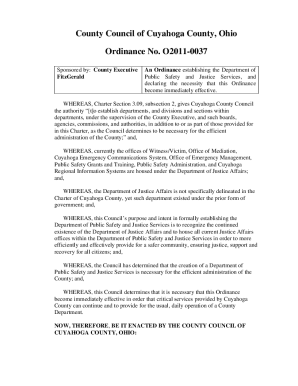
AGENDA CUYAHOGA COUNTY COUNCIL REGULAR
The document is an ordinance from the County Council of Cuyahoga County, Ohio, establishing the Department of Public Saf ...

Resource Commission
The document is an ordinance from the County Council of Cuyahoga County, Ohio, which outlines the adoption of changes to ...

Y:Process ServerCode Section 7-204Code Section Book I22002 wpd The Washington Report - superiorcourt
Y:Process ServerCode Section 7-204Code Section Book I22002 wpd The Washington Report - superiorcourt
The document is a motion for exemption from the Parenting Information Program filed in the Superior Court of Arizona, Ma ...

Entrance permit doc
The document is an application form from the Mahaska County Highway Department for constructing an entrance from private ...
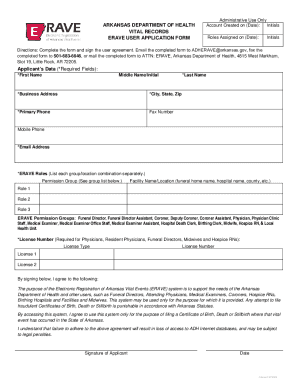
ERAVE User Application Form - Arkansas Department of Health
The document is an application form for users seeking access to the Electronic Registration of Arkansas Vital Events (ER ...
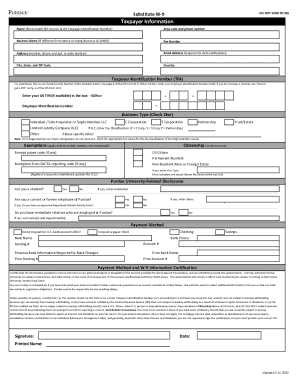
W-9 Form
The document is a Substitute W-9 form used to collect taxpayer information for individuals and entities, including their ...

Certification and recertification blank forms