Type text, add images, blackout confidential details, add comments, highlights and more.
02. Sign it in a few clicks
Draw your signature, type it, upload its image, or use your mobile device as a signature pad.
03. Share your form with others
Send it via email, link, or fax. You can also download it, export it or print it out.
How to use or fill out levy earnings with our platform
Ease of Setup
DocHub User Ratings on G2
Ease of Use
DocHub User Ratings on G2
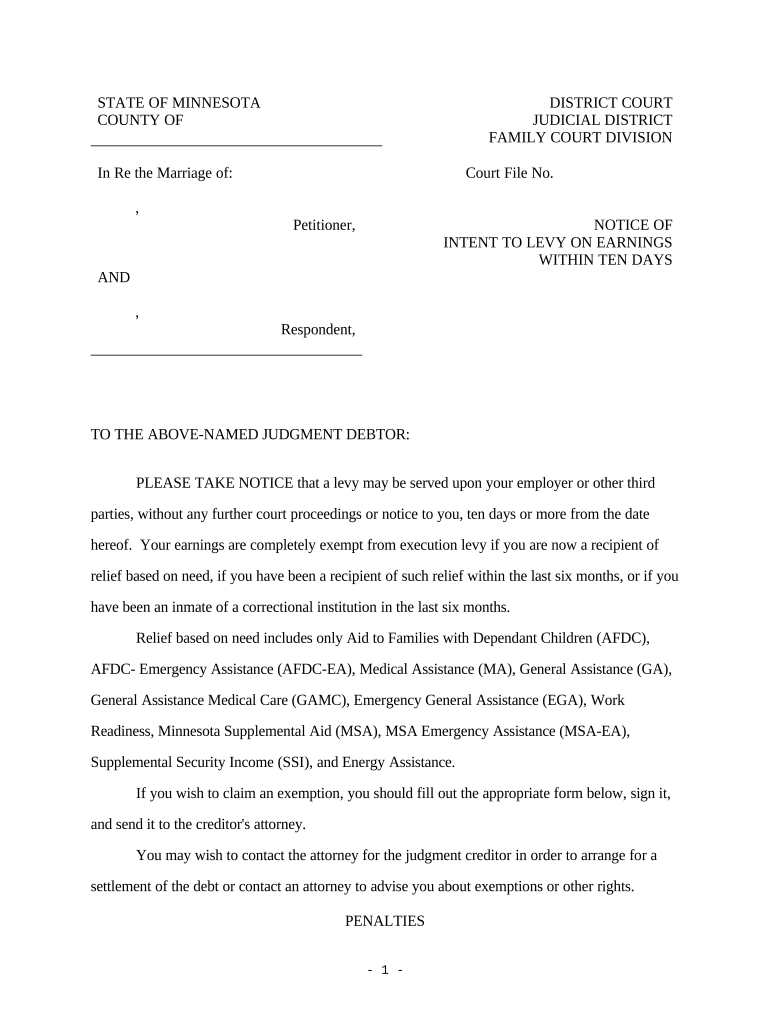
Click ‘Get Form’ to open the levy earnings document in the editor.
Begin by filling in your personal information at the top of the form, including your name and address. Ensure accuracy as this information is crucial for processing.
In the exemption claim section, indicate if you are currently receiving relief based on need. Specify the program, case number, and county where applicable.
If you have received relief within the last six months but are not currently receiving it, provide details in the corresponding fields.
For those who have been inmates in a correctional institution within the last six months, fill out that section with the institution's name and location.
Review all entries for completeness and accuracy before signing at the bottom of the form. Make sure to send a copy to the creditor or their attorney as required.
Start using our platform today to easily complete your levy earnings form online for free!
26 CFR 404.6334(d)-1 - Minimum exemption from levy for
This section contains rules relating to the minimum amount of wages, salary, or other income which is exempt from levy for each such payroll period.Read more
Information about wage levies | Internal Revenue Service
Mar 13, 2026 Part of your wages may be exempt from the levy and the exempt amount will be paid to you. The exempt amount is based on the standard deduction.Read more
Implementing a guaranteed income could provide financial stability for workers displaced by automation, potentially funded by additional contributions from
Cookie consent notice
This site uses cookies to enhance site navigation and personalize your experience.
By using this site you agree to our use of cookies as described in our Privacy Notice.
You can modify your selections by visiting our Cookie and Advertising Notice.