




Here's how it works

01. Edit your form b 230 online
Type text, add images, blackout confidential details, add comments, highlights and more.

02. Sign it in a few clicks
Draw your signature, type it, upload its image, or use your mobile device as a signature pad.

03. Share your form with others
Send b 230 via email, link, or fax. You can also download it, export it or print it out.
How to use or fill out Connecticut Valid Department Online

- Click ‘Get Form’ to open it in the editor.
- Begin by entering your last name, first name, and middle initial in the designated fields. Ensure that all names are printed clearly.
- Provide your mailing address, including city, state, and zip code. If your resident address differs from your mailing address, fill in that information as well.
- Indicate your sex and height by selecting the appropriate options. Fill in your eye color for identification purposes.
- Answer whether you are a U.S. citizen. If not, list your alien registration number as required.
- Complete the sections regarding any existing licenses or ID cards you may have from other states or territories.
- If applicable, indicate if you wish to be included in the organ/tissue donor registry by checking 'Yes' or 'No'.
- Review all entered information for accuracy before submitting the form through our platform.
Start using our editor today to complete your Connecticut Identification Card application effortlessly!
Fill out connecticut valid department online online
It's free
See more connecticut valid department online versions
We've got more versions of the connecticut valid department online form. Select the right connecticut valid department online version from the list and start editing it straight away!
Security and compliance
At DocHub, your data security is our priority. We follow HIPAA, SOC2, GDPR, and other standards, so you can work on your documents with confidence.
Learn more


Related forms
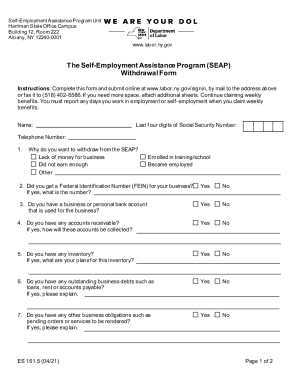
Apply form
The document is a withdrawal form for the Self-Employment Assistance Program (SEAP) in New York. It provides instruction ...
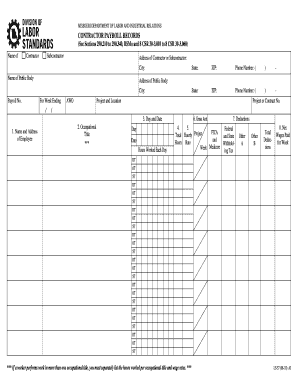
Ls 57 form
The document outlines the requirements for contractor payroll records as mandated by the Missouri Department of Labor an ...

West virginia appeal form
The document is a Notice of Appeal form for the Supreme Court of Appeals of West Virginia, intended for use when appeali ...
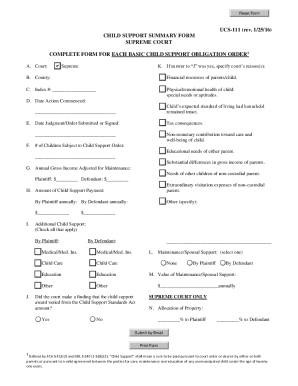
Nys form child support
The document is a Child Support Summary Form used by the Supreme Court in New York State. It requires detailed informati ...
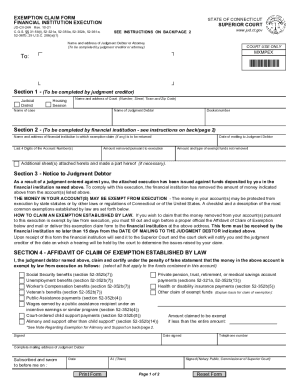
Jud ct WebForms formsEXEMPTION CLAIM FORM - Connecticut Judicial Branch
The document is an Exemption Claim Form used in the State of Connecticut for judgment debtors to claim that funds remove ...
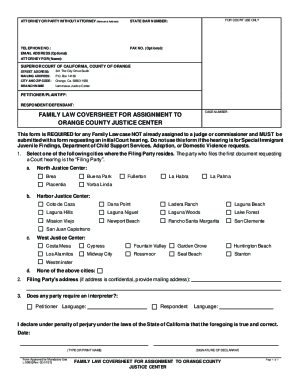
California order ex parte
The document is a self-help form packet from the Superior Court of California, County of Orange, designed for individual ...
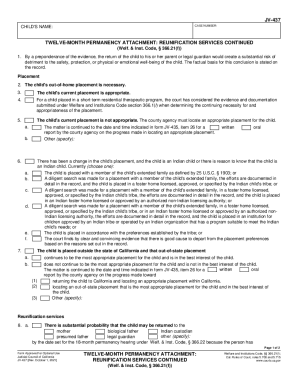
Twelve continued form
The document JV-437 outlines the court's findings regarding the permanency and placement of a child in foster care, emph ...
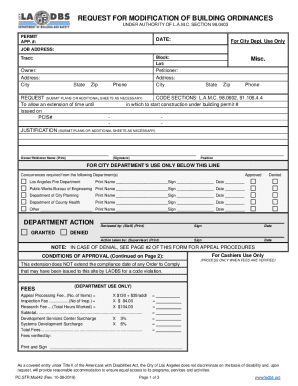
X ladbs
The document is a request form for the modification of building ordinances under the authority of the Los Angeles Munici ...