




Here's how it works

01. Edit your form online
Type text, add images, blackout confidential details, add comments, highlights and more.

02. Sign it in a few clicks
Draw your signature, type it, upload its image, or use your mobile device as a signature pad.

03. Share your form with others
Send it via email, link, or fax. You can also download it, export it or print it out.
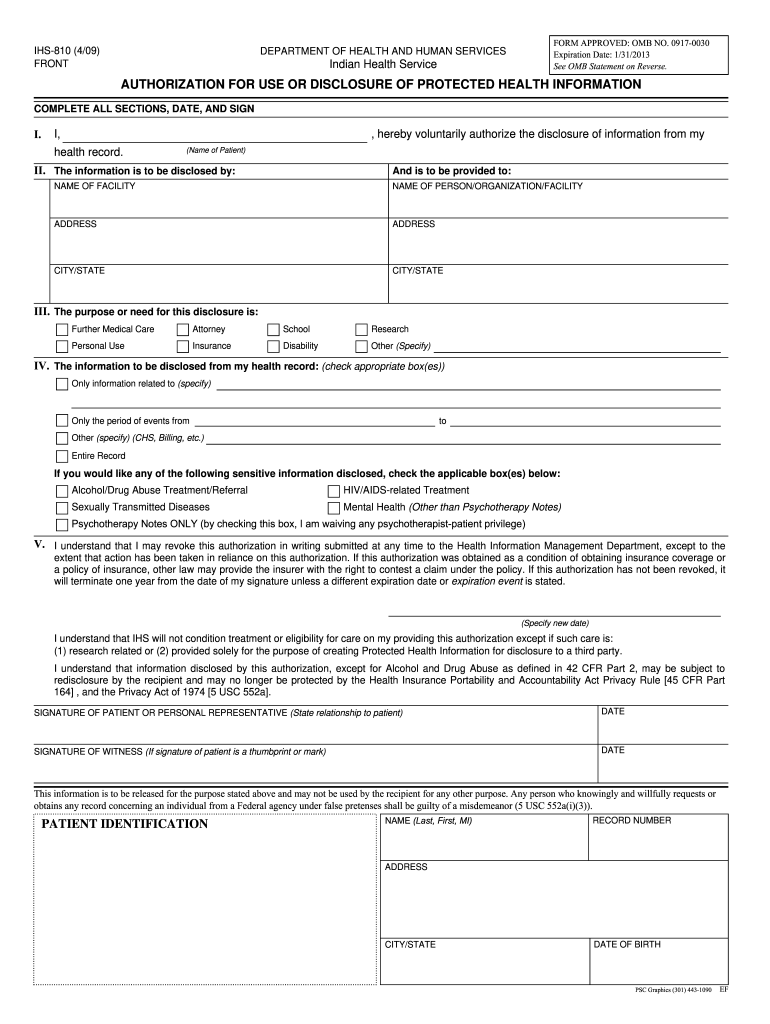
How to use or fill out disclosure protected health with our platform

- Click ‘Get Form’ to open the disclosure protected health form in the editor.
- In Section I, print your name or the name of the patient whose information is being released.
- For Section II, enter the name and address of the facility that will disclose the information, along with the recipient's details.
- In Section III, specify the purpose for this disclosure by selecting from options like further medical care or personal use.
- Move to Section IV and check the appropriate boxes to indicate what specific information you wish to disclose, including any sensitive data if applicable.
- If needed, specify a new expiration date in Section V and ensure you sign and date the form at the bottom.
Start using our platform today for free to streamline your document editing and signing process!
Fill out disclosure protected health online
It's free
See more disclosure protected health versions
We've got more versions of the disclosure protected health form. Select the right disclosure protected health version from the list and start editing it straight away!
Security and compliance
At DocHub, your data security is our priority. We follow HIPAA, SOC2, GDPR, and other standards, so you can work on your documents with confidence.
Learn more


Related forms
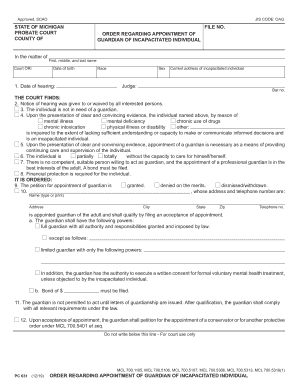
Current address of incapacitated individual
The document is an official court order from the State of Michigan Probate Court regarding the appointment of a guardian ...

Affidavit for Name Change - Legal Services of North Dakota
The document is a legal affidavit for a name change petition in North Dakota. It includes personal information about the ...
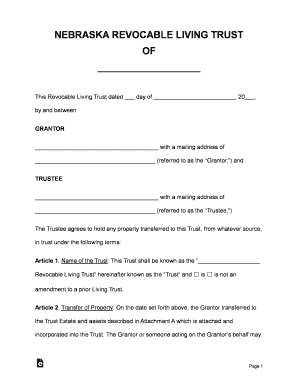
Nebraska Revocable Living Trust Form - eForms
The document is a Nebraska Revocable Living Trust agreement outlining the terms under which the Grantor transfers proper ...
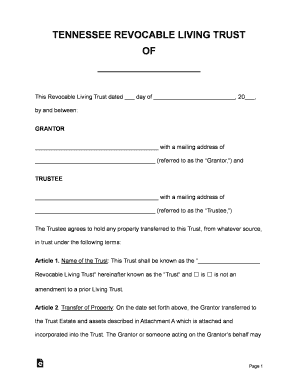
Revocable Living Trust Form - lapakonlineindonesia id
The document is a Tennessee Revocable Living Trust agreement outlining the terms under which the Grantor transfers prope ...

Oath of Attorney - WSBA
The document provides detailed instructions on how to take the Oath of Attorney in Washington State, outlining the requi ...

Clerk of the district court - Nebraska Legislature
The document is a legal form for a Decree of Name Change in Nebraska, outlining the process for an individual to petitio ...
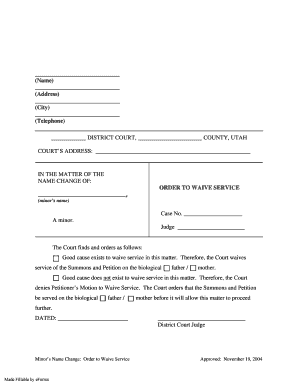
Local Utah Bankruptcy Forms - United States Bankruptcy
The document is a court order regarding the name change of a minor, specifically addressing whether to waive service of ...
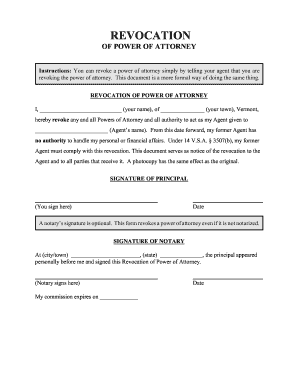
Vermont Tax Power of Attorney (Form PA-1) eForms Free
The document is a formal Revocation of Power of Attorney, allowing an individual to revoke any previously granted author ...