Mn filing date 2026

Get Form
mn filing date Preview on Page 1

Here's how it works

01. Edit your form online
Type text, add images, blackout confidential details, add comments, highlights and more.
02. Sign it in a few clicks
Draw your signature, type it, upload its image, or use your mobile device as a signature pad.
03. Share your form with others
Send it via email, link, or fax. You can also download it, export it or print it out.

How to use or fill out mn filing date with our platform

Form edit decoration
9.5
Ease of Setup
DocHub User Ratings on G2
9.0
Ease of Use
DocHub User Ratings on G2
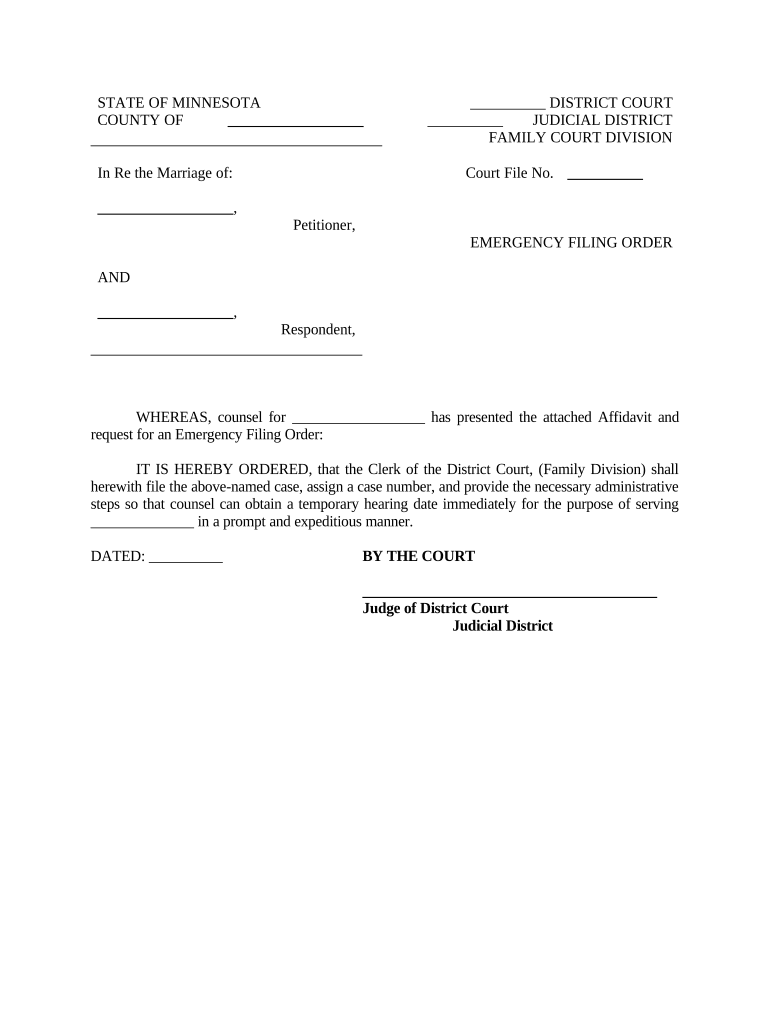
  1. Click ‘Get Form’ to open the mn filing date document in the editor.
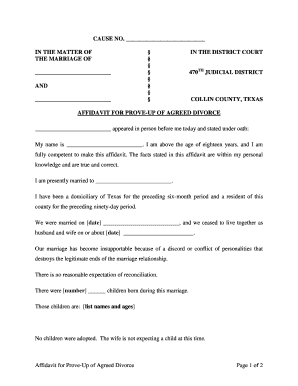
  2. Begin by entering the county name in the designated field at the top of the form. This is essential for identifying the jurisdiction of your case.
  3. Fill in the names of both parties involved in the marriage dissolution under 'In Re the Marriage of'. Ensure accuracy to avoid delays.
  4. Next, input the court file number if available. If not, leave this blank as it will be assigned later by the court.
  5. Complete the section for Petitioner and Respondent names, ensuring that all information is correct and clearly legible.
  6. Finally, sign and date where indicated at the bottom of the form. This confirms your request for an Emergency Filing Order.

Start using our platform today to streamline your document editing and filing process for free!

be ready to get more

Complete this form in 5 minutes or less

Get form

Got questions?

We have answers to the most popular questions from our customers. If you can't find an answer to your question, please contact us.
Contact us

eSignatures are a perfect replacement for traditional signing, as they save time, effort, and money people spend on printing, scanning, and paper delivery. You can eSign your mn filing date using a trustworthy and robust online document processing services like DocHub. It complies with major eSignature regulations (ESIGN and UETA), so all documents approved there are legally binding and have the same validity as physically signed ones.

When you edit your mn filing date with DocHub, you will not need to look for other applications or solutions to sign it. An electronic signature is part of DocHub’s comprehensive editing toolset, which allows you to apply changes in your form without jumping between platforms. Simply complete your form, double-check the correctness of your data and put your electronic signature at the end to make it submission-ready quickly.

The Minnesota Department of Revenue will open the state Individual Income Tax filing season on Monday, January 27, 2025. This date matches the opening day for the Internal Revenue Service (IRS). The filing deadline to submit 2024 Minnesota and federal income tax returns is Tuesday, April 15, 2025.
Individual income tax returns are typically due April 15, unless the date falls on a weekend or holiday or you file Form 4868 seeking an extension until October 15.
Minnesota automatically grants a six-month extension on filing personal income taxes without requiring separate extension forms if you owe zero Minnesota income tax. This is an extension to FILE, not an extension to PAYpayment is still due April 15, 2026.

Security and compliance

At DocHub, your data security is our priority. We follow HIPAA, SOC2, GDPR, and other standards, so you can work on your documents with confidence.

Learn more
ccpa2
pci-dss
gdpr-compliance
hipaa
soc-compliance

People also ask

THE LATE PAYMENT PENALTY IS: 6% of any tax not paid by the regular due date. Another 5% if you file after the regular due date and do not pay in full when you file.
Minnesota Individual Tax Deadlines for 2024 April 15, 2024, June 17, 2024, September 16, 2024, January 15, 2025.

Related links