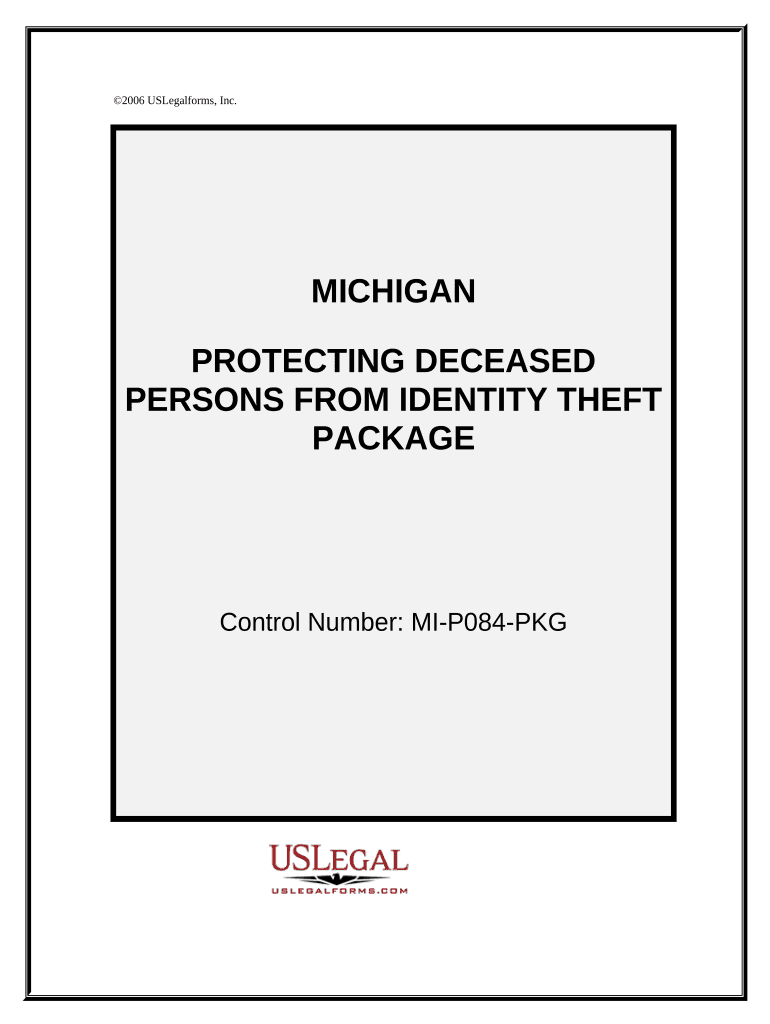
Michigan deceased 2026

Get Form
michigan deceased Preview on Page 1

Here's how it works

01. Edit your form online
Type text, add images, blackout confidential details, add comments, highlights and more.
02. Sign it in a few clicks
Draw your signature, type it, upload its image, or use your mobile device as a signature pad.
03. Share your form with others
Send it via email, link, or fax. You can also download it, export it or print it out.

How to use or fill out Michigan Deceased with Our Platform

Form edit decoration
9.5
Ease of Setup
DocHub User Ratings on G2
9.0
Ease of Use
DocHub User Ratings on G2
  1. Click ‘Get Form’ to open the Michigan Deceased form in the editor.
  2. Begin by filling out the 'Guide for Protecting Deceased Persons from Identity Theft'. This section provides essential information on how to safeguard a deceased individual's identity. Ensure you read through the guidelines carefully.
  3. Next, complete the 'Checklist for Remedying Identity Theft of Deceased Persons'. This checklist will help you document necessary steps and actions taken regarding identity theft issues.
  4. Proceed to fill out the various letters included in the package. Start with notifying membership programs, creditors, and financial institutions of the death. Each letter has specific fields that require details such as names, addresses, and dates.
  5. Finally, review all entries for accuracy before saving or printing your completed forms. Utilize our platform's features to ensure everything is correctly filled out and ready for submission.

Start using our platform today to efficiently manage your Michigan Deceased forms online for free!

be ready to get more

Complete this form in 5 minutes or less

Get form

Got questions?

We have answers to the most popular questions from our customers. If you can't find an answer to your question, please contact us.
Contact us

Electronic document approval requires a software solution that works in compliance with data security and eSignature regulations. DocHub is a perfect tool for that, because it meets all the aforementioned requirements. Whatever method you like to sign your michigan deceased in DocHub, your electronic signature will be legally binding and court-admissible.

If you go for analog methods of completing your michigan deceased, it is simple to download your file for printing. Search DocHub’s Forms & Templates catalog to get the exact document template you require and open it for editing or download it on your gadget in the format of your liking. It is easy to complete your form electronically and put your handwritten signature on it after printing or eSign your document with DocHub.

Security and compliance

At DocHub, your data security is our priority. We follow HIPAA, SOC2, GDPR, and other standards, so you can work on your documents with confidence.

Learn more
ccpa2
pci-dss
gdpr-compliance
hipaa
soc-compliance