Start using our platform today for free to streamline your document editing and signing process!
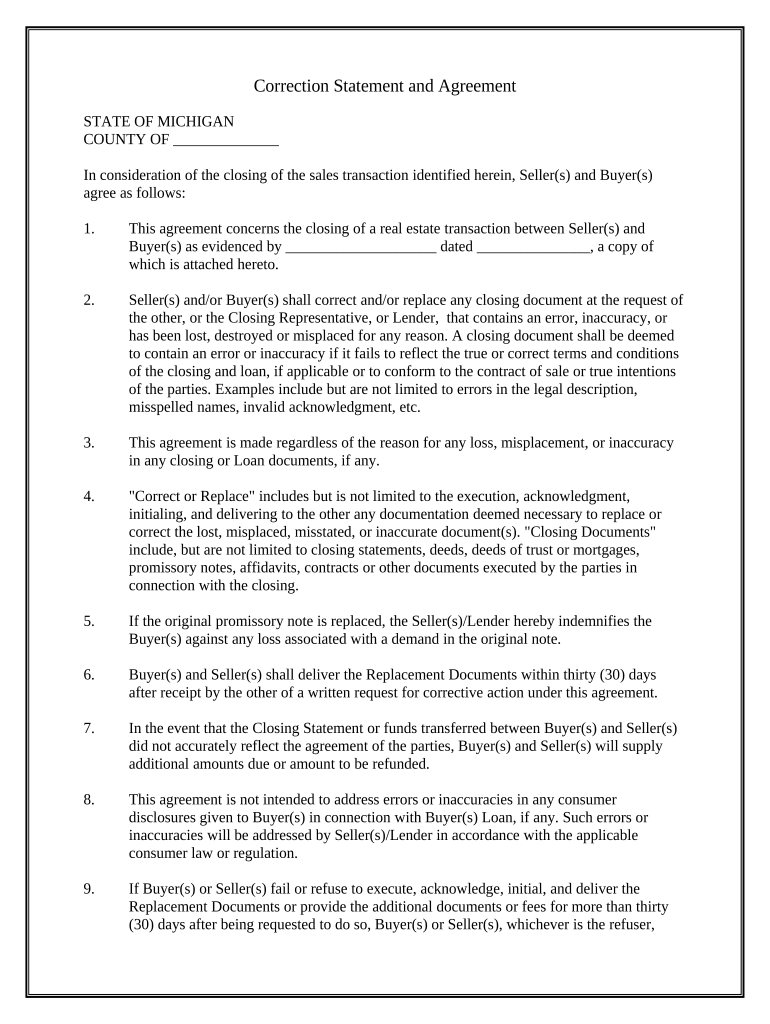
Many software applications are available on the market for document modifying and signing. DocHub is one of the most in-demand online solutions that comply with all data protection and compliance standards and ensures your eSigned paperwork is legally enforceable. All you need to give it a try is to create an account, add your Correction Statement and Agreement - Michigan, provide the necessary information, and click Sign. Generate your electronic signature by typing, drawing it, uploading its picture to your form, or scanning a unique QR code.
Using a swift editing platform like DocHub, you do not need anything but a web browser and internet connection to modify your Correction Statement and Agreement - Michigan online quickly. Add your file or get the appropriate form in DocHub’s catalog, open our editor with a single click, and complete it electronically. To edit your forms anytime, sign up a free account with DocHub.
At DocHub, your data security is our priority. We follow HIPAA, SOC2, GDPR, and other standards, so you can work on your documents with confidence.
Learn more