




01. Edit your fr 500 online
Type text, add images, blackout confidential details, add comments, highlights and more.

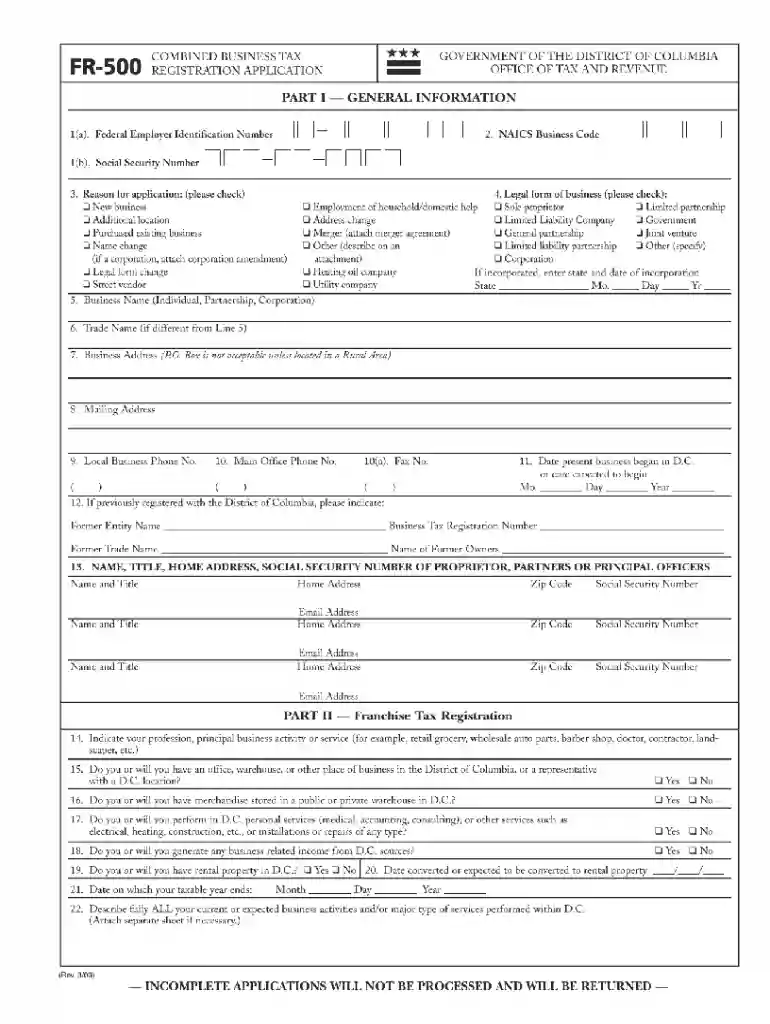
Type text, add images, blackout confidential details, add comments, highlights and more.

Draw your signature, type it, upload its image, or use your mobile device as a signature pad.

Send form fr 500 via email, link, or fax. You can also download it, export it or print it out.

Start using our platform today for free and simplify your document management!
At DocHub, your data security is our priority. We follow HIPAA, SOC2, GDPR, and other standards, so you can work on your documents with confidence.
May 8, 2025 WW-DC Solar 1 is an operating solar photovoltaic (PV) farm in Washington, District of Columbia County, District of Columbia, United States.
Form Fr 500 - This form can be filed online via the chief financial officer website. There is no charge for registering. On the mytax.dc.gov homepage, locateRead more
First time applicants must mail the original application to: Office of Tax and Revenue, Customer Service Administration, PO Box 470, Washington, DC 20044-0470.Read more


