




Here's how it works

01. Edit your form online
Type text, add images, blackout confidential details, add comments, highlights and more.

02. Sign it in a few clicks
Draw your signature, type it, upload its image, or use your mobile device as a signature pad.

03. Share your form with others
Send it via email, link, or fax. You can also download it, export it or print it out.
How to use or fill out Mississippi Motion Dismiss with DocHub

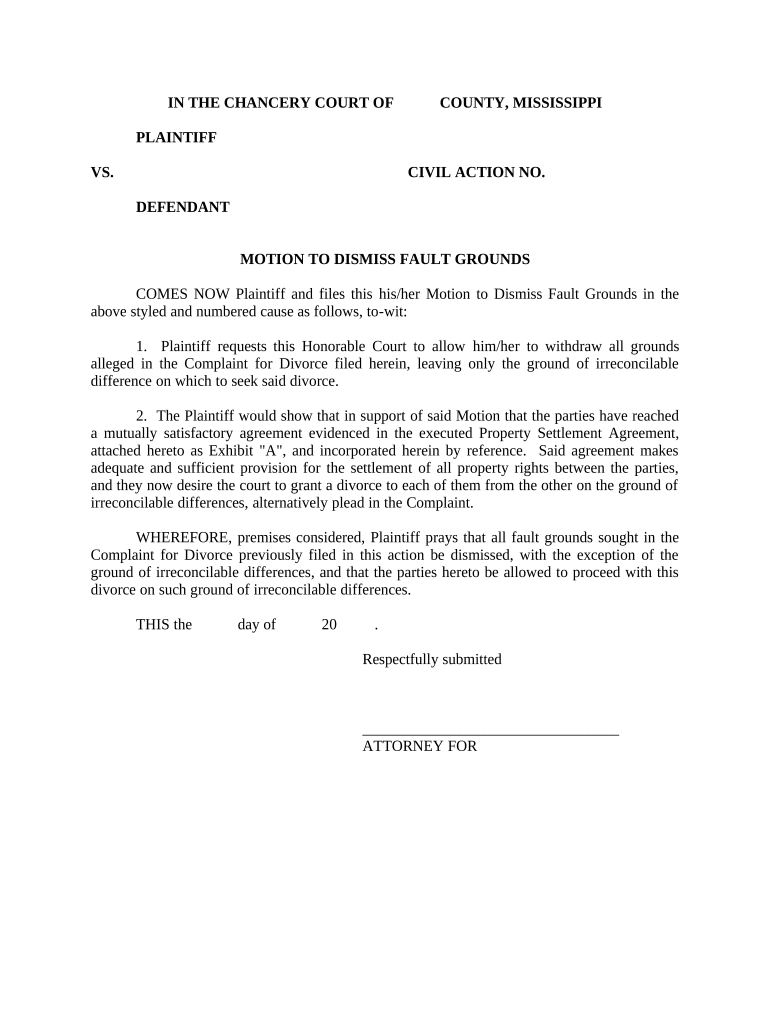
- Click ‘Get Form’ to open the Mississippi Motion to Dismiss in our editor.
- Begin by filling in the 'COUNTY' and 'CIVIL ACTION NO.' fields at the top of the form. This information identifies your case.
- In the section labeled 'COMES NOW Plaintiff,' enter your name as the Plaintiff. Ensure that you clearly state your request to withdraw all fault grounds except for irreconcilable differences.
- Attach any necessary documents, such as the Property Settlement Agreement, by using our platform's upload feature. Reference this attachment in your motion.
- Complete the date fields at the bottom of the form, ensuring accuracy for court records.
- Finally, sign the document electronically using our editor’s signature tool before submitting it to ensure a smooth filing process.
Start editing your Mississippi Motion to Dismiss for free today with our platform!
Fill out mississippi motion dismiss online
It's free
It's free
Security and compliance
At DocHub, your data security is our priority. We follow HIPAA, SOC2, GDPR, and other standards, so you can work on your documents with confidence.
Learn more


Related forms
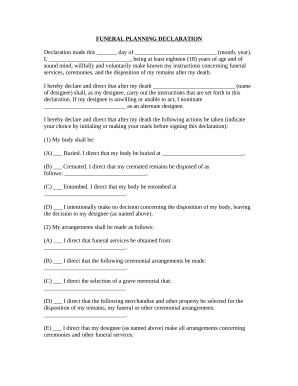
Indiana funeral declaration
The document is a Funeral Planning Declaration in which an individual outlines their wishes regarding funeral services, ...


